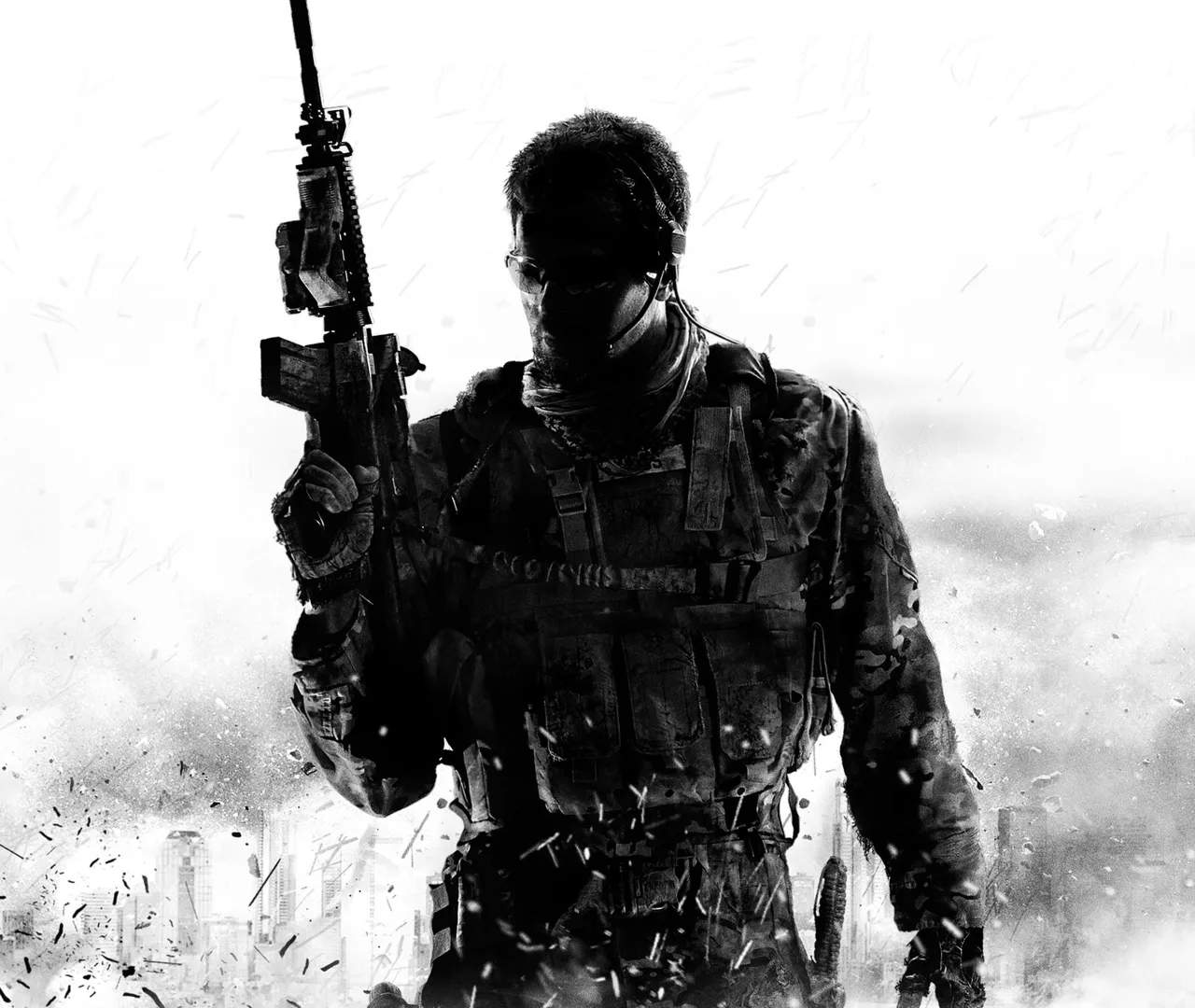
Mastering your controls is paramount in Modern Warfare III. Whether you're on PC with a keyboard and mouse or using a controller on console, familiarity with your input scheme will give you a significant edge. This section outlines the default controls and suggests common adjustments.
PC (Keyboard & Mouse) Default Controls
| Action | Key |
|---|---|
| Move Forward | W |
| Move Backward | S |
| Move Left | A |
| Move Right | D |
| Sprint/Tactical Sprint | Left Shift |
| Crouch/Slide | C |
| Prone | Z |
| Jump/Mantle | Spacebar |
| Fire Weapon | Left Mouse Button |
| Aim Down Sights (ADS) | Right Mouse Button |
| Reload | R |
| Use/Interact | F |
| Melee | V |
| Tactical Equipment | Q |
| Lethal Equipment | E |
| Field Upgrade | X |
| Scorestreak | 3, 4, 5 (configurable) |
| Weapon Swap | 1, 2 / Mouse Wheel |
Pro Tip: Experiment with your mouse sensitivity. A lower sensitivity often allows for more precise aiming, while higher sensitivity can be beneficial for quick turns. Find what feels comfortable and consistent for you.
Console (Controller) Default Controls
| Action | Button |
|---|---|
| Move | Left Stick |
| Look | Right Stick |
| Sprint/Tactical Sprint | L3 (Left Stick Click) |
| Crouch/Slide | Circle/B |
| Prone | Hold Circle/B |
| Jump/Mantle | X/A |
| Fire Weapon | R2/RT |
| Aim Down Sights (ADS) | L2/LT |
| Reload | Square/X |
| Use/Interact | Square/X |
| Melee | R3 (Right Stick Click) |
| Tactical Equipment | L1/LB |
| Lethal Equipment | R1/RB |
| Field Upgrade | L1+R1 / LB+RB |
| Weapon Swap | Triangle/Y | Scorestreak | D-Pad (configurable) |
Controller Settings: Consider adjusting your stick deadzones and aim assist settings to optimize your aiming experience. Many professional players use 'Tactical' button layouts to map crouch/slide to R3 for faster movement mechanics.