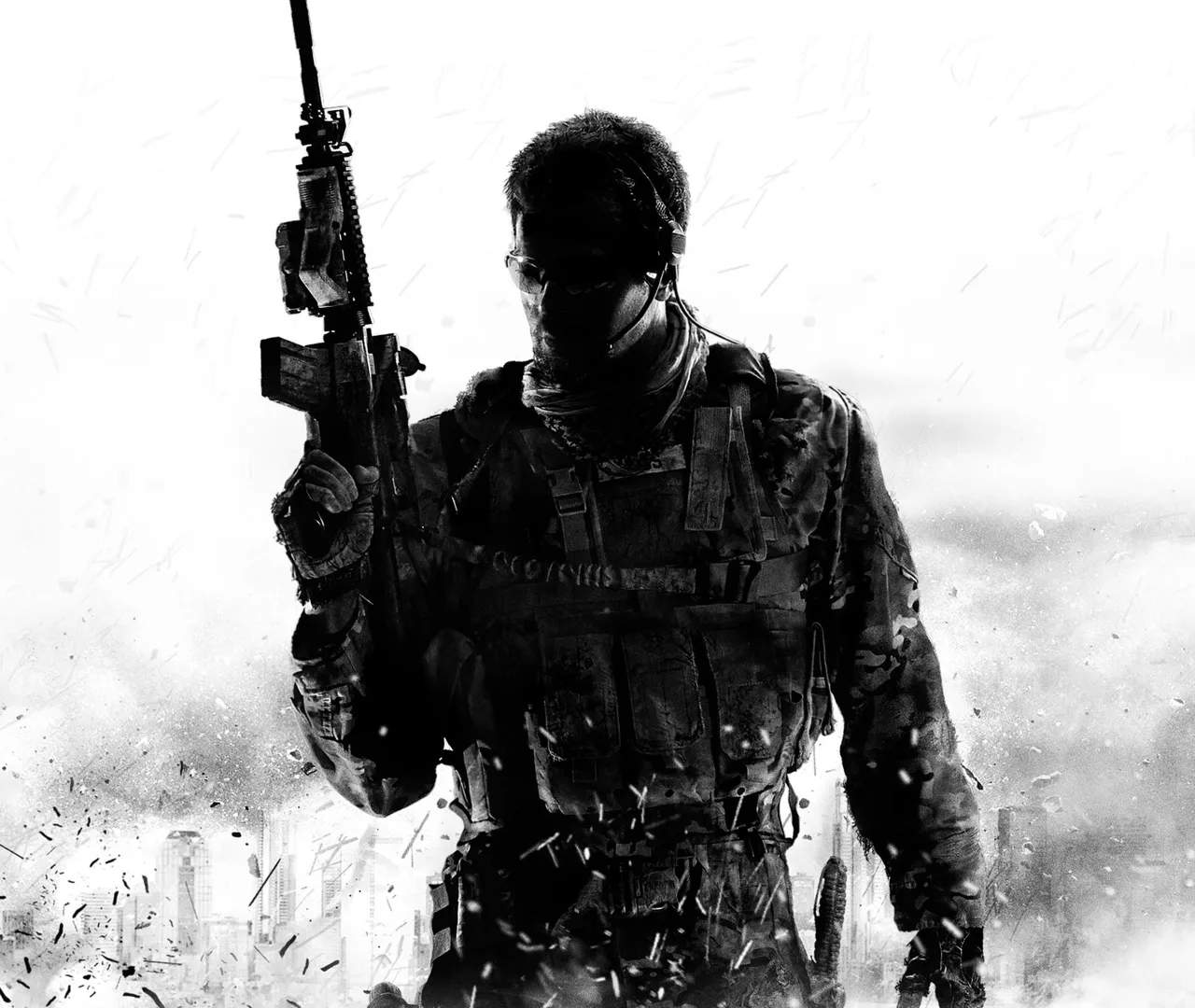
Crafting Your Identity: Player Profile Customization
Make your mark on the battlefield by personalizing your player profile in Call of Duty: Modern Warfare III. From calling cards and emblems to operator skins and weapon blueprints, this guide explores the extensive customization options available to express your unique style and showcase your achievements. Stand out from the crowd and let your profile tell your story.
In Call of Duty: Modern Warfare III, your player profile is your digital identity within the game. It's how you present yourself to other players, and it offers a wealth of options for personalization. Beyond just aesthetics, customization can also reflect your progression, achievements, and preferred playstyle. This section will guide you through the various elements you can customize, from the most basic profile icons to elaborate operator outfits and weapon skins, ensuring your presence in the game is as unique as your gameplay.
Calling Cards and Emblems
These are the primary visual identifiers that appear on your player card and in killcams.
- Calling Cards: Animated or static images that represent you. They can be unlocked through challenges, battle pass tiers, or store bundles. Some are simple icons, while others are elaborate animations.
- Emblems: Static icons that further personalize your profile. Like calling cards, they are earned through various in-game activities and can range from simple shapes to intricate dess.
Strategy: Choose calling cards and emblems that reflect your achievements or personal interests. For example, a calling card earned from a difficult challenge can be a badge of honor.
Operator Skins
Operators are the playable characters in Modern Warfare III. Customizing their appearance allows for sificant visual flair.
- Base Operators: Each operator comes with a default skin.
- Unlockable Skins: Many skins are unlocked through completing operator-specific challenges, battle pass progression, or special events.
- Store Bundles: The in-game store offers exclusive operator bundles that often include unique skins, weapon blueprints, and other cosmetic items.
Strategy: Some operator skins offer subtle advantages, like blending better with certain environments, though this is generally minimal. Primarily, they are for aesthetic expression.
Weapon Blueprints
Weapon blueprints are pre-configured weapon builds with unique cosmetic dess and sometimes exclusive attachments. They allow you to use a specific weapon build without having to unlock all its attachments individually.
- Cosmetic Variations: Blueprints often feature distinct camos, engravings, and custom sights.
- Pre-set Attachments: They come with a set of attachments that can be swapped out, but the base blueprint des remains.
- Mastery Challenges: Some blueprints are tied to mastery challenges, requiring you to use them extensively to unlock further customization options.
Strategy: Blueprints can be a quick way to access powerful weapon builds early on. They also offer a way to personalize your favorite weapons with unique visual styles.
Player Card and Banner
Your player card is displayed in lobbies and menus. It can be further customized with a banner.
- Player Card: Features your calling card, emblem, and player level.
- Banners: Animated or static backgrounds that add a dynamic element to your player card. These are often unlocked through sificant achievements or battle pass tiers.
Weapon Charms and Stickers
These smaller cosmetic items add a personal touch to your weapons.
- Weapon Charms: Small trinkets that hang from your weapon.
- Weapon Stickers: Decals that can be applied to various parts of your weapon.
Strategy: While these offer no gameplay advantage, they are a fun way to add personality to your loadouts. Collect them through challenges, drops, or the store.
Accessing Customization Options
You can access most customization options from the main menu:
- Navigate to the 'Barracks' or 'Customization' tab.
- Select 'Player Identity' for calling cards, emblems, and banners.
- Choose 'Operators' to customize your character's appearance.
- Go to 'Weapons' and select a weapon to apply blueprints, charms, and stickers.
By taking the time to personalize your player profile, you not only enhance your in-game experience but also create a unique representation of your journey through Call of Duty: Modern Warfare III.