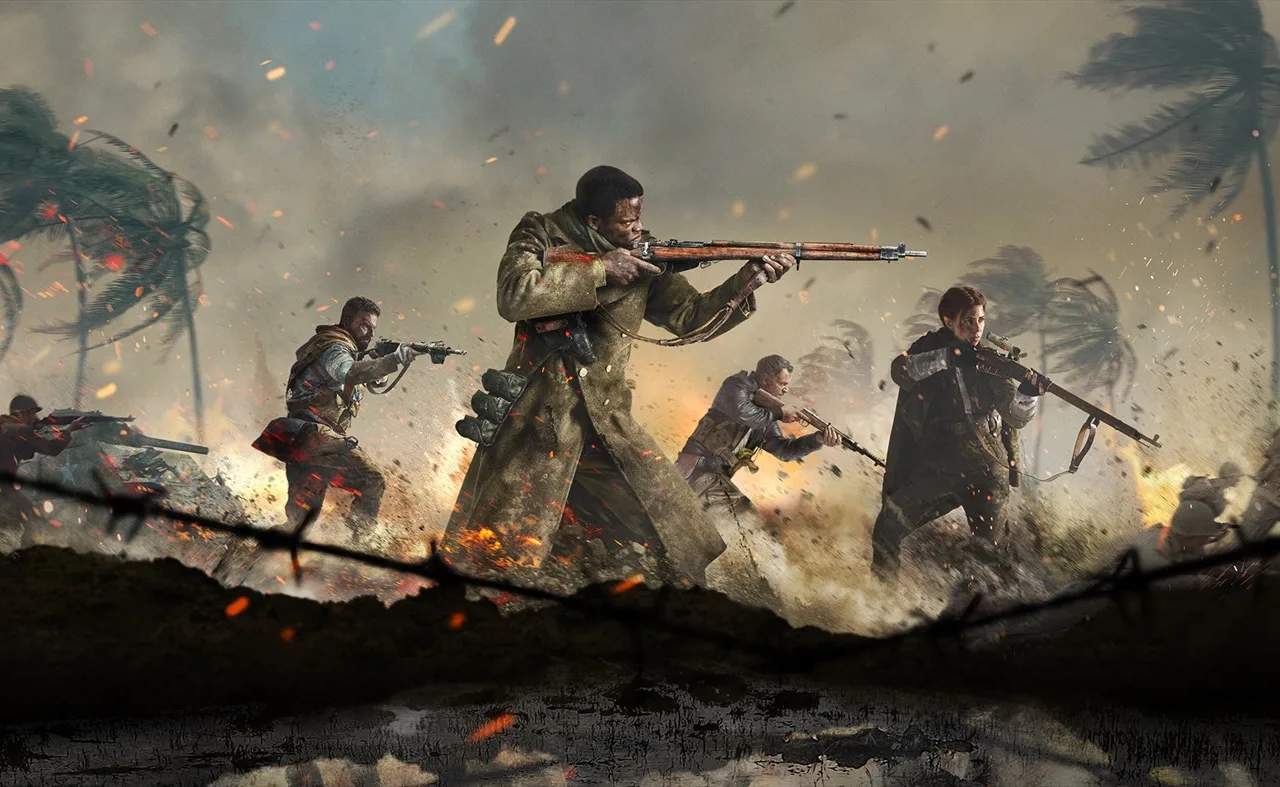
Before diving into the chaos of World War II, it's essential to configure your game settings and familiarize yourself with the control scheme. Vanguard offers extensive customization options for both PC and console players, allowing you to tailor the experience to your preferences. We recommend spending some time in the settings menu to adjust sensitivity, button layouts, and graphical options for optimal performance and comfort. For console players, experiment with different controller presets like 'Tactical' for a more aggressive playstyle, or 'Bumper Jumper' for advanced movement techniques. PC fine-tune mouse sensitivity and keybinds to ensure fluid aiming and movement. calibrate your audio settings to enhance situational awareness, especially for detecting enemy footsteps.