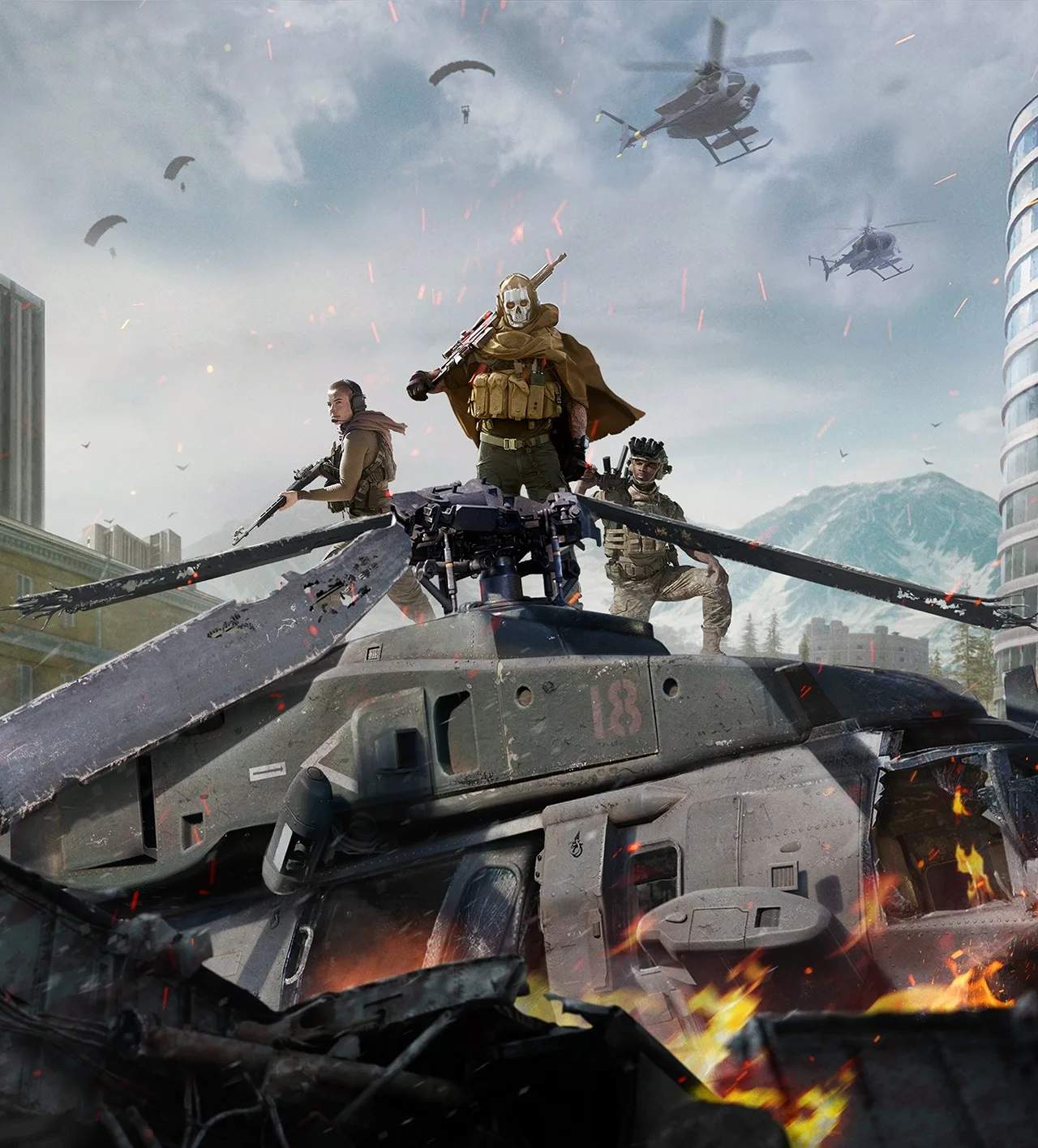
Customization Options (Operator, Vehicle, Emblem)
Personalizing your Warzone experience is key to standing out on the battlefield. From your Operator's appearance to your vehicle's paint job and your calling card, there are numerous ways to express yourself. This detailed guide will walk you through accessing and utilizing the various customization options available in Warzone.
Operator Customization
Your Operator is your avatar in the game, and tailoring their look is a fundamental part of customization. Operators are unlocked through various means, including Battle Pass progression, in-game challenges, or direct purchase from the Store.
- Accessing Operator Customization:
- From the main menu, navigate to the "Operators" tab.
- Select the Operator you wish to customize.
- You will see options for "Skins," "Finishing Moves," and sometimes "Quips" or "Voice Lines" depending on the Operator.
- Skins:
- Skins dramatically alter your Operator's appearance. These can range from tactical gear to more outlandish outfits.
- Unlocking Skins:
- Battle Pass: Many Operators and their associated skins are primary rewards within the Battle Pass tiers. For example, a new season might introduce a new Operator like Ghost or Price with several unlockable skins as you progress.
- Bundles (Store): The in-game Store frequently offers Operator Bundles that include a unique Operator skin, along with weapon blueprints, emblems, and calling cards. Keep an eye out for limited-time bundles.
- Challenges: Some specific Operator skins can be unlocked by completing in-game challenges. These are often tied to specific Operator missions found within the "Challenges" tab. For instance, completing Mara's specific challenges might unlock an alternate skin.
- Events: Seasonal events or limited-time events sometimes offer exclusive Operator skins as rewards for participation or completing event-specific objectives.
- Equipping Skins: Once unlocked, simply select the desired skin from the Operator's customization menu and press the "Equip" button.
- Finishing Moves:
- Finishing Moves are unique, cinematic executions you can perform on downed enemies. Each Operator typically has a default finishing move, but many more can be unlocked.
- Unlocking Finishing Moves:
- Battle Pass: Certain Battle Pass tiers will reward new finishing moves.
- Bundles (Store): Operator Bundles often include a unique finishing move specific to that Operator or theme.
- Challenges: Less common, but some finishing moves might be tied to specific Operator challenges.
- Equipping Finishing Moves: In the Operator customization menu, navigate to the "Finishing Moves" section and select the one you wish to use.
Vehicle Customization
While often overlooked, customizing your vehicles can add a personal touch to your squad's ride. Vehicle skins, or "Vehicle Camos," change the exterior appearance of various vehicles found across Verdansk or Caldera.
- Accessing Vehicle Customization:
- From the main menu, go to the "Vehicles" tab.
- Select the specific vehicle type you want to customize (e.g., ATV, Cargo Truck, Helicopter, Armored Truck).
- You will see options for "Vehicle Camos" and sometimes "Horn" or "Vehicle Decals."
- Vehicle Camos:
- These are essentially paint jobs or wraps for your vehicles. They don't offer any in-game advantage but can make your ride look distinct.
- Unlocking Vehicle Camos:
- Battle Pass: The Battle Pass frequently includes vehicle skins as rewards. For example, a "Desert Rat" camo for the ATV might be found at a certain tier.
- Bundles (Store): Many Store bundles feature vehicle skins that match the theme of the Operator or weapon blueprints within the bundle. Look for bundles that specify "Vehicle Skin" or "Vehicle Camo."
- Challenges: Less common, but some seasonal challenges or event challenges might reward specific vehicle camos.
- Equipping Vehicle Camos: Select the desired vehicle type, then choose the camo you wish to apply. It will automatically be active for that vehicle type in all Warzone matches.
- Vehicle Horns & Decals:
- Some vehicles also allow for custom horns or decals, adding further personalization. These are typically unlocked through the Battle Pass or Store Bundles.
Emblem & Calling Card Customization
Your Emblem and Calling Card are displayed prominently in pre-game lobbies, killcams, and your player profile. They are a quick way to showcase your achievements, personality, or favorite factions.
- Accessing Emblem & Calling Card Customization:
- From the main menu, navigate to the "Barracks" tab.
- Select "Identity."
- Here you will find separate sections for "Calling Cards" and "Emblems."
- Calling Cards:
- Calling Cards are the background image displayed behind your player name.
- Unlocking Calling Cards:
- Challenges: A vast majority of Calling Cards are unlocked by completing specific in-game challenges across various categories (e.g., Multiplayer, Warzone, Weapons, Operators). For instance, achieving a certain number of headshots with a specific weapon might unlock a themed calling card.
- Battle Pass: The Battle Pass always includes numerous Calling Cards as tier rewards.
- Bundles (Store): Store bundles frequently include exclusive Calling Cards that match the bundle's theme.
- Events: Participating in limited-time events can often reward unique event-specific Calling Cards.
- Equipping Calling Cards: Browse through your unlocked Calling Cards and select the one you wish to display.
- Emblems:
- Emblems are smaller, iconic images that overlay your Calling Card.
- Unlocking Emblems:
- Challenges: Similar to Calling Cards, many Emblems are unlocked by completing specific in-game challenges. These can range from achieving certain killstreaks to completing specific objectives in Warzone.
- Battle Pass: The Battle Pass is a reliable source for new Emblems each season.
- Bundles (Store): Store bundles often contain exclusive Emblems that complement the bundle's aesthetic.
- Events: Event participation or completion can sometimes grant unique Emblems.
- Equipping Emblems: Select your desired Emblem from the "Emblems" section within the "Identity" tab.
By regularly checking the Battle Pass, in-game challenges, and the Store, you can continually expand your collection of customization options and make your Warzone presence truly unique.