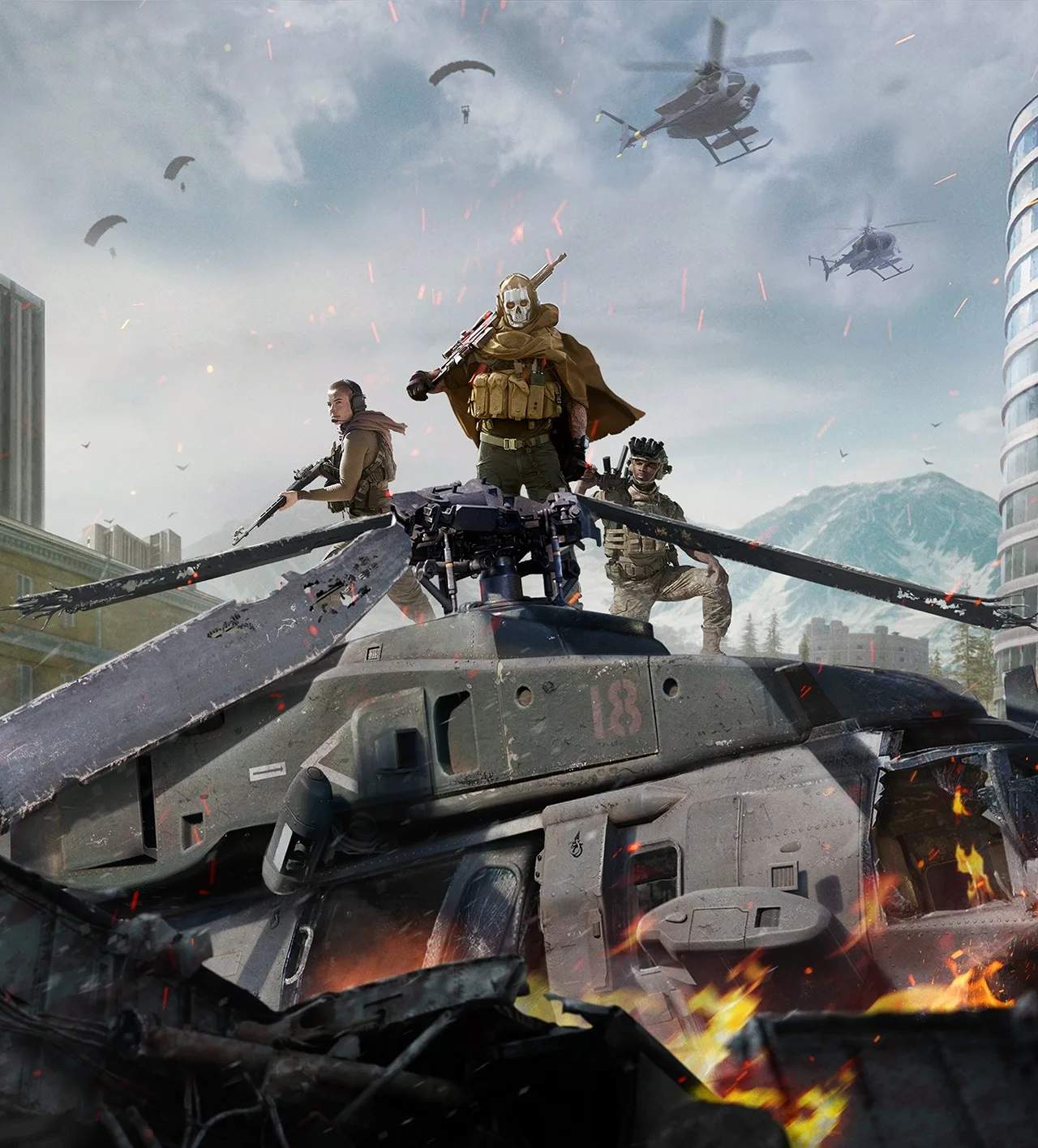
Spectator Mode & Replays
Even after you've been eliminated from a Warzone match, your journey isn't necessarily over. Spectator Mode and the Replays feature offer invaluable opportunities for learning, strategizing, and even enjoying the remainder of a tense battle royale. Mastering these tools can significantly improve your gameplay by allowing you to analyze mistakes, scout enemy tactics, and appreciate the high-stakes action from a new perspective.
Spectator Mode: Observing the Aftermath
Once your squad has been fully wiped out, or you've been eliminated and your teammates can't revive you, you'll automatically enter Spectator Mode. This allows you to watch the remaining players in the match. It's more than just passive viewing; it's an active learning tool.
How to Navigate Spectator Mode:
- Switching Players: Use the designated controls (typically Left/Right on the D-Pad for console, or Left/Right Arrow Keys for PC) to cycle through the remaining players. You can choose to follow your surviving teammates, or switch to observe enemy players who eliminated you, or even random players across the map.
- Player Information Overlay: While spectating, you'll see a HUD overlay displaying crucial information about You you're watching. This usually includes:
- Loadout: Primary and Secondary Weapons, Lethal and Tactical Equipment.
- Kill Count: How many eliminations they've secured.
- Armor Plates: Their current armor status.
- Cash: Their current in-game currency.
- Perks: Any active perks they have equipped.
- Map View: Pressing the Map button (e.g., Touchpad on PlayStation, View button on Xbox, 'M' on PC) will bring up the tactical map, showing the current circle, remaining players (if you're spectating a teammate), and points of interest. This is excellent for understanding player movement and zone rotations.
Strategic Uses of Spectator Mode:
- Learning from the Best: Observe high-kill players or those in the final circles. Pay attention to their movement patterns, engagement strategies, weapon choices, and how they utilize cover and utility.
- Scouting Enemy Positions: If you're spectating You who eliminated you, you can gain valuable intel on their location, potential teammates, and next moves. This information can be relayed to your surviving squadmates via voice chat (if they're still alive) to aid their push or defense.
- Understanding the Meta: See which weapons and loadouts are performing well in the current match. This can inform your own loadout choices for future games.
- Analyzing Your Mistakes: If you're spectating You who killed you, you can often retrace their steps and understand why you were caught off guard or outmaneuvered.
Replays: Reliving and Refining Your Gameplay
Warzone does not currently feature a dedicated in-game "Replay Theater" like some other titles. However, you can leverage platform-specific recording features to create your own replays and analyze your gameplay. This is crucial for serious players looking to improve.
How to Record Your Gameplay for Replays:
- PlayStation:
- Short Clip: Press the Share button twice to start recording, and twice again to stop. Alternatively, press and hold the Share button, then select "Save Video Clip." You can adjust the recording length in your Share settings (up to 60 minutes).
- Continuous Recording: PlayStation consoles continuously buffer the last few minutes of gameplay. To save a recent segment, press the Share button once, then select "Save Video Clip" and choose your desired duration from the buffer.
- Xbox:
- Short Clip: Press the Xbox button to open the Guide, then press X to record the last 30 seconds. You can customize this duration in your capture settings.
- Start Recording: Press the Xbox button, then press the View button (the two squares icon) to start recording. Press it again to stop.
- PC (NVIDIA GeForce Experience):
- Instant Replay: Ensure "Instant Replay" is enabled in GeForce Experience. Press Alt+F10 to save the last 5-20 minutes of gameplay (customizable).
- Manual Recording: Press Alt+F9 to start and stop manual recording.
- PC (AMD Radeon Software):
- Instant Replay: Enable "Instant Replay" in Radeon Software. Press Alt+Z to open the overlay, then click "Instant Replay" to save the last few minutes.
- Manual Recording: Press Alt+Z, then click "Record" to start and stop.
Analyzing Your Recorded Replays:
- Identify Mistakes: Watch moments where you were eliminated. What could you have done differently? Did you push too aggressively, fail to check a corner, or have poor positioning?
- Review Engagements: Analyze your gunfights. Were your aim and movement effective? Did you use cover optimally? Did you reload at the wrong time?
- Study Rotations: Look at your movement across the map. Were your rotations efficient? Did you get caught in the gas or in open ground unnecessarily?
- Team Coordination: If playing with a squad, review team fights. Was communication clear? Did you support each other effectively? Were there instances of friendly fire or miscommunication?
- Learn from Successes: Don't just focus on mistakes. Replay your best plays to understand what you did right and how to replicate that success.
By actively engaging with Spectator Mode and creating your own replays, you transform every match into a learning experience, accelerating your growth as a Warzone player.