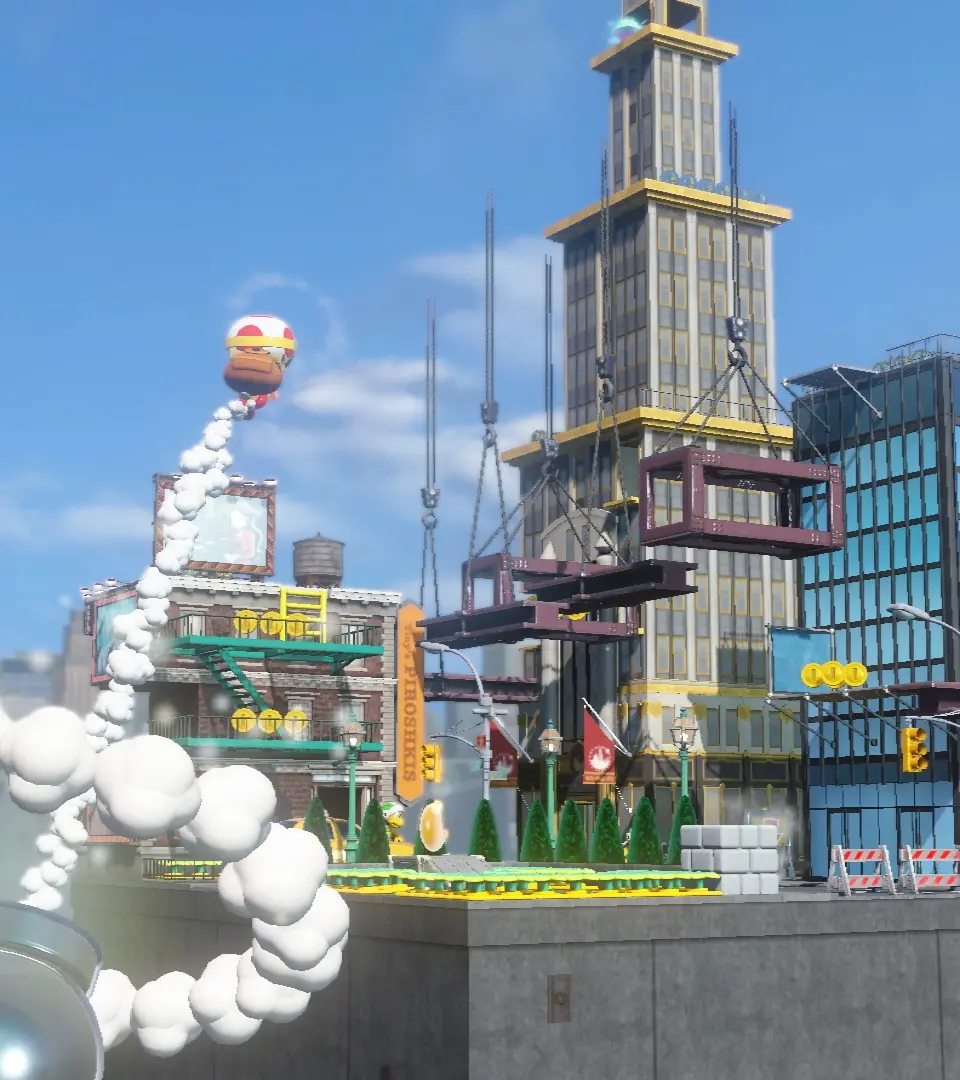
Mastering the controls is essential for a smooth treasure-hunting experience. Captain Toad's movement is straightforward, but camera manipulation is key. Use the Left Stick to move Captain Toad or Toadette. The Right Stick (or motion controls) rotates the camera, allowing you to view the level from different angles and uncover hidden paths. Press 'A' to pluck items from the ground, such as turnips to throw at enemies or Super Gems. 'B' allows you to run, which is useful for escaping enemies or reaching moving platforms. 'X' or 'Y' will throw any item you are holding. Remember, Captain Toad cannot jump, so you'll need to rely on slopes, ladders, and moving platforms to navigate the environment. Practice rotating the camera frequently to get a feel for each level's layout.