Game Modes Explained
Car Mechanic Simulator 2021 offers several game modes designed to cater to every aspiring mechanic, from the casual wrench-turner to the seasoned garage owner. Understanding each mode's nuances is key to maximizing your enjoyment and progression. This detailed guide will walk you through each option, providing actionable steps, strategies, and essential tips.
Career Mode
Career Mode is the heart of Car Mechanic Simulator 2021. It's where you start from humble beginnings, repairing basic vehicles, and gradually build your reputation, expand your garage, and unlock advanced tools and skills. This mode is a single-player experience focused on progression and economic management.
Starting Your Career
- Initial Garage Setup: You begin in a small, basic garage with limited tools. Your first tasks will involve simple repairs like oil changes, tire rotations, and basic brake replacements.
- Accepting Jobs: Head to the Tablet (accessible via the 'Tab' key or by clicking the tablet icon on your UI). Navigate to the 'Orders' tab. Here you'll find a list of available jobs. Prioritize jobs with a higher reward and manageable difficulty for your current skill level.
- Diagnosing Issues:
- For basic issues, visual inspection is often enough. Use the Inspection Tool (found in your toolbox or quick-select radial menu) to highlight worn parts.
- For more complex electrical or engine problems, you'll need specialized equipment:
- OBD Scanner: Connect this to the car's OBD port (usually under the dashboard on the driver's side) to read error codes. Purchase from the Shop under 'Tools'.
- Compression Tester: Essential for diagnosing engine cylinder issues. Use on each cylinder spark plug port.
- Brake Dyno: Located in the main garage, this helps identify brake imbalances.
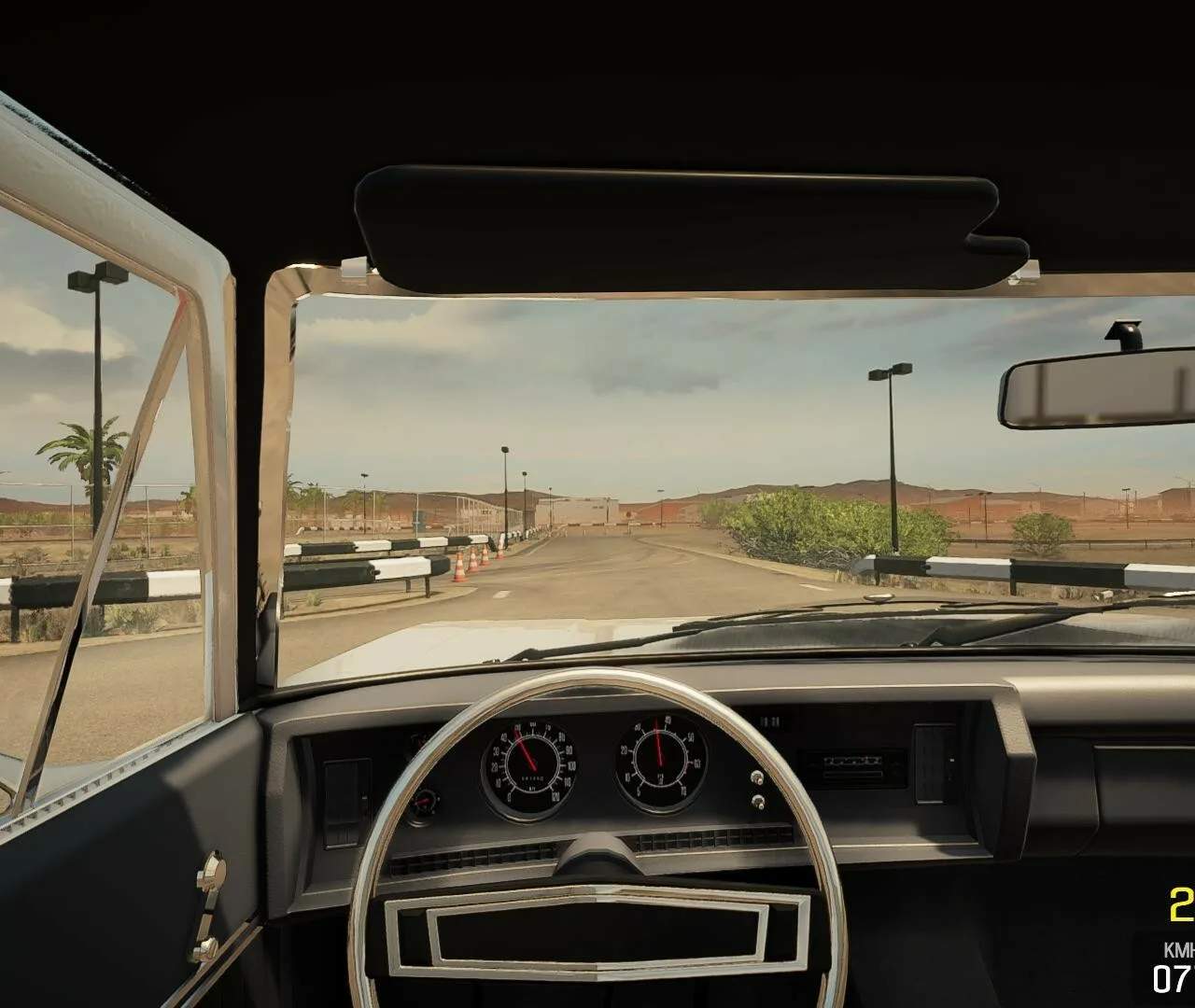
- Test Path: Drive the vehicle on the test path to identify suspension, steering, and transmission issues. Pay close attention to the feedback on the screen.
- Repairing and Replacing Parts:
- Once diagnosed, remove the faulty parts. Use the Disassembly Tool (wrench icon) and follow the on-screen prompts.
- Order New Parts: Access the Computer in your office or main garage. Use the 'Parts Shop' application. Search for the specific part by name or filter by car model. Always check the condition of the part you're replacing; sometimes a simple repair is more cost-effective than a new purchase.
- Assemble New Parts: Use the Assembly Tool (hand icon) to install the new or repaired components. Ensure all bolts are tightened.
- Fluid Changes: drain and refill essential fluids like engine oil, brake fluid, and power steering fluid. Use the appropriate Fluid Drainer and Fluid Filler tools.
- Completing Jobs: Once all tasks are done and the car is fully repaired, return to the Tablet and select 'Finish Order'. You'll receive payment and experience points (XP).
Career Progression & Expansion
- Leveling Up: Earning XP unlocks new skills in the 'Skills' menu (accessible via the 'P' key or character icon). Prioritize skills that boost repair speed, part discovery, and unlock new garage areas.
- Garage Expansion: As you earn money, you can purchase upgrades for your garage. Access the Computer and select 'Garage Upgrades'. Unlock additional lifts, a paint shop, a body shop, and eventually, the Test Track and Dyno.
- Auction House & Barn Finds: Once you've accumulated some capital, explore the Auction House (via the computer) to bid on neglected vehicles, or embark on Barn Finds (randomly appearing locations on the map, accessed via the computer's 'Map' application) to discover classic cars. These often require extensive restoration but offer significant profit margins.
Sandbox Mode
Sandbox Mode is for players who want to unleash their inner mechanic without the constraints of money, experience, or job orders. It's an open playground where everything is unlocked from the start.
Key Features & Strategy
- Unlimited Resources: You have infinite money and all tools, garage expansions, and skills are immediately available. This is perfect for experimentation.
- Car Spawner: Access the Car Spawner tool (usually found in the main garage or via the radial menu). You can spawn any car model available in the game, including DLC vehicles, in any condition.
- Testing & Learning:
- Component Familiarization: Use Sandbox Mode to learn the intricate layouts of different car models. Practice disassembling and reassembling complex engines or transmissions without penalty.
- Restoration Practice: Experiment with full restorations on various vehicles. Practice bodywork, painting, and engine swaps to hone your skills before tackling similar projects in Career Mode.
- Mod Testing: If you're using community-made mods, Sandbox Mode is the ideal environment to test them without affecting your Career Mode save.
- Creative Builds: Build your dream car from scratch, mixing and matching parts, or create unique custom vehicles. The only limit is your imagination.
Story Missions (DLC Specific)
Certain DLCs for Car Mechanic Simulator 2021 introduce dedicated Story Missions. These are often linear narratives that involve specific, challenging repairs or restorations, sometimes with unique vehicles or scenarios.
Approach to Story Missions
- Read Carefully: Story Missions often have specific requirements or hidden objectives. Pay close attention to dialogue and mission descriptions.
- Unique Tools/Locations: Some missions might introduce temporary access to special tools or unique locations not found in the main game. use them as instructed.
- Problem Solving: These missions are designed to test your diagnostic and repair skills. Don't be afraid to experiment or re-read clues if you get stuck.
- Rewards: Completing Story Missions often grants unique rewards, such as exclusive car models, rare parts, or significant financial bonuses that can benefit your Career Mode progression.