Introduction to Car Mechanic Simulator 2021
Welcome, aspiring gearhead, to the ultimate guide for Car Mechanic Simulator 2021! This game isn't just about fixing cars; it's a deep dive into the intricate world of automotive repair, restoration, and even racing. Whether you're a seasoned wrench-turner or a complete novice, this guide will equip you with the knowledge and strategies to build your garage into an empire. Get ready to dismantle, diagnose, and dominate the automotive industry!
Your First Steps: Setting Up Shop
Upon starting a new game, you'll be thrust into your humble beginnings as a budding mechanic. Don't be overwhelmed by the sheer number of tools and options; we'll break it down.
Initial Garage Layout and Tools
- Your Garage: You'll begin in a basic, yet functional, garage. Familiarize yourself with its layout. Key areas include:
- Car Lift: Essential for inspecting undercarriages and removing heavy components like transmissions and exhaust systems.
- Work Bench: Where you'll assemble and disassemble smaller parts, such as engine components and brake calipers.
- Tire Changer & Wheel Balancer: Crucial for all tire-related tasks.
- Parts Warehouse: Your inventory for all purchased and removed parts.
- Computer: Your gateway to ordering parts, accepting jobs, and managing your finances.
- Basic Tools: You'll start with a fundamental set of tools. These are automatically equipped when you interact with a relevant part. For instance, clicking on a bolt will bring up the appropriate wrench.
Your First Job: The Tutorial Mission
The game's initial tutorial mission is designed to walk you through the core mechanics. Pay close attention, as it covers fundamental skills you'll use constantly.
- Accepting the Job: Head to your Computer and navigate to the "Jobs" tab. You'll see your first client request. Accept it.
- Locating the Vehicle: The client's car will automatically appear on your Car Lift.
- Initial Diagnosis:
- Visual Inspection: Walk around the car. Look for obvious damage or missing parts.
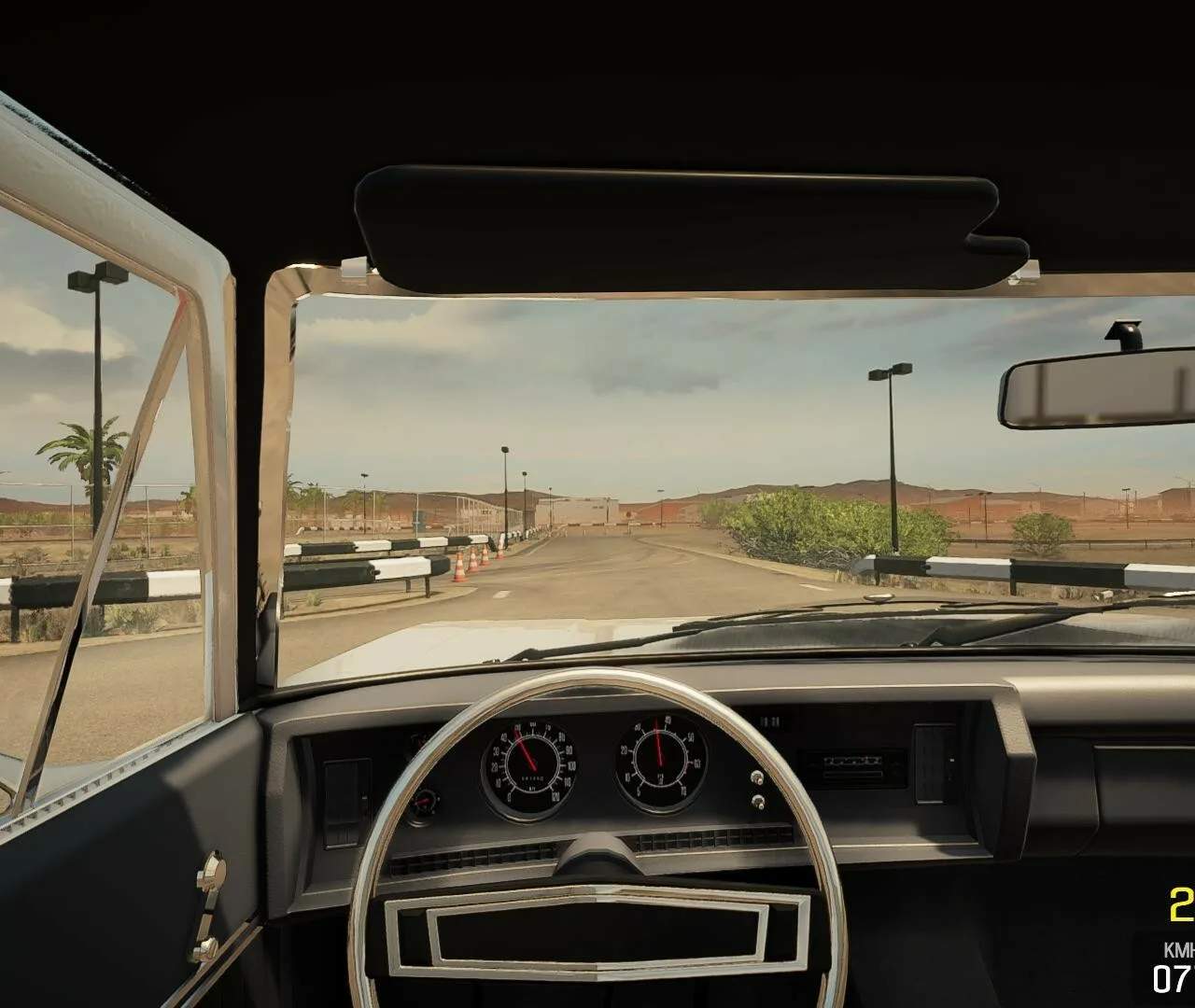
- Test Path: For more complex issues, you may need to take the car for a spin on the Test Path (accessible from the garage exit). This helps identify suspension, steering, and braking problems.
- Diagnostic Tools:
- OBD Scanner: Connect this to the car's OBD port (usually near the steering column) to read error codes, pointing you towards electrical or engine management issues.
- Compression Tester: Use this on engine cylinders to check for internal engine problems.
- Brake Tester: Drive the car onto the brake tester to assess brake efficiency.
- Suspension Tester: Drive the car onto the suspension tester to identify worn suspension components.
- Disassembly: Once you've identified faulty parts, interact with them. The game will highlight the bolts and components you need to remove. Remember to remove parts in the correct order (e.g., remove the wheel before the brake caliper).
- Ordering New Parts: Go back to your Computer and use the "Shop" tab. Search for the required replacement parts. Pay attention to the quality (e.g., "Standard," "Performance," "Racing") and condition (e.g., "New," "Used") of the parts. For early game, "New" and "Standard" are usually sufficient.
- Assembly: Once your new parts arrive (they'll appear in your Parts Warehouse), return to the vehicle and install them in reverse order of disassembly.
- Final Checks: After replacing all faulty parts, always perform a final visual inspection. fill fluids like engine oil, brake fluid, and coolant if you drained them or replaced components that require them.
- Delivering the Car: Once the car is fully repaired and all job objectives are met, return to your Computer and complete the job to receive your payment and experience points.
Expanding Your Operations
As you progress, you'll earn money and experience, allowing you to upgrade your garage and unlock new opportunities.
Garage Upgrades
From your Computer, navigate to the "Garage Upgrades" section. Prioritize upgrades that directly impact your efficiency and earning potential:
- Additional Car Lifts: Allows you to work on multiple vehicles simultaneously, significantly boosting your income.
- Paint Shop: Essential for bodywork and full restorations.
- Dyno Test: Crucial for tuning and optimizing engine performance, especially for performance-oriented jobs.
- Welding Machine: For repairing rusted body panels and chassis components.
- Detailing Bay: For cleaning and polishing vehicles, adding value to your restorations.
Unlocking New Areas and Features
As your level increases, you'll gain access to new locations and game modes:
- Auction House: A fantastic place to find project cars for restoration. These often come with significant damage but offer high profit margins if restored properly.
- Barn Finds: Randomly generated locations where you can discover rare and valuable classic cars in various states of disrepair. These are often hidden gems!
- Junkyard: A source for cheap, used parts. While not always in perfect condition, they can be useful for early game repairs or for specific restoration projects where authenticity is key.
- Race Track: Once you've built up some high-performance vehicles, you can take them to the track to test their limits and compete.
Remember, patience and attention to detail are your greatest assets in Car Mechanic Simulator 2021. Every bolt, every fluid, and every component matters. Happy wrenching!