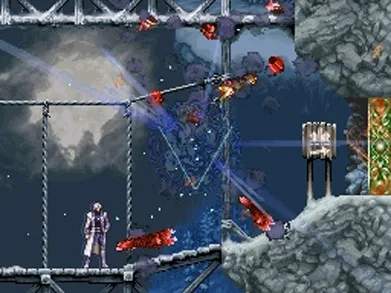
The game's user interface provides crucial information during gameplay. Familiarize yourself with the various elements displayed on both the top and bottom screens of your Nintendo DS.
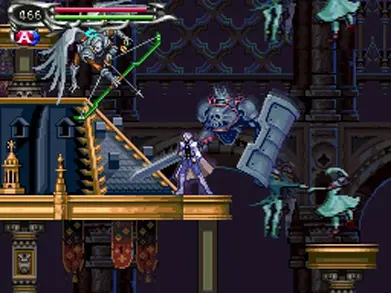
Top Screen:
- Map: Displays your current location within the castle. Areas you've visited are revealed.
- Enemy HP Bar: When targeting an enemy, their health bar appears here.
Bottom Screen:
- Soma's Status: Shows your current HP (red bar), MP (blue bar), and equipped weapon.
- Equipped Souls: Icons for your currently active Bullet, Guardian, and Enchant Souls.
- Magic Seal Drawing Area: Used during boss battles to perform Magic Seals.
- Current Time: Displays the in-game time, though it has no direct impact on gameplay.
- Gold: Your current amount of money.
Regularly check your HP and MP, especially during intense combat. The map on the top screen is invaluable for navigation and identifying unexplored areas. use the Start button to access the full menu for more detailed information and equipment management.