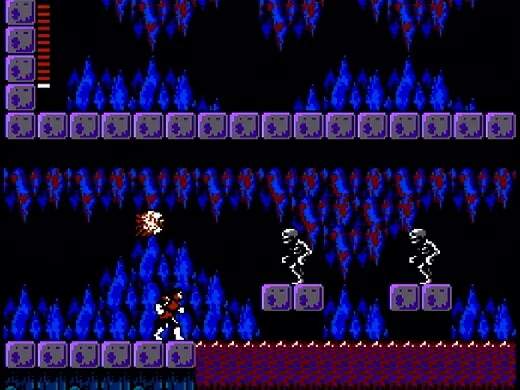
Mastering Simon's movements is crucial for survival in Castlevania II. The controls are straightforward but require precision, especially when navigating perilous platforms and dodging enemy attacks. Familiarize yourself with these inputs:
- D-Pad (Left/Right): Moves Simon left and right.
- D-Pad (Up/Down): Used to enter doors, climb stairs, and interact with certain objects or NPCs.
- A Button: Jumps. Simon's jump arc is fixed, so timing is everything.
- B Button: Whips. This is your primary attack. Hold B to extend your whip for a brief moment, useful for hitting enemies at a distance or breaking candles.
- Select Button: Opens the sub-weapon menu. From here, you can choose which sub-weapon to equip.
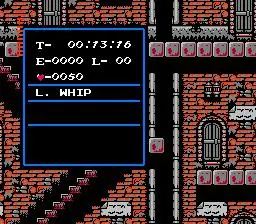
- Start Button: Pauses the game and opens the inventory screen, allowing you to view your items, current hearts, and experience points.
Remember that Simon cannot change direction mid-jump, so plan your leaps carefully. Practice whipping enemies from a safe distance and using your jump to avoid projectiles. The fluidity of movement will improve with practice, making later areas much more manageable.