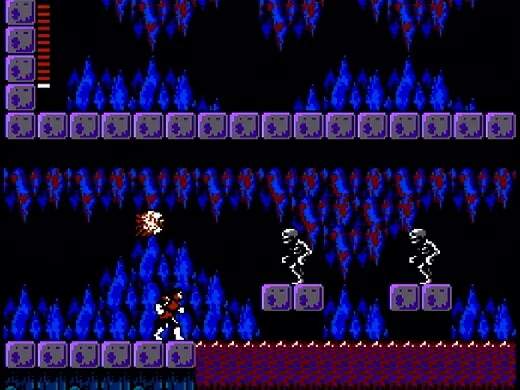
Unlike many modern games, Castlevania II utilizes a password system for saving your progress. There are no in-game save points or automatic saves. When Simon loses all his lives, or if you choose to quit the game, you will be presented with a password screen.
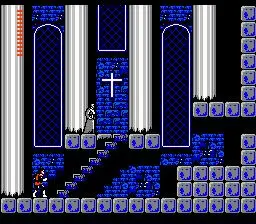
How to Save:
- Lose all lives: When Simon's HP drops to zero and he has no remaining lives, the game over screen will appear, followed by a password.
- Reset the console: If you reset your NES, you will also be given a password.
Important Notes:
- Write down your password accurately: Passwords are case-sensitive and often contain a mix of letters, numbers, and symbols. Even a single incorrect character will render the password invalid.
- Passwords save your current status: This includes your experience level, hearts, equipped items, and collected Dracula body parts. However, your exact location within the game world is not saved; you will always restart in the last town you visited.
- Consider taking a photo: If writing it down is cumbersome, a quick photo with your phone can be a reliable way to record your password.
Be diligent about recording your passwords, especially after making significant progress or acquiring valuable items. There's nothing more frustrating than losing hours of gameplay due to a forgotten or incorrectly transcribed password.