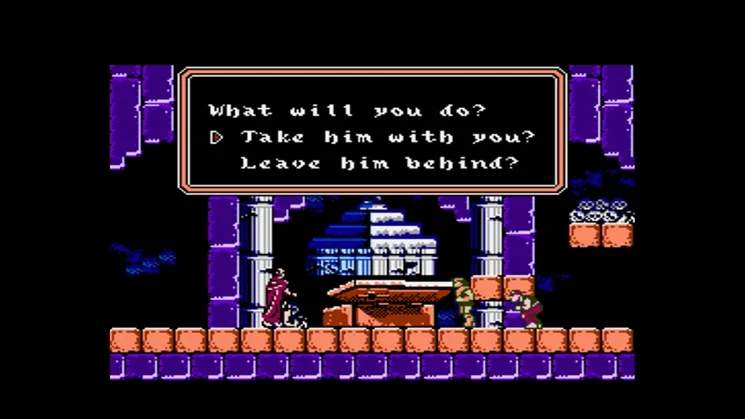
Understanding the controls is paramount to navigating the treacherous environments of Wallachia. The NES controller layout is simple but requires precise timing and execution.
- D-Pad: Moves your character left or right. Pressing Down while on stairs will descend. Pressing Up while on stairs will ascend.
- A Button: Jumps. The height and distance of your jump are fixed. You cannot change direction mid-air, so plan your jumps carefully.
- B Button: Whips. This is your primary attack. Hold B to extend your whip for a longer reach (Trevor only, after an upgrade).
- Up + B Button: Uses your currently equipped sub-weapon. Each sub-weapon consumes hearts, so use them strategically.
- Start Button: Pauses the game and brings up the inventory screen, allowing you to view your current character, sub-weapon, and heart count.
- Select Button: Switches between your active character and any recruited allies. This is a crucial mechanic for utilizing each character's unique abilities.
The UI displays your current health bar, heart count, sub-weapon icon, and the current character's portrait. Keep an eye on your health and hearts, as they are vital resources.