
Mastering Alucard's movements is paramount. The game utilizes a classic 2D platforming control scheme. Here's a breakdown:
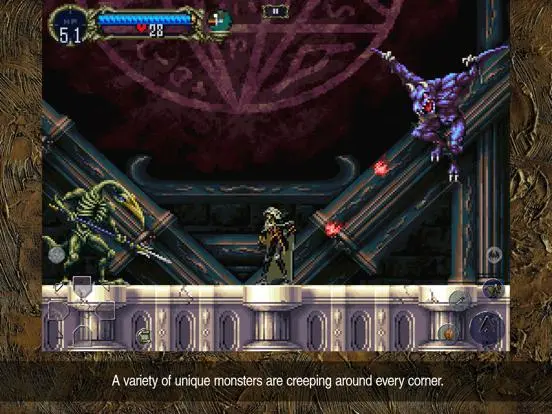
- Directional Pad (D-Pad): Move Alucard left or right. Pressing down while on a staircase will descend.
- X Button (Jump): Alucard jumps. Pressing X again in mid-air (after obtaining the Leap Stone) performs a double jump.
- Square Button (Attack): Swings Alucard's currently equipped weapon. Hold down for some weapons to perform a charge attack.
- Circle Button (Backdash): Performs a quick backward dodge. Invaluable for avoiding enemy attacks and repositioning.
- Triangle Button (Special Attack/Sub-Weapon): Uses your equipped sub-weapon (e.g., Holy Water, Axe, Cross). Consumes hearts.
- L1/R1 Buttons (Shield/Transform): L1 equips your shield (if one is equipped), R1 transforms Alucard into his current form (Bat, Wolf, or Mist).
- Start Button (Menu): Opens the main menu, allowing access to equipment, inventory, map, and system settings.
- Select Button (Map): Toggles the map overlay on and off, providing a quick glance at your surroundings.
Practice these movements early on to develop muscle memory. The ability to fluidly combine jumps, attacks, and backdashes will be critical for overcoming the castle's many challenges.