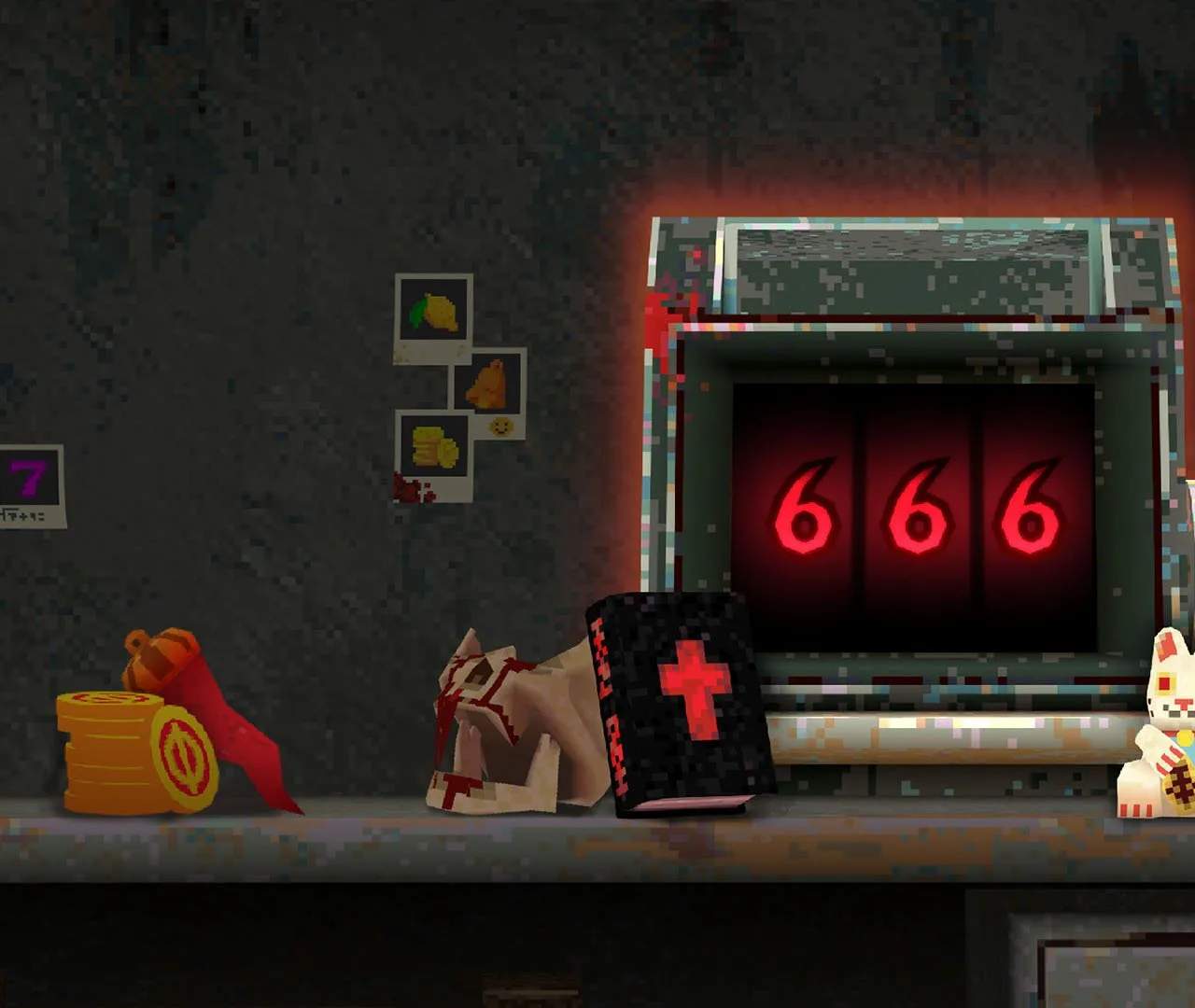
Mastering the controls is paramount to your survival in CloverPit. The default keybindings are designed for intuitive play, but you can customize them to your preference in the 'Settings' menu under 'Controls'.
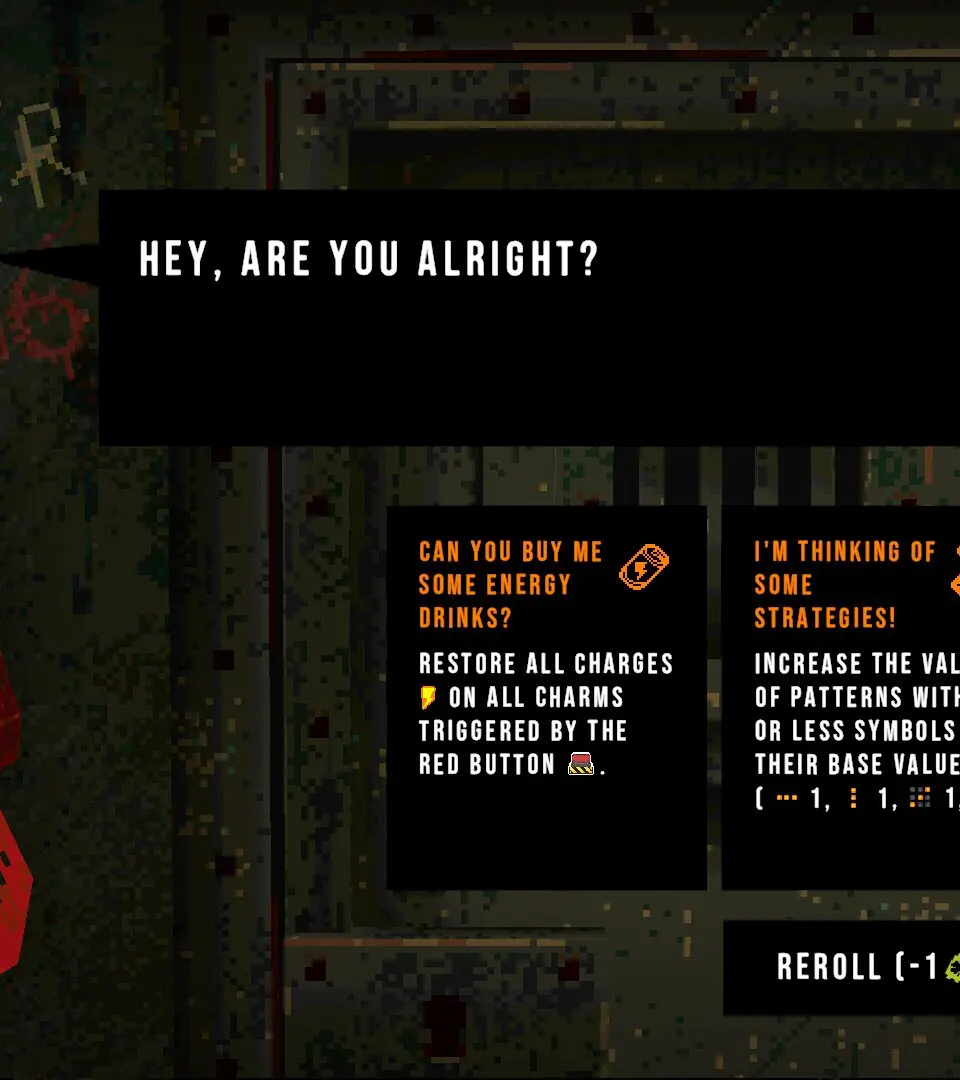
Default PC Controls:
- Movement: W, A, S, D
- Jump: Spacebar
- Interact: E
- Attack (Primary): Left Mouse Button
- Attack (Secondary/Skill): Right Mouse Button
- Dodge/Roll: Left Shift
- Inventory: I
- Map: M
- Quest Log: J
- Use Potion: Q
- Toggle Sprint: Left Ctrl
Familiarize yourself with these actions, as quick reflexes will often be the difference between victory and defeat.