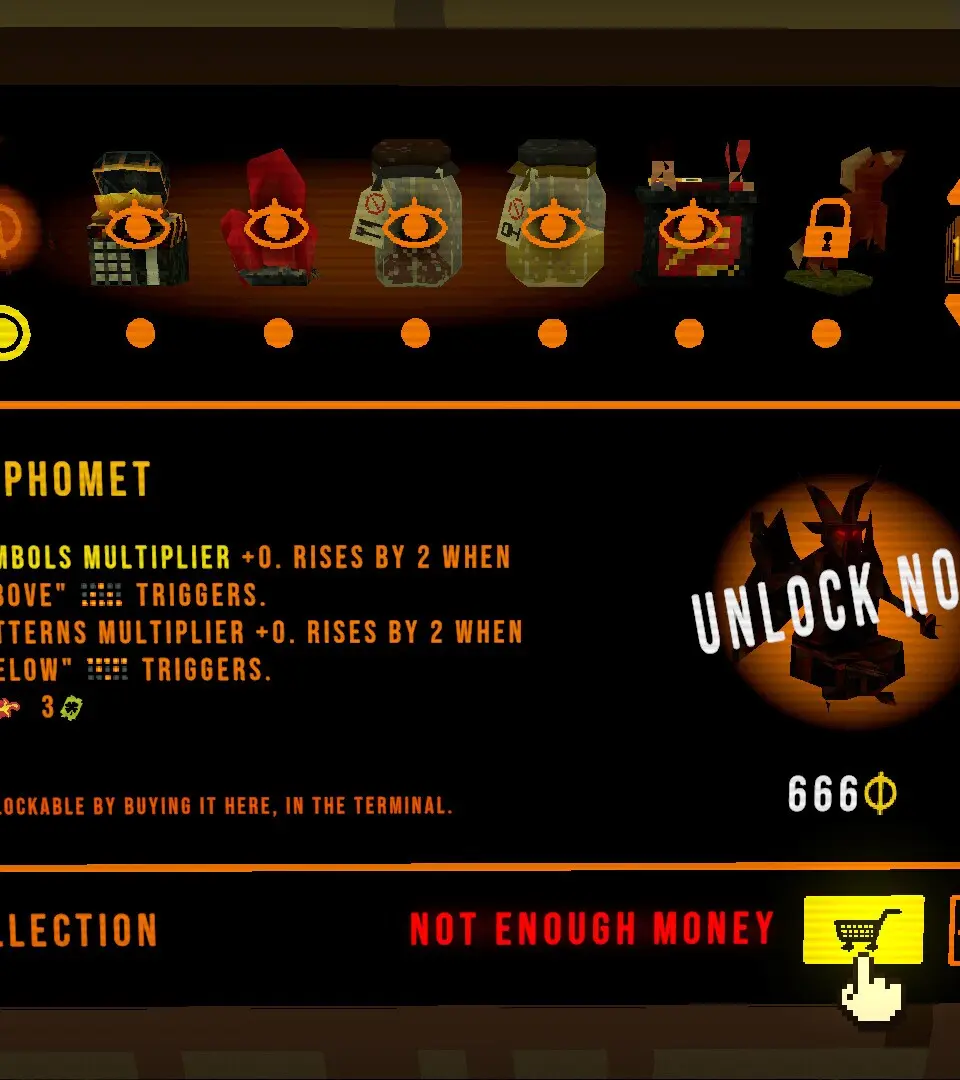
The CloverPit UI provides crucial information at a glance. In the top-left, you'll find your Health Bar (Red) and Mana/Stamina Bar (Blue/Green). Below these are your active buffs and debuffs. The bottom-center displays your Quick Slot Bar for potions and frequently used items. The top-right often shows your current objective and mini-map. Pay attention to the small icons that appear near your character, as these often indicate status effects or interactive elements. Learning to quickly interpret the UI will significantly improve your situational awareness.