
Understanding your Revenant's capabilities is paramount. Movement is controlled by the left analog stick (or WASD on PC). The right analog stick (or mouse) controls the camera. Dodging, a crucial defensive maneuver, is performed by pressing the dodge button (Circle/B on controller, Space on PC). This allows you to quickly evade enemy attacks and reposition yourself. Sprinting is typically done by holding the dodge button while moving. Interacting with objects, opening doors, and picking up items is usually done with the interact button (X/A on controller, E on PC). Pay close attention to environmental cues for interactable elements.
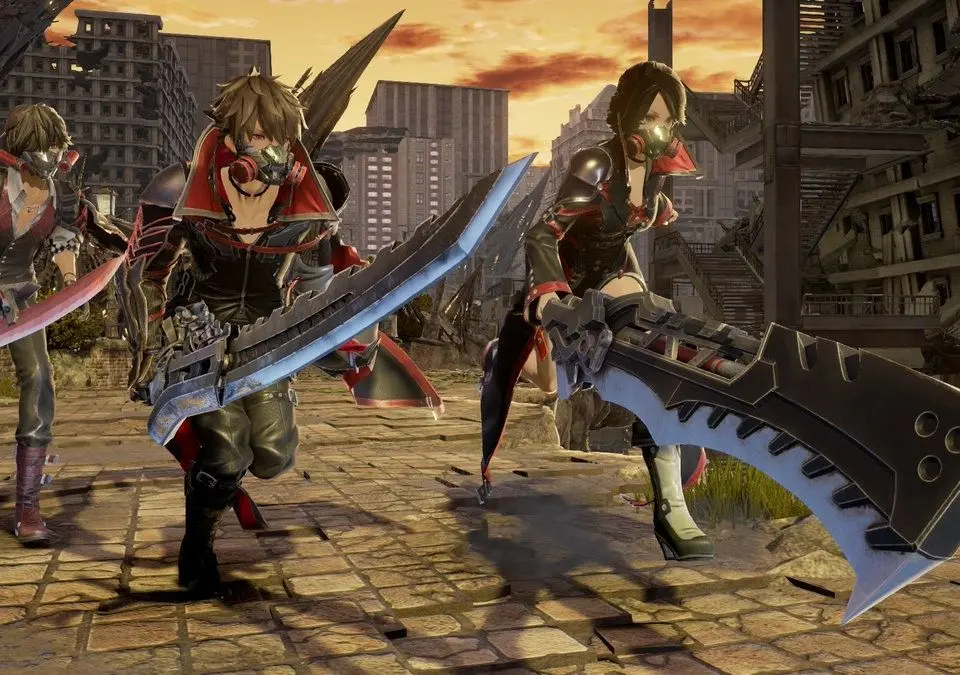
Combat controls involve light attacks (R1/RB, Left Click), heavy attacks (R2/RT, Right Click), and using Gifts (Square/X, Q/E for cycling, F for activation). Blocking is performed by holding L1/LB. Remember to lock onto enemies (R3/RS click) for better camera control during combat. Experiment with these controls in the early areas to build muscle memory.