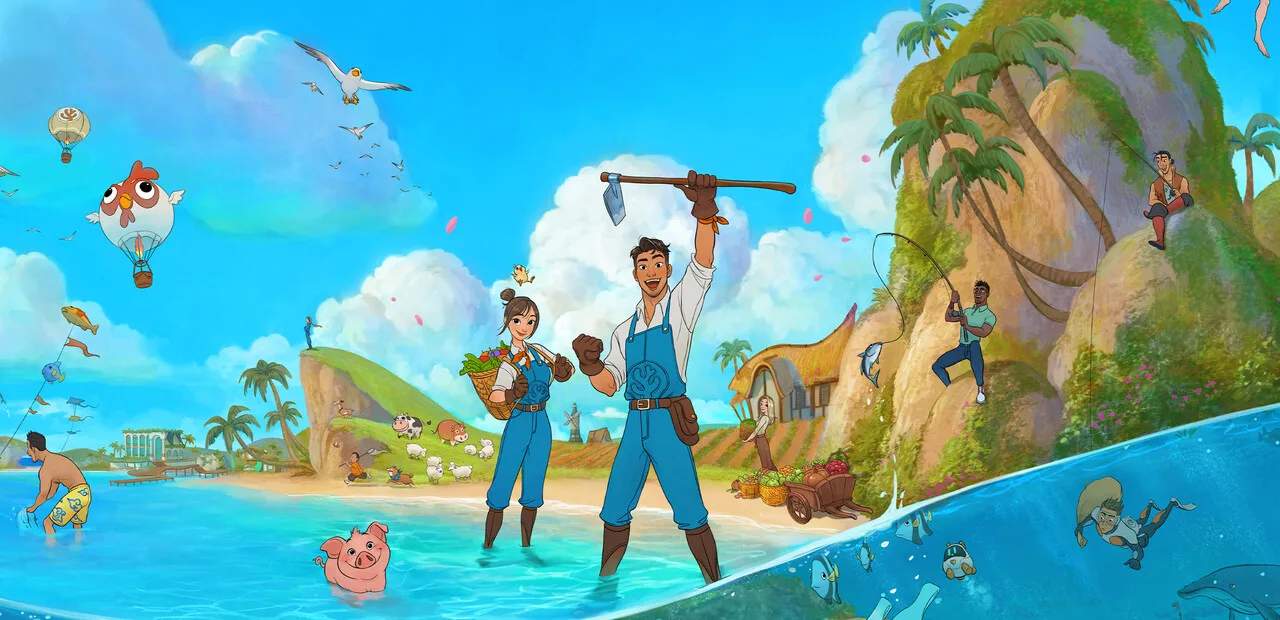
Basic Controls and Movement
Navigating the vibrant world of Coral Island, tending to your farm, interacting with townsfolk, and exploring its hidden depths requires a solid understanding of the game's controls. This comprehensive guide will detail all essential actions across PC, PlayStation 5, Xbox Series X, and Nintendo Switch, ensuring you can seamlessly transition between tasks and make the most of your island life.
Whether you're a seasoned farmer or a budding diver, mastering these inputs will significantly enhance your gameplay experience. We'll cover everything from basic movement and interaction to more advanced actions like fishing, diving, and hotbar management. Pay close attention to the platform-specific bindings, as they can differ significantly.
General Movement and Interaction
Your primary means of getting around Coral Island is by walking or sprinting. Interaction is key to progressing, whether it's talking to NPCs, picking up items, or using tools.
- Movement: Use your primary directional input to walk.
- Sprinting: Essential for covering ground quickly, especially when time is of the essence.
- Interaction: Used to talk to characters, pick up foraging items, open doors, and activate objects.
- Tool Usage: Equipping a tool from your hotbar allows you to perform specific actions like farming, mining, or chopping.
Detailed Control Bindings by Platform
Below is a comprehensive table outlining the default control bindings for each supported platform. While these can often be customized in the game's settings menu, this serves as a reliable starting point.
| Action | PC (Keyboard & Mouse) | PlayStation 5 (DualSense) | Xbox Series X (Wireless Controller) | Nintendo Switch (Joy-Con/Pro Controller) |
|---|---|---|---|---|
| Move Character | WASD |
Left Analog Stick |
Left Analog Stick |
Left Analog Stick |
| Sprint | Left Shift |
L3 (Press Left Stick) |
LS (Press Left Stick) |
L3 (Press Left Stick) |
| Interact / Pick Up Item | E |
X |
A |
A |
| Use Equipped Tool / Primary Action | Left Mouse Button |
R2 (Right Trigger) |
RT (Right Trigger) |
ZR (Right Trigger) |
| Open Inventory / Journal | I / J |
Touchpad / Options Button |
View Button / Menu Button |
Minus (-) / Plus (+) Button |
| Open Map | M |
Touchpad (Hold) |
View Button (Hold) |
Minus (-) Button (Hold) |
| Open Crafting Menu | C |
Square |
X |
Y |
| Place Item / Secondary Action | Right Mouse Button |
L2 (Left Trigger) |
LT (Left Trigger) |
ZL (Left Trigger) |
| Cycle Hotbar Left | Q |
L1 (Left Bumper) |
LB (Left Bumper) |
L (Left Bumper) |
| Cycle Hotbar Right | E (Hold) / Mouse Scroll Up |
R1 (Right Bumper) |
RB (Right Bumper) |
R (Right Bumper) |
| Hotbar Slot 1-10 (Direct Select) | 1-0 |
N/A (Cycle only) | N/A (Cycle only) | N/A (Cycle only) |
| Fishing (Cast Line) | Left Mouse Button (Hold & Release) |
R2 (Hold & Release) |
RT (Hold & Release) |
ZR (Hold & Release) |
| Fishing (Reel In) | Left Mouse Button (Tap/Hold) |
R2 (Tap/Hold) |
RT (Tap/Hold) |
ZR (Tap/Hold) |
| Diving (Swim Down) | C |
L2 |
LT |
ZL |
| Diving (Swim Up) | Spacebar |
X |
A |
A |
| Open Chat (Multiplayer) | Enter |
Touchpad (Tap) |
View Button (Tap) |
Minus (-) Button (Tap) |
| Take Screenshot (In-Game) | F12 (Steam Overlay) / Print Screen |
Share Button |
Share Button |
Capture Button |
| Emote (Multiplayer) | T |
Up D-Pad |
Up D-Pad |
Up D-Pad |
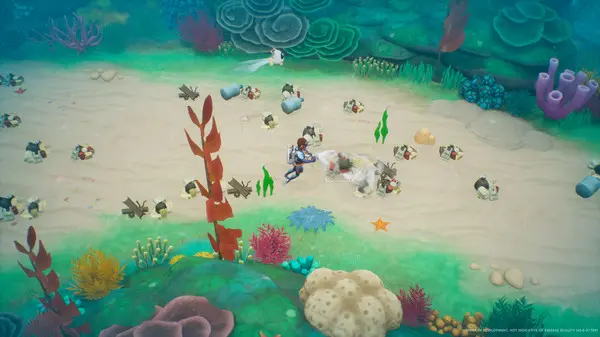
Tips for Efficient Control Usage
- Hotbar Management: On PC, directly selecting hotbar slots with number keys (1-0) is much faster than cycling. Console practice quick cycling with L1/R1 (LB/RB, L/R) to switch tools efficiently.
- Sprinting is Your Friend: Always sprint when not actively performing a task to save precious in-game time. Remember, stamina is a resource, but it regenerates quickly.
- Contextual Actions: Many actions are contextual. For example, pressing the 'Interact' button near a crop will harvest it if it's ready, or water it if you have a watering can equipped.
- Customization: Don't forget that you can rebind most keys and buttons in the game's settings menu. If a default binding feels awkward, change it to something more comfortable for your playstyle. This is especially useful for PC players with specialized gaming mice.
- Fishing Mini-Game: The fishing mini-game requires precise timing of the 'Use Tool/Primary Action' button. Practice makes perfect!
- Diving Exploration: When diving, remember to manage your oxygen levels. Efficient movement (swimming up and down) can help you reach new areas and conserve air.
By familiarizing yourself with these controls and practicing their use, you'll be well on your way to a prosperous and enjoyable life on Coral Island. Happy farming, fishing, and exploring!
Compare basic controls and movement inMy Time at Sandrock