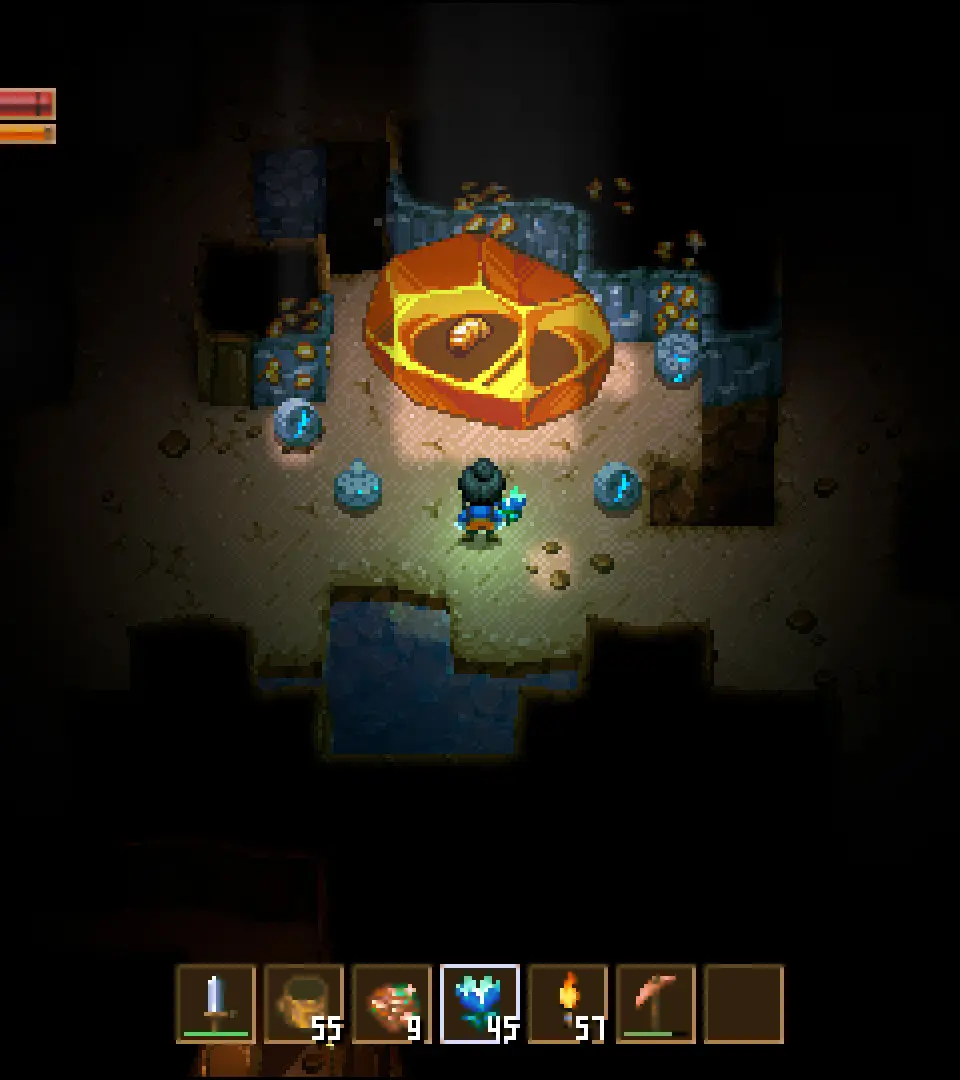
The Core Keeper UI is intuitive but has several key elements to understand. Your health and hunger bars are at the top left. The hotbar at the bottom displays your equipped items. Your inventory can be accessed with 'I' (default). The map ('M' default) is crucial for navigation and marking points of interest. Keep an eye on your current biome indicator, usually displayed near the map, as different biomes have unique resources and enemies. Familiarize yourself with the crafting menu ('C' default) early on.