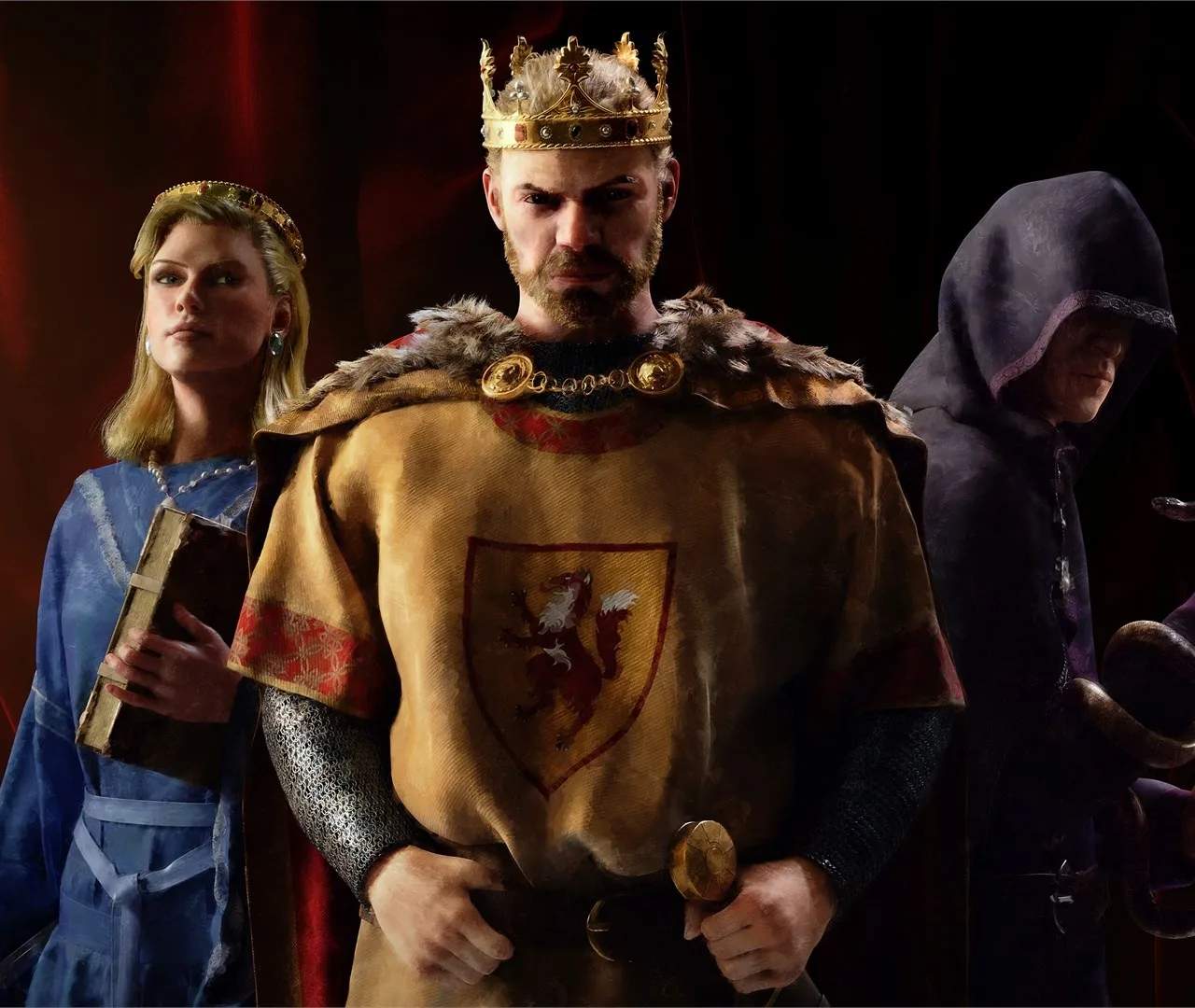
The modding scene for Crusader Kings III is a testament to the game's flexibility and the creativity of its player base. Mods can range from minor quality-of-life improvements that streamline gameplay to ambitious total conversion projects that fundamentally alter the game's setting, mechanics, and historical scope. For instance, you might find mods that add new cultures, religions, or government types, allowing for entirely new ways to play. Others might focus on historical accuracy, introducing more detailed maps, events, and characters from specific periods. The Steam Workshop is the primary hub for discovering and subscribing to mods, making it incredibly easy to install and manage your custom content. Simply browse the available mods, subscribe to those that interest you, and they will automatically download and be ready for use the next time you launch the game.
When installing mods, it's crucial to pay attention to their compatibility. Some mods are designed to work together seamlessly, while others may conflict, leading to crashes or unexpected behavior. Always read the mod descriptions carefully for information on compatibility and any specific installation instructions. For more complex mods or when using multiple mods, consider using a mod manager tool, which can help organize your load order and identify potential conflicts. It's also important to remember that mods can sometimes break with game updates, so it's a good practice to check if your favorite mods have been updated after a new patch is released. While mods can significantly enhance your Crusader Kings III experience, they are not officially supported by Paradox Development Studio, so troubleshooting mod-related issues may require community assistance.
Modding & Custom Content:
- Steam Workshop: The primary platform for discovering and subscribing to mods.
- Types of Mods: From UI tweaks to total historical conversions.
- Read Descriptions: Always check for compatibility information and installation instructions.
- Mod Managers: Useful for organizing load orders and identifying conflicts.
- Game Updates: Mods may need updating after new game patches.
- Community Support: Mod issues are typically resolved through community forums and discussions.