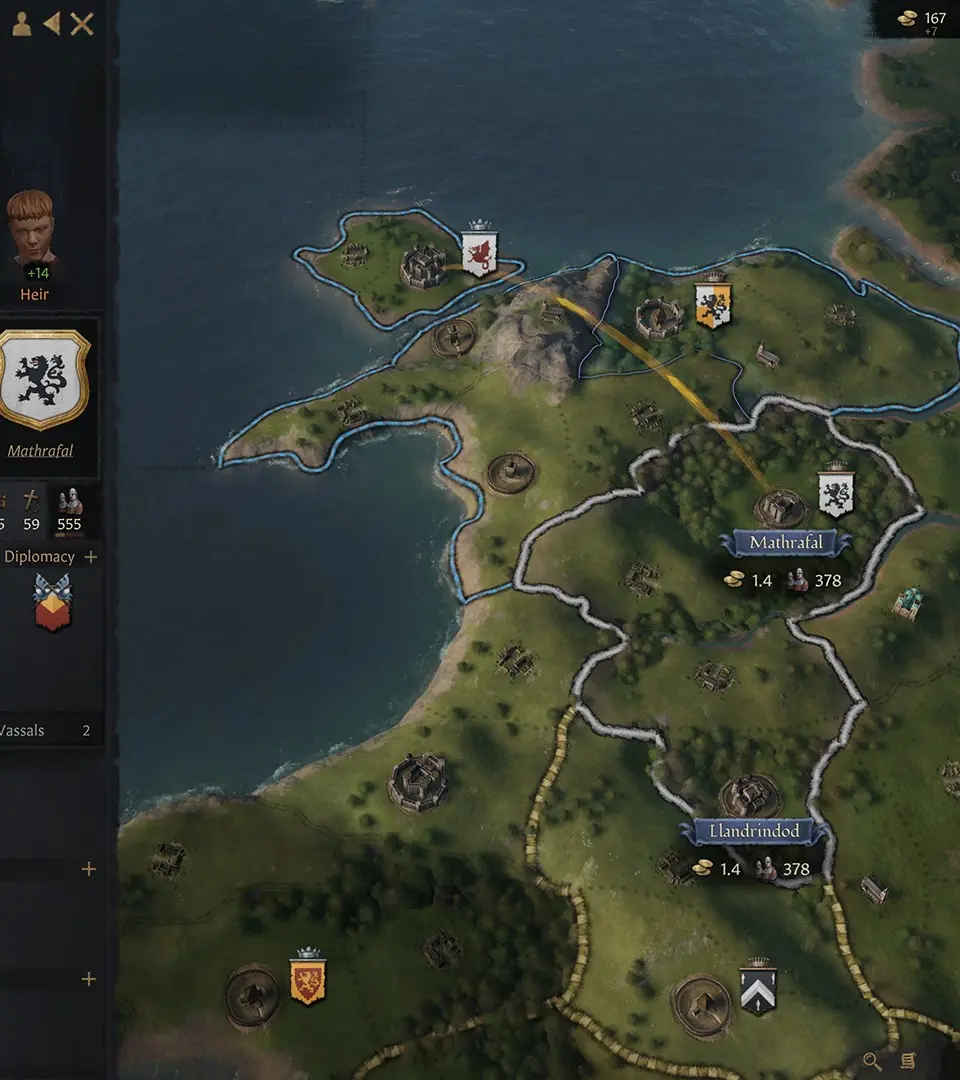
Navigating the world of Crusader Kings III is straightforward. Use the W, A, S, D keys or click and drag with the middle mouse button to pan the map. Scroll the mouse wheel to zoom in and out. Left-clicking on characters or provinces brings up their respective information panels. Right-clicking often provides contextual actions. The spacebar pauses and unpauses the game, allowing you to react to events at your own pace. Don't be afraid to pause frequently to assess situations.