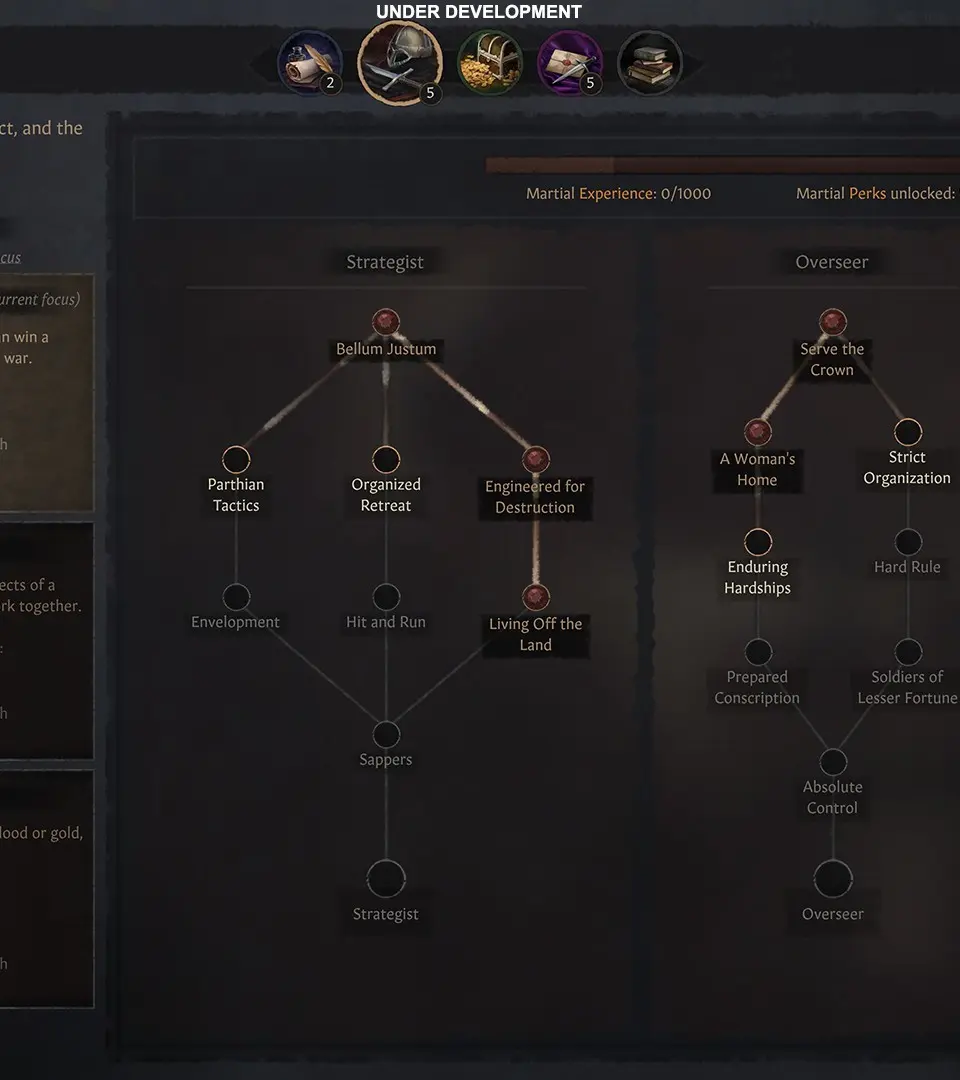
The Crusader Kings III UI can seem daunting at first, but it's logically organized. The top bar displays your character's portrait, gold, prestige, piety, and renown. The left-hand side features important alerts and decisions. The bottom right contains map modes and speed controls. The character screen (accessed by clicking your portrait) is where you manage your character's life, including skills, traits, and relationships. Familiarize yourself with these panels to efficiently manage your realm.