Basic Controls
Mastering the Nanosuit and its various functions is paramount to surviving the urban jungle of Crysis 3. This section details the fundamental controls you'll need to navigate, engage, and dominate the CELL forces and Ceph threats.
Movement & Basic Actions
- Left Stick (Movement): Control Prophet's movement. Push gently for stealthy walking, or fully for a sprint.
- Right Stick (Camera/Aim): Adjust your camera view and aim your weapon.
- A Button (Jump): Perform a standard jump. Hold for a higher, Nanosuit-assisted jump, consuming a small amount of energy.
- B Button (Crouch/Prone): Tap to crouch, hold to go prone. Essential for stealth and taking cover.
- Left Stick Click (Sprint): Click the left stick to sprint. This consumes Nanosuit energy but allows for rapid traversal and evasion.
- Right Stick Click (Melee Attack): Deliver a powerful melee strike. Useful for silent takedowns or close-quarters combat when ammo is scarce.
- X Button (Reload/Interact): Tap to reload your current weapon. Hold to interact with objects, pick up items, or activate terminals.
Combat & Nanosuit Abilities
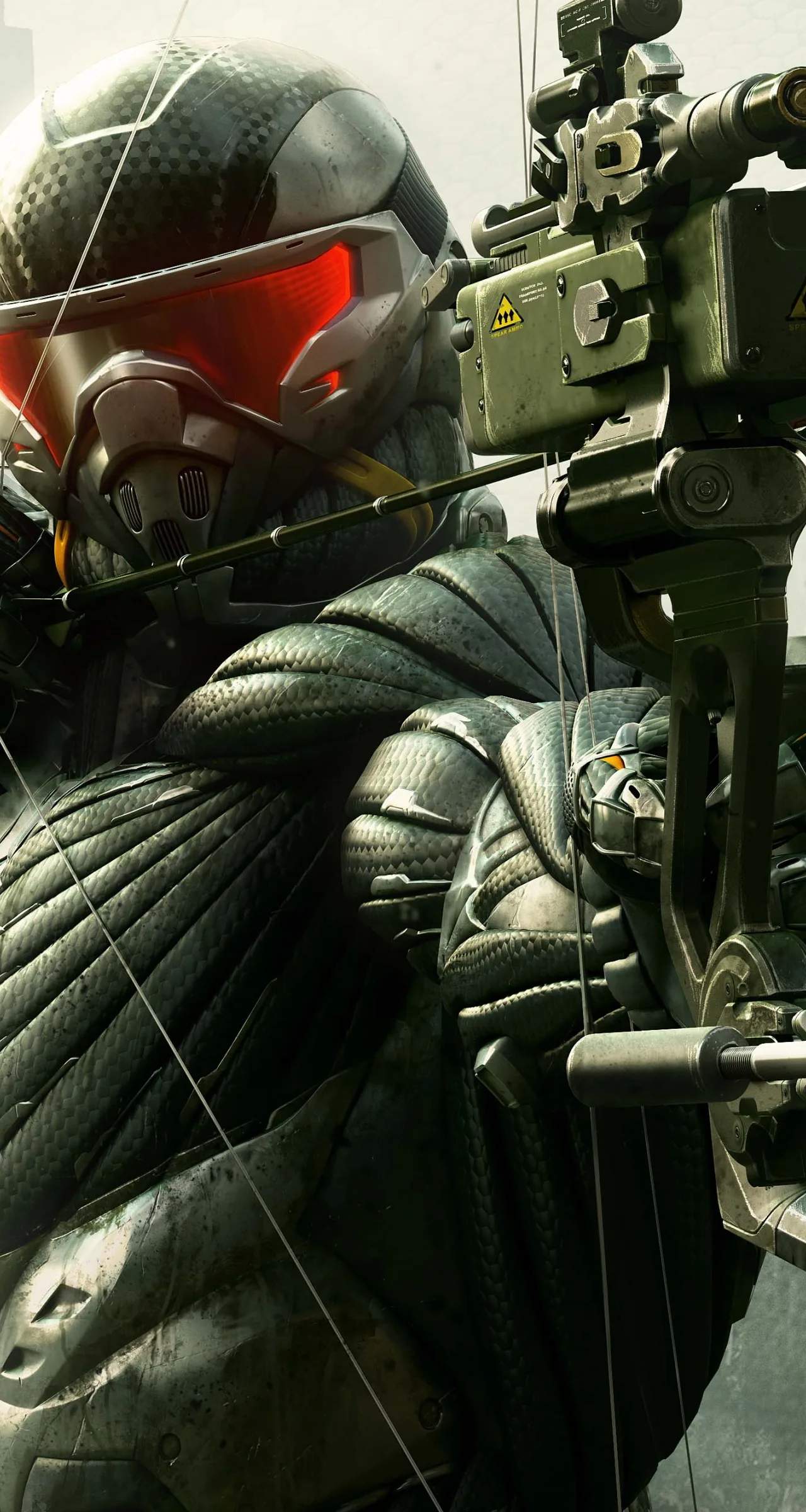
- Right Trigger (Fire Weapon): Unleash a barrage of bullets or launch an arrow from your Predator Bow.
- Left Trigger (Aim Down Sights/Zoom): Precision aim with your weapon. For the Predator Bow, this draws the arrow.
- Left Bumper (Armor Mode): Activate Armor Mode. This significantly reduces incoming damage but drains Nanosuit energy rapidly. Ideal for direct confrontations.
- Right Bumper (Cloak Mode): Activate Cloak Mode. Render yourself nearly invisible to enemies, allowing for stealthy approaches and flanking maneuvers. This also drains Nanosuit energy.
- Y Button (Switch Weapon): Quickly cycle between your primary and secondary weapons.
- D-Pad Up (Weapon Customization): Access the weapon customization menu on the fly. Here you can attach or detach scopes, silencers, and other modifications to adapt to any situation.
- D-Pad Left/Right (Grenades/Explosives): Cycle through your available grenades and explosives.
- D-Pad Down (Binoculars/Nanosuit Visor): Activate your Nanosuit Visor. This highlights enemies, objectives, and collectible items, providing crucial tactical information.
Advanced Techniques
- Power Slide: While sprinting, press the B Button to initiate a power slide. This is excellent for quickly moving into cover or evading enemy fire.
- Grab & Throw: When near certain objects or smaller enemies, hold the X Button to grab them, then use the Right Trigger to throw. This can be used to clear paths or dispatch foes.
- Environmental Takedowns: Look for opportunities to interact with the environment (e.g., exploding barrels, collapsing structures) using the X Button for strategic advantage.
Practice these controls in the early missions, such as "Post-Human" and "Welcome to the Jungle," to build muscle memory. Your proficiency with these basic actions will directly impact your success against the increasingly challenging threats in Crysis 3.