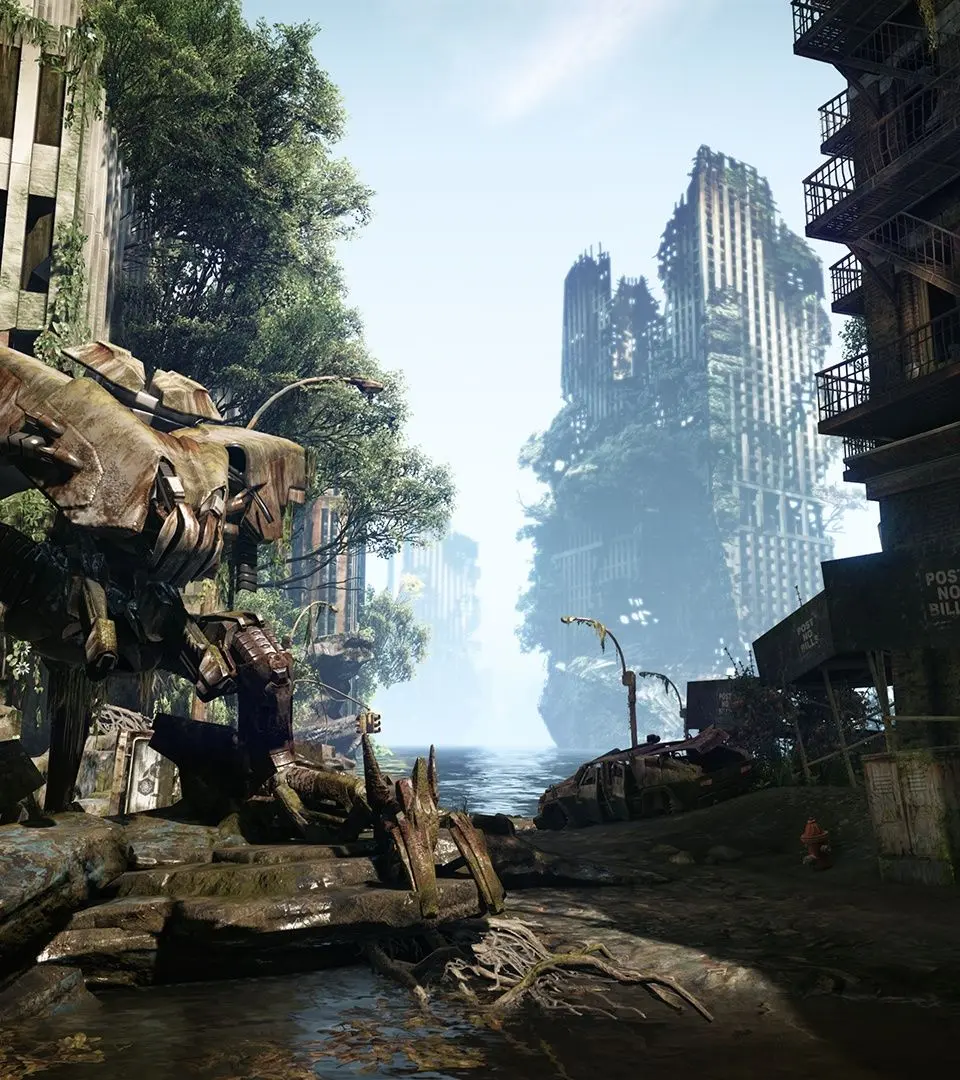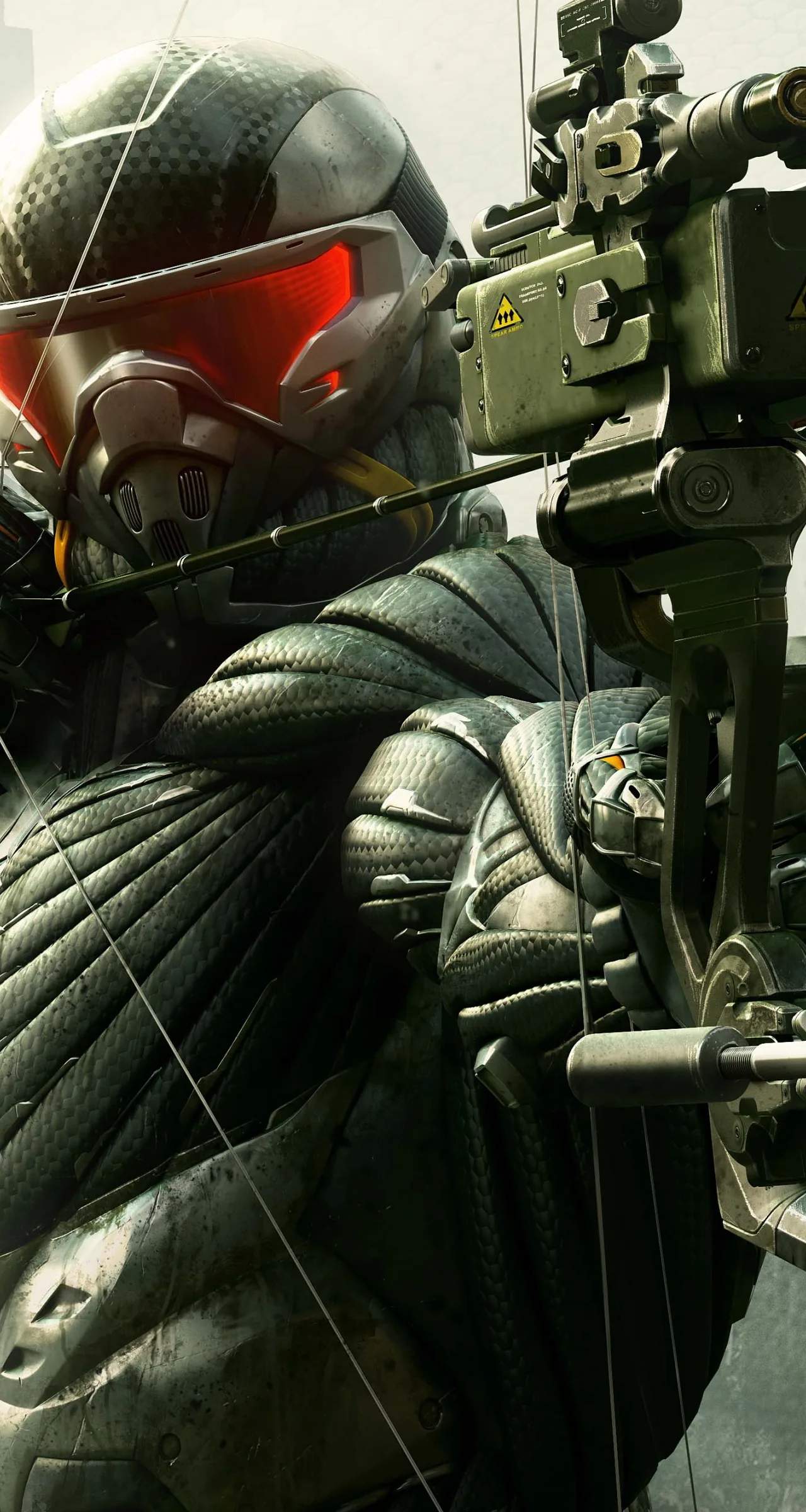
The Crysis 3 UI provides vital information at a glance. In the bottom-left corner, you'll find your Nanosuit Energy Bar, which depletes when using abilities like Stealth, Armor, or sprinting, and regenerates when inactive. Below that is your Health Bar, which automatically regenerates over time if you avoid damage. The bottom-right displays your current weapon, ammo count, and grenade type. The top-left shows your current objective. When using your visor, enemy positions, weapon caches, and interactive elements will be highlighted. Pay attention to the mini-map (if enabled) for enemy locations and objective markers. A red indicator around your crosshair signifies you are being targeted, while a red 'X' means you've been hit. Understanding these elements will keep you informed and alive.