Navigating the vibrant, yet deadly, world of Danganronpa 2×2 is made intuitive through its streamlined control scheme, adapted for several platforms including PS Vita, PSP, iOS, PC, macOS, and Linux. On touch-screen devices, movement is typically handled via a virtual joystick on the left, with on-screen buttons for actions like interacting with objects, opening menus, and initiating conversations. For controller-based platforms (PS Vita, PSP, PlayStation 4, and PC with a gamepad), the left analog stick or D-pad controls character movement, while face buttons are mapped to primary actions. The Select/Back button usually brings up the main menu, where you can access your inventory, character profiles, and the crucial Monokuma File. The Start/Options button often pauses the game or accesses a quick-menu for immediate options. In investigation segments, the camera can be controlled with the right analog stick or by swiping on touch screens. During Class Trials, specific buttons will be assed to actions like presenting evidence, pointing out contradictions with the Truth Bullet system, and using Focus Mode to slow down time and aim your arguments. Pay close attention to on-screen prompts, as button mappings can subtly shift between gameplay modes. For instance, during a Hangman's Gambit sequence, specific button presses will be required to spell out keywords, and failure to do so within the time limit can result in a loss of Hope Fragments. Understanding these controls is paramount to successfully gathering clues and surviving the trials orchestrated by Monokuma.
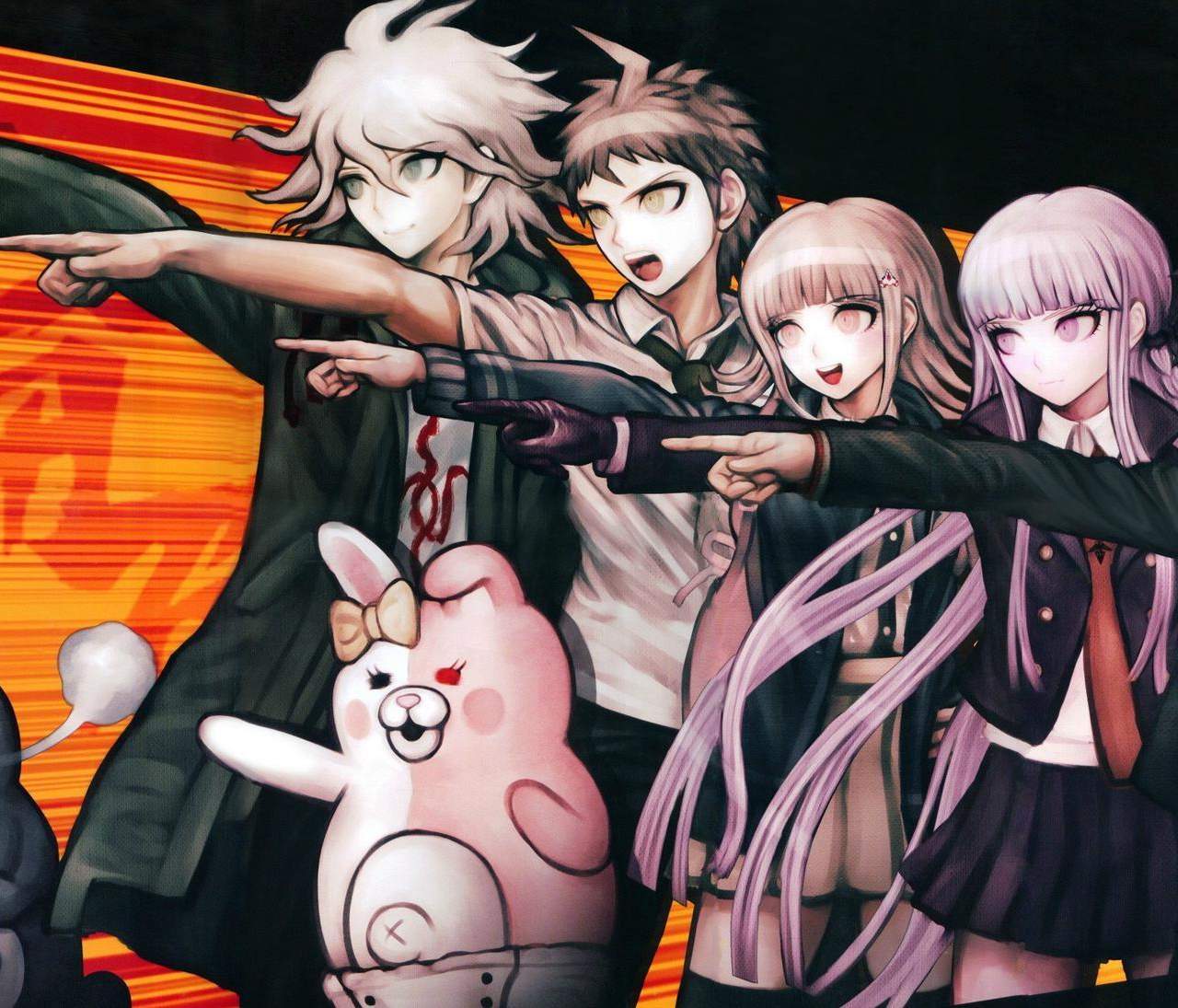
Danganronpa 2×2
Controls and Interface — Danganronpa 2×2 Guide
Master Danganronpa 2×2 controls. Learn how to use virtual joysticks, action buttons, and the Truth Bullet system for investigations and Class Trials.