
Mastering the controls is your first step to survival. Dark Souls II utilizes a standard action RPG control scheme, but precision is key. The UI provides vital information about your health, stamina, equipped items, and current status effects. Pay close attention to your stamina bar; it dictates your ability to attack, dodge, and block.
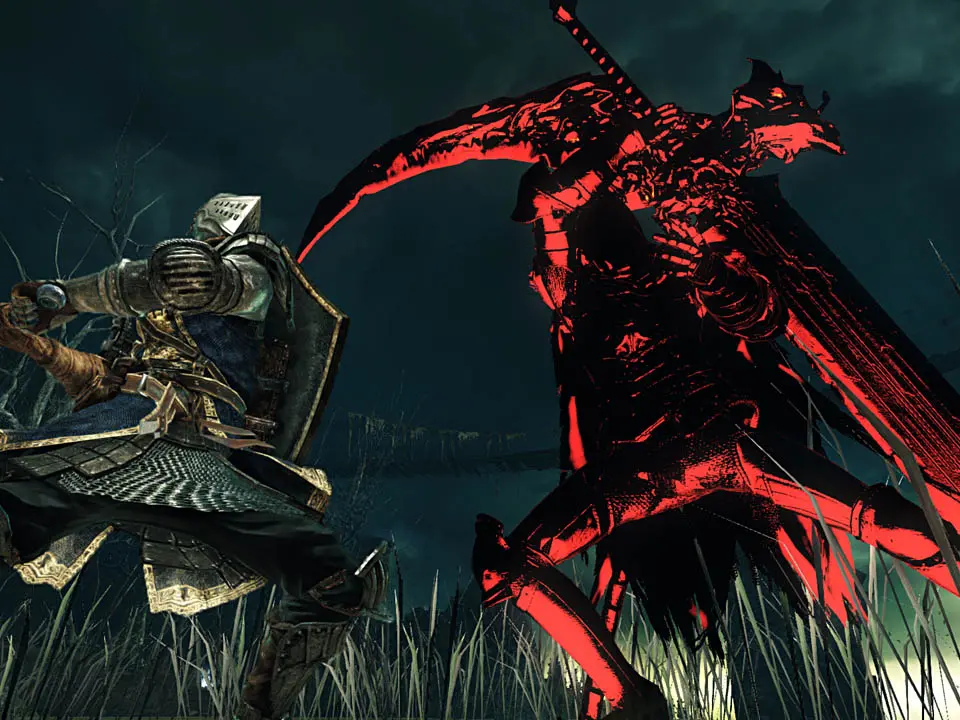
Key Controls (Default PC)
- Movement: WASD
- Camera: Mouse
- Light Attack: Left Click
- Heavy Attack: Shift + Left Click
- Block/Two-Hand: Right Click
- Dodge/Roll: Spacebar
- Interact: E
- Use Item: Q
- Switch Weapon: R
- Switch Spell: F
- Menu: Esc
The UI displays your health (red bar), stamina (green bar), and equipped items. Keep an eye on the small icons below your health bar, as they indicate active buffs or debuffs. Your current soul count is displayed in the bottom right corner.