Understanding the user interface and controls is paramount for navigating the treacherous roads and intense combat encounters. The UI is divided into several key areas: your hero portraits and health/stress bars at the bottom, the stagecoach status and inventory at the top, and the region map on the left. Combat controls are turn-based, allowing you to select skills, targets, and items. Familiarize yourself with hotkeys for quick actions like opening the inventory (I) or character sheets (C).
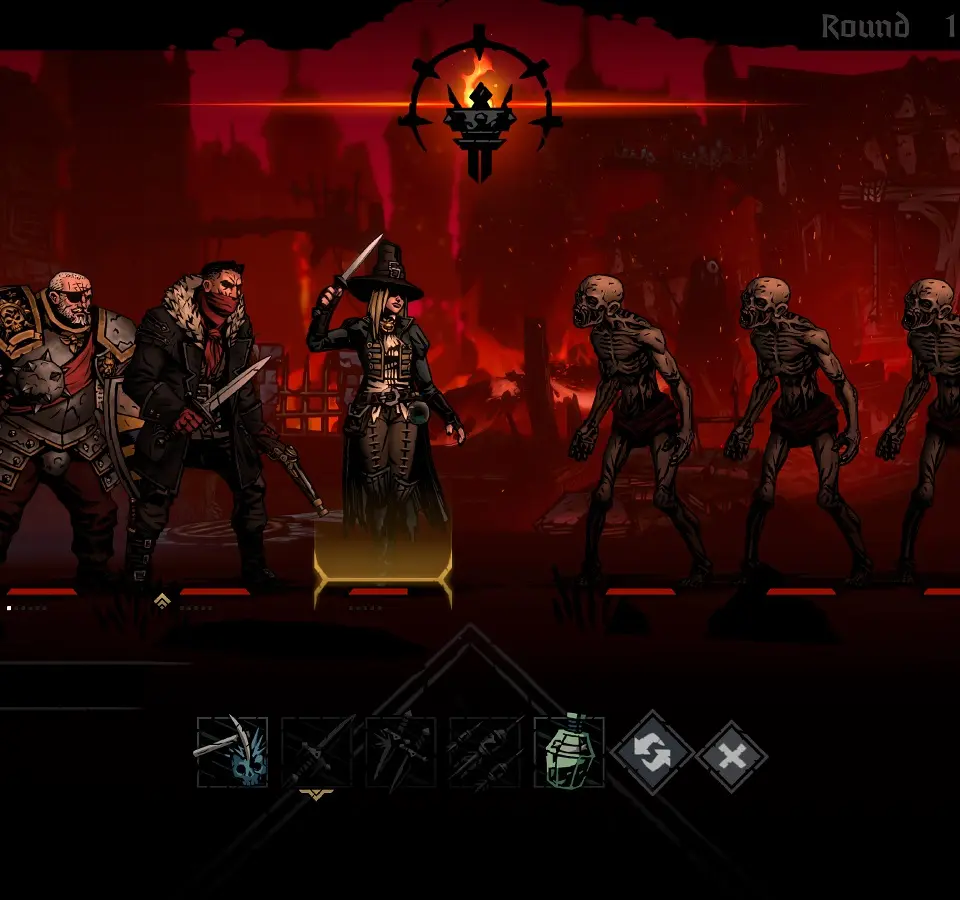
Key Controls:
- Movement: Mouse click on road segments or use WASD.
- Combat: Mouse click on skills, targets, and items.
- Inventory: 'I' key.
- Character Sheet: 'C' key.
- Map: 'M' key.
- Stagecoach: 'S' key.