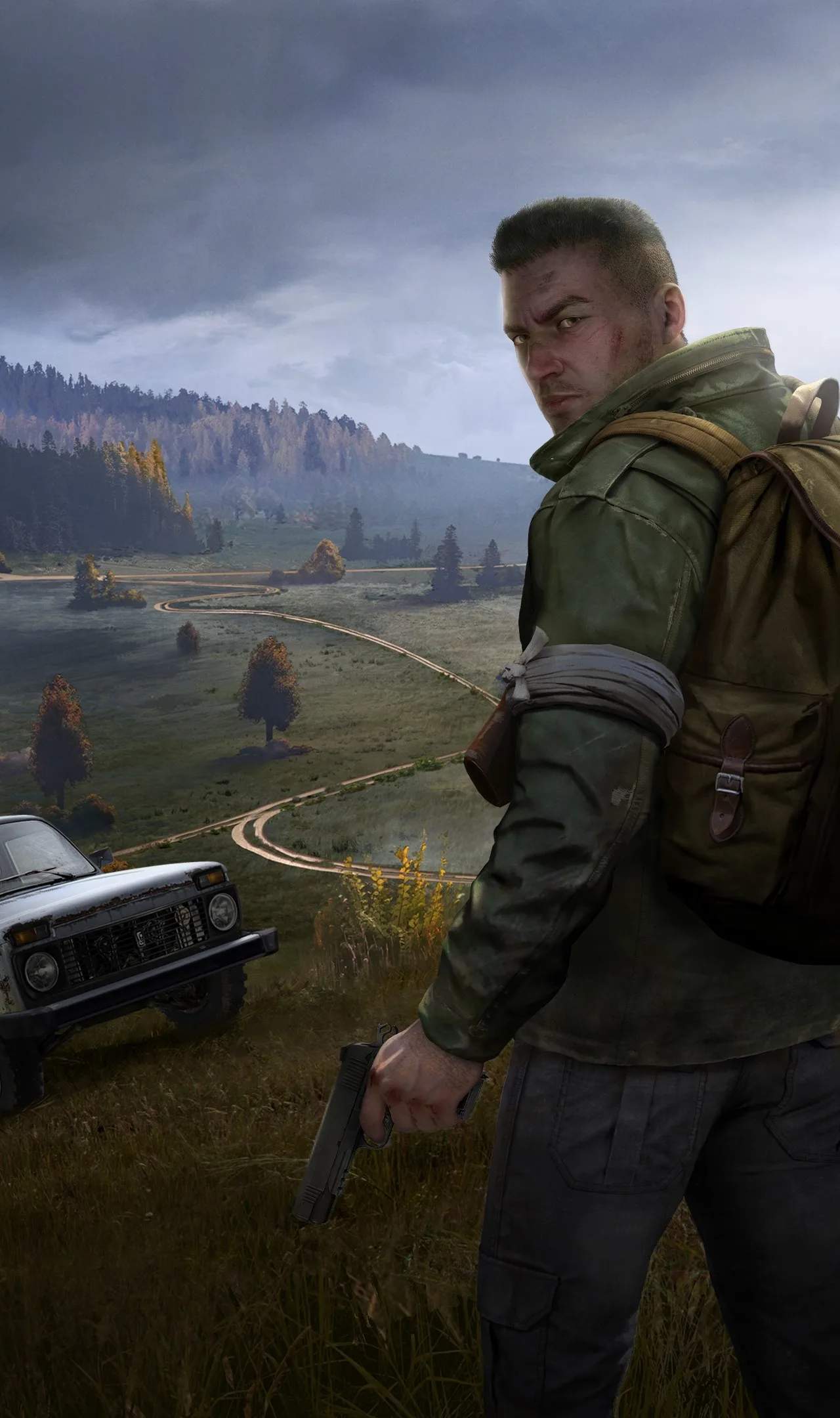
Features of DayZ-Expansion-Quests
DayZ-Expansion-Quests is a powerful mod that transforms the survival experience by introducing an MMO-like questing system. This framework allows server administrators to create diverse and engaging missions with various objective types, catering to different playstyles. Whether you're a solo survivor or part of a group, these quests offer new challenges and rewards, breathing fresh life into Chernarus.
The core of the DayZ-Expansion-Quests mod lies in its flexible objective system. These objectives can be combined to create intricate questlines that push players to explore, scavenge, and engage with the world in new ways. The available objective types include:
- Action: Requires players to perform a specific action, such as interacting with an object or activating a mechanism.
- Collection: Players must gather a set of specified items, often found in particular locations or dropped by specific enemies.
- Delivery: Involves transporting an item from one location or NPC to another.
- Target: Players are tasked with eliminating specific enemies, which can range from zombies to custom AI threats.
- Travel: A straightforward objective that requires players to reach a desated location on the map.
- Treasure Hunt: Combines travel with a search element, often requiring players to dig up hidden stashes at specific coordinates.
The mod's true potential is unlocked when combined with other DayZ Expansion modules:
- DayZ-Expansion-AI: Enhances questing with AI-driven objectives like clearing AI camps, eliminating patrols, or escorting friendly AI units.
- DayZ-Expansion-Groups: Enables cooperative questing, allowing group members to share and progress objectives together, fostering teamwork.
- DayZ-Expansion-Navigation: Adds helpful markers to the map, guiding players directly to quest objective locations, reducing frustration and improving efficiency.
- DayZ-Expansion-Personal-Storage: Introduces the ability to lock personal storage containers behind quest completion, adding a layer of progression and reward for accessing valuable loot.
For detailed setup and configuration, refer to the official Expansion Wiki. Installation typically involves following a comprehensive guide for mod and mission file setup.