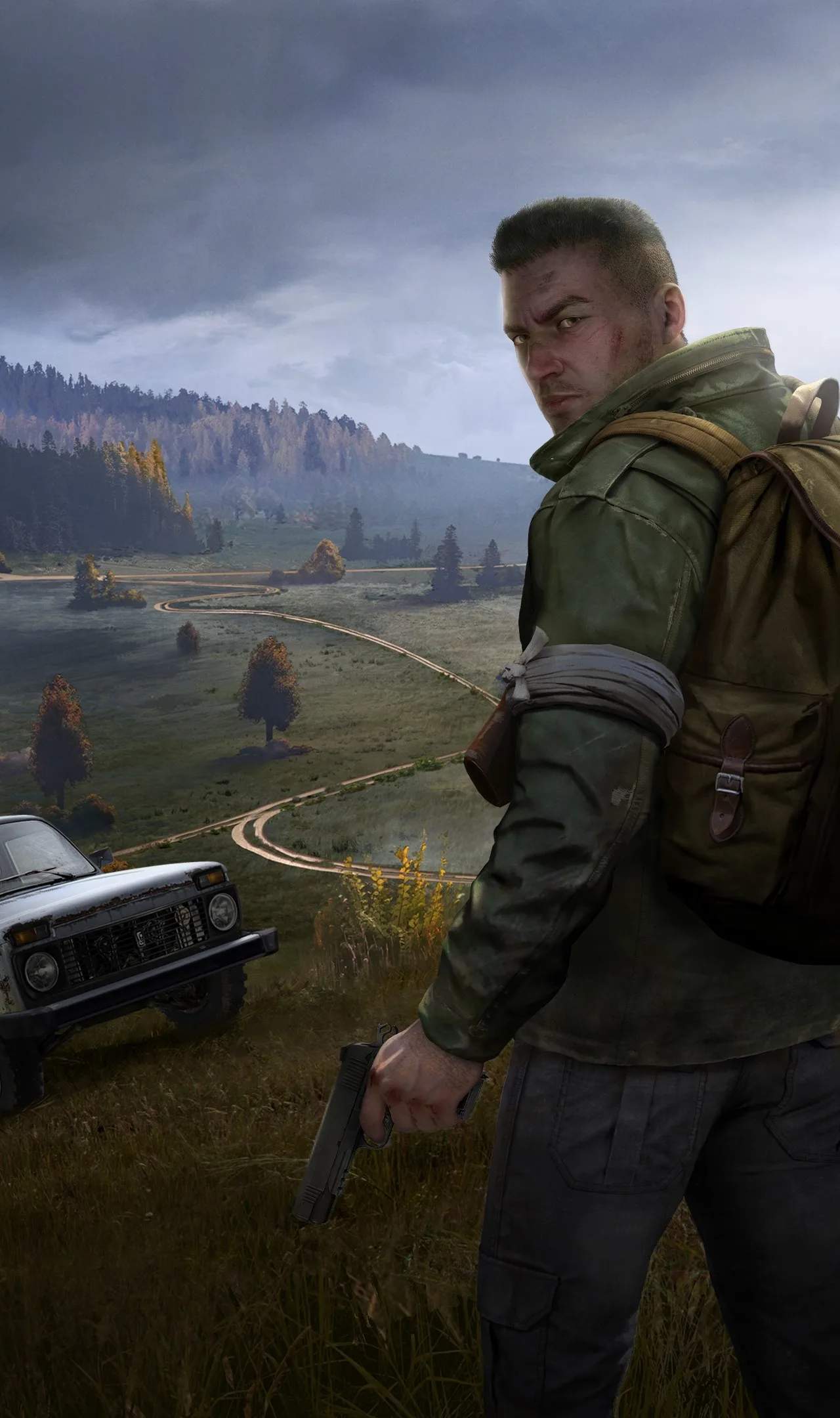
Mastering DayZ's controls is crucial for survival. The game features a complex control scheme that allows for nuanced interactions. Familiarize yourself with these defaults and consider customizing them to your preference.
Essential PC Keybinds:
- W, A, S, D: Movement
- Shift: Sprint
- Ctrl: Crouch / Hold for Prone
- Spacebar: Jump / Climb
- Left Mouse Button: Attack / Use Item
- Right Mouse Button: Aim / Context Menu
- F: Interact (Pick up, open doors, search)
- G: Throw item
- R: Reload weapon
- Tab: Inventory
- Esc: Pause Menu / Options
- Mouse Wheel: Scroll through quick slot items / Zoom in/out (aiming)
- Alt: Free Look
- C: Change stance (standing, crouching, prone)
- V: Vault / Climb
- X: Hold Breath (while aiming)
- Q, E: Lean
- T: Text Chat
- Caps Lock: Voice Chat (Push-to-talk)
Practice these controls in a safe area or on a low-population server to build muscle memory. The context menu (right-click) is vital for combining items, crafting, and performing specific actions.