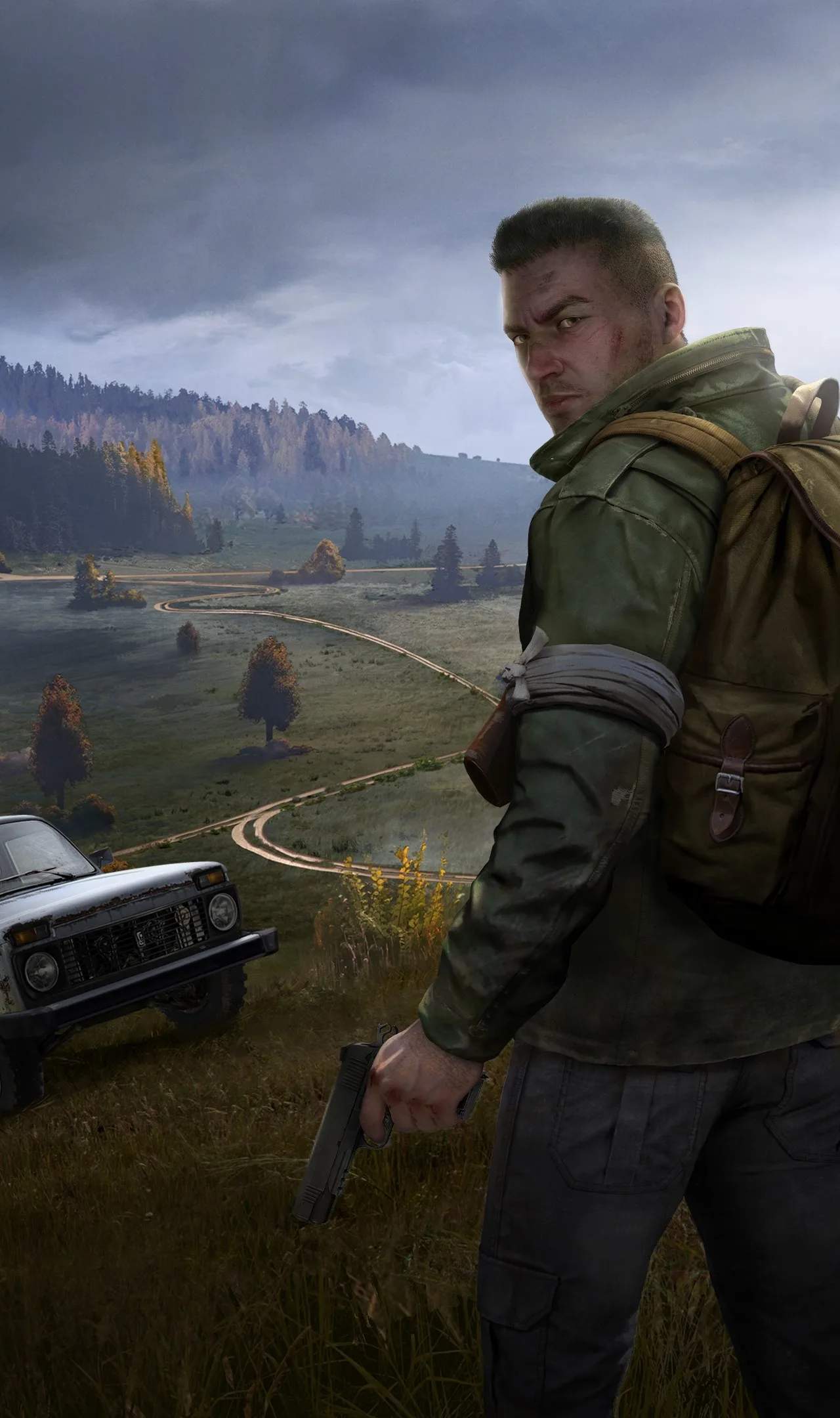
Modding DayZ can dramatically expand your gameplay experience, introducing new maps, items, vehicles, and gameplay mechanics. Whether you're looking for a more challenging survival experience or a chaotic combat scenario, mods offer endless possibilities. This guide covers the basics of installing mods.
Understanding DayZ Modding
DayZ modding is primarily done through community servers. Most mods are client-side, meaning you only need to install them if you want to join a specific modded server. Some mods might require server-side installation as well.
Types of Mods
- New Maps: Such as Livonia (official DLC), Chernarus (original), or community-made maps like Esseker or Deer Isle.
- New Items: Weapons, gear, vehicles, and building components.
- Gameplay Overhauls: Mods that change core mechanics, like increased zombie spawns, more realistic survival, or enhanced combat.
- Quality of Life Mods: Mods that add features like improved inventory management or UI enhancements.
How to Install Mods (Client-Side)
The most common way to install mods is through a mod launcher like the DayZ Commander or the Steam Workshop (though Steam Workshop is less common for DayZ itself compared to other games).
Using DayZ Commander (Recommended for many community servers)
- Download DayZ Commander: Search for "DayZ Commander" online and download it from a reputable source.
- Install DayZ Commander: Follow the on-screen instructions.
- Launch DayZ Commander: It will automatically detect your DayZ installation.
- Find a Modded Server: Browse the server list within DayZ Commander. Servers that require mods will usually indicate this.
- Select a Server: Click on the server you wish to join.
- Download Mods: DayZ Commander will prompt you to download the necessary mods for that server. Click "Download Mods" or a similar button.
- Wait for Download: The launcher will download all required mods. This can take some time depending on the number and size of the mods.
- Join the Server: Once the mods are downloaded, click "Play" or "Join Server" within DayZ Commander.
Manual Installation (Less Common for DayZ, but possible for some mods)
Some mods might require manual installation. This usually involves:
- Downloading the Mod Files: Obtain the mod files from a trusted source (e.g., a modding website or Discord server).
- Locating Your DayZ Installation Folder: Typically found in `C:\Program Files (x86)\Steam\steamapps\common\DayZ`.
- Extracting Mod Files: Follow the specific instructions provided with the mod. This often involves placing files into specific folders within your DayZ directory (e.g., `@modname` folders).
- Launching DayZ: You might need to create a custom launch shortcut that includes the mod parameters (e.g., `-mod=@modname1;@modname2`).
Important Considerations
- Server Compatibility: Ensure the mods you install are compatible with the server you intend to play on. Mismatched mods will prevent you from joining.
- Performance Impact: Mods can sificantly impact game performance. Ensure your system can handle the added load.
- Security: Only download mods from trusted sources to avoid malware.
- Updates: Mods are often updated. You may need to re-download or update mods if the server you play on updates its mod list.
- Official Servers: Mods are generally NOT allowed on official DayZ servers. You can only play modded content on community servers.
Finding Modded Servers
You can find modded servers through:
- DayZ Commander: The easiest way to find and manage modded servers.
- DayZ Server Lists: Websites that aggregate DayZ server listings, often with filters for modded servers.
- Community Discords: Many DayZ communities and modding groups have Discord servers where they advertise their servers and mods.
Modding DayZ opens up a universe of possibilities. By following these steps, you can easily install the necessary mods and dive into new and exciting gameplay experiences on community servers.