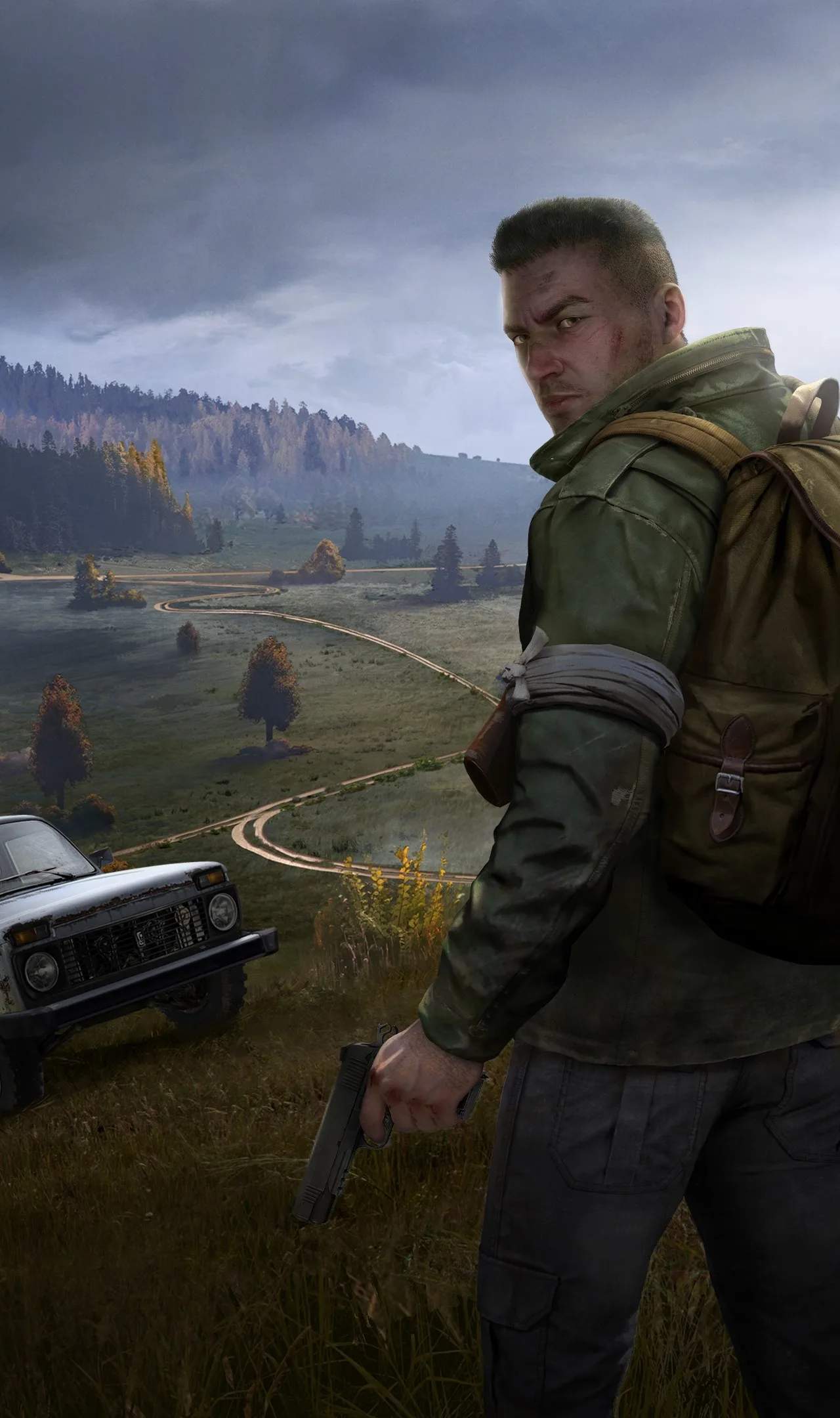
The official DayZ experience is vast, but the community's creativity knows no bounds. Modded servers offer a unique twist on survival, introducing new items, mechanics, vehicles, and even entirely new maps. This section will guide you through the process of finding and joining these custom servers, opening up a world of possibilities beyond the vanilla game.
Understanding Modded Servers
Modded servers are community-run servers that have altered the base game files. These modifications, or "mods," can range from simple quality-of-life improvements to complete overhauls. Common types of mods include:
- Loot Overhauls: Servers with increased loot spawns, rarer items, or entirely new weapon and gear sets.
- Vehicle Mods: Addition of new vehicles, from helicopters and tanks to custom cars.
- Map Mods: Entirely new playable maps, offering fresh environments to explore.
- Gameplay Mechanics: Mods that alter core mechanics like stamina, hunger, thirst, or introduce new systems like advanced crafting or base building.
- Roleplay Servers: Servers focused on specific scenarios or player-driven narratives.
Finding Modded Servers
The primary way to find modded servers is through the in-game server browser. However, it's essential to understand how to filter effectively:
- Launch DayZ and select "Multiplayer."
- Click on the "Community Servers" tab.
- Use the Filters: This is the most crucial step.
- Server Name: If you know the name of a specific server or a type of mod (e.g., "Trader," "High Loot"), type it here.
- Password: Leave this blank unless you're joining a private server.
- Slots: Adjust this to find servers with available player slots.
- Ping: Set a maximum ping to ensure a smooth gameplay experience. Lower is better.
- Game Type: This is where you'll often find indicators for modded servers. Look for tags like "Modded," "Custom," or specific mod names. Some servers might not have explicit tags, so you may need to rely on server names or descriptions.
Beyond the in-game browser, many communities have websites or Discord servers where they list their servers and provide information about the mods used. Searching online for "DayZ modded servers" can lead you to these platforms.
Joining a Modded Server
Once you've found a server you want to join:
- Check Mod Requirements: Most modded servers require you to download specific mods. The server description or associated community page will usually list these.
- Use a Mod Manager (Recommended): For servers with many mods, using a dedicated mod manager like the Steam Workshop or third-party tools can simplify the download and installation process.
- Subscribe to Mods: On Steam Workshop, subscribe to the required mods. The game will usually download them automatically.
- Launch DayZ: Ensure all required mods are downloaded and enabled.
- Connect to the Server: Find the server in the browser again and click "Connect." If prompted, enter any required password.
Troubleshooting Common Issues
Missing Mods: If you're kicked for missing mods, double-check the server's requirements and ensure all are downloaded and active. Sometimes, restarting the game or Steam can resolve this.
Crashes: Modded servers can sometimes be unstable. Ensure your game and mods are up to date. If a specific server consistently crashes you, try another.
Performance Issues: More complex mods can impact performance. Ensure your PC meets the recommended specifications for modded gameplay.