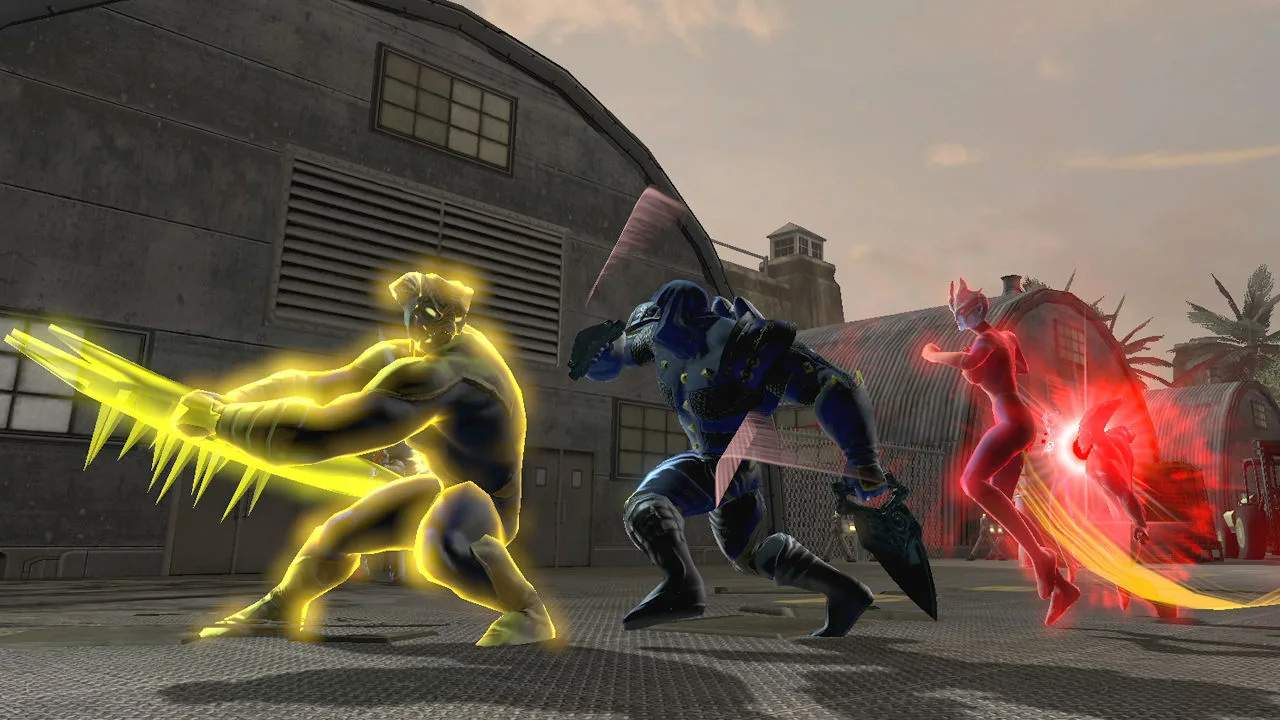
Leagues: Your Super-Powered Social Hub
In the vast, ever-expanding universe of DC Universe Online, going it alone can be a challenge. That's where Leagues come in! Much like guilds or clans in other MMOs, Leagues are player-created organizations that offer a wealth of social, strategic, and economic benefits. Joining or creating a League is crucial for tackling high-end content, participating in large-scale PvP, and simply making your time in Gotham and Metropolis more enjoyable.
Finding and Joining a League
There are several ways to find a League that suits your playstyle:
- The "Social" Tab (Default Key: O): This is your primary hub for all things social. Navigate to the "Leagues" sub-tab. Here, you can browse a list of active Leagues, view their descriptions, member counts, and even see if they have specific recruitment messages. You can filter by faction (Hero/Villain), activity level, and focus (PvE, PvP, Roleplaying, etc.).
- Zone Chat: Keep an eye on the general chat channels in major hubs like the Watchtower (Heroes) or the Hall of Doom (Villains). Many League leaders actively recruit here, often advertising their League's focus and requirements. Don't be shy about asking if any Leagues are recruiting for your specific interests!
- Asking Friends: If you've made friends during your adventures, ask if they're in a League and if it's a good fit for you. A personal recommendation can go a long way.
- The Official DCUO Forums: The official forums often have dedicated sections for League recruitment, providing more in-depth information than in-game chat.
Once you've found a League you're interested in, you can usually apply directly through the "Social" tab or whisper a recruiter in-game. Be prepared to answer a few questions about your playstyle, goals, and availability.
Creating Your Own League
If you're a natural leader or simply can't find a League that meets your specific needs, you can create your own! Here's how:
- Gather Your Allies: You'll need at least four players (including yourself) to form a League.
- Head to the League Registrar:
- Heroes: Locate the League Registrar in the Watchtower's Main Hall, near the central teleporters.
- Villains: Find the League Registrar in the Hall of Doom's Main Chamber, typically near the central console.
- Pay the Fee: There's a small in-game cash fee to establish a League. Ensure you have sufficient funds.
- Choose Your Name: Pick a unique and memorable name for your League. This cannot be changed easily later.
- Set Your Description: Craft a compelling description that outlines your League's purpose, rules, and recruitment message.
- Invite Members: Once created, use the "Social" tab to invite your initial members.
League Benefits and Features
Being part of a League offers numerous advantages:
- Group Content: Leagues make it significantly easier to form groups for Alerts, Duos, Raids, and Operations. Many Leagues have dedicated schedules for tackling challenging content.
- League Hall: This is your League's personal headquarters, a customizable space that offers various amenities.
- Teleporters: Access to various locations, including specific missions or zones.
- Vendors: Specialized vendors for gear, consumables, and base items.
- Workstations: Crafting stations and research terminals.
- Bank/Storage: Shared storage for League members.
- Feats & Renown: Contributing to your League Hall and participating in League activities earns you Feats and League Renown, which can unlock upgrades and unique items.
- Shared Resources: Many Leagues have a shared bank where members can deposit and withdraw items, helping each other gear up or acquire rare materials.
- Communication: Dedicated League chat channels allow for easy communication, coordination, and camaraderie.
- Mentorship: Experienced League members often provide valuable advice, build suggestions, and help newer players learn the ropes.
- PvP Coordination: For those interested in Player vs. Player combat, Leagues provide a framework for organized teams in Arenas and Legends PvP.
- Social Events: Many Leagues organize their own in-game events, from fashion contests to scavenger hunts, fostering a strong community.
League Management (For Leaders and Officers)
If you're leading a League, you'll have access to additional tools:
- Member Ranks: Assign different ranks to members (e.g., Recruit, Member, Officer, Leader) with varying permissions for League Hall access, bank withdrawals, and recruitment.
- Message of the Day (MOTD): Set a daily message that all League members see upon logging in, useful for announcements or event reminders.
- Recruitment Tools: Manage applications, send invites, and set your League's public recruitment status.
- League Upgrades: Invest League Renown and resources into upgrading your League Hall, unlocking new features and benefits for all members. This often involves completing specific League projects or donating rare items.
Social Features Beyond Leagues
While Leagues are the cornerstone of social interaction, DCUO offers other ways to connect:
- Friends List (Default Key: O, then "Friends" tab): Add players you enjoy playing with to your friends list. You can see their online status, send whispers, and easily invite them to groups.
- Mail System: Send in-game mail to other players, useful for sharing items, cash, or longer messages. Access this via any Mailbox terminal found in safe houses and major hubs.
- Chat Channels:
- Say: Local chat, visible to players nearby.
- Shout: Wider range local chat.
- Zone: Chat visible to everyone in the current zone.
- Trade: Dedicated channel for buying and selling items.
- LFG (Looking For Group): Essential for finding groups for content.
- PvP: For discussing PvP strategies and finding opponents.
- Emotes: Express yourself with a wide range of emotes (Default Key: Enter, then type /emote or select from the Emote menu). From /dance to /flex, these add personality to your interactions.
Embrace the social side of DC Universe Online. Whether you're a lone wolf looking for occasional backup or a dedicated team player, the game's social features, especially Leagues, will significantly enhance your experience and help you conquer the toughest challenges the DC Universe throws your way!