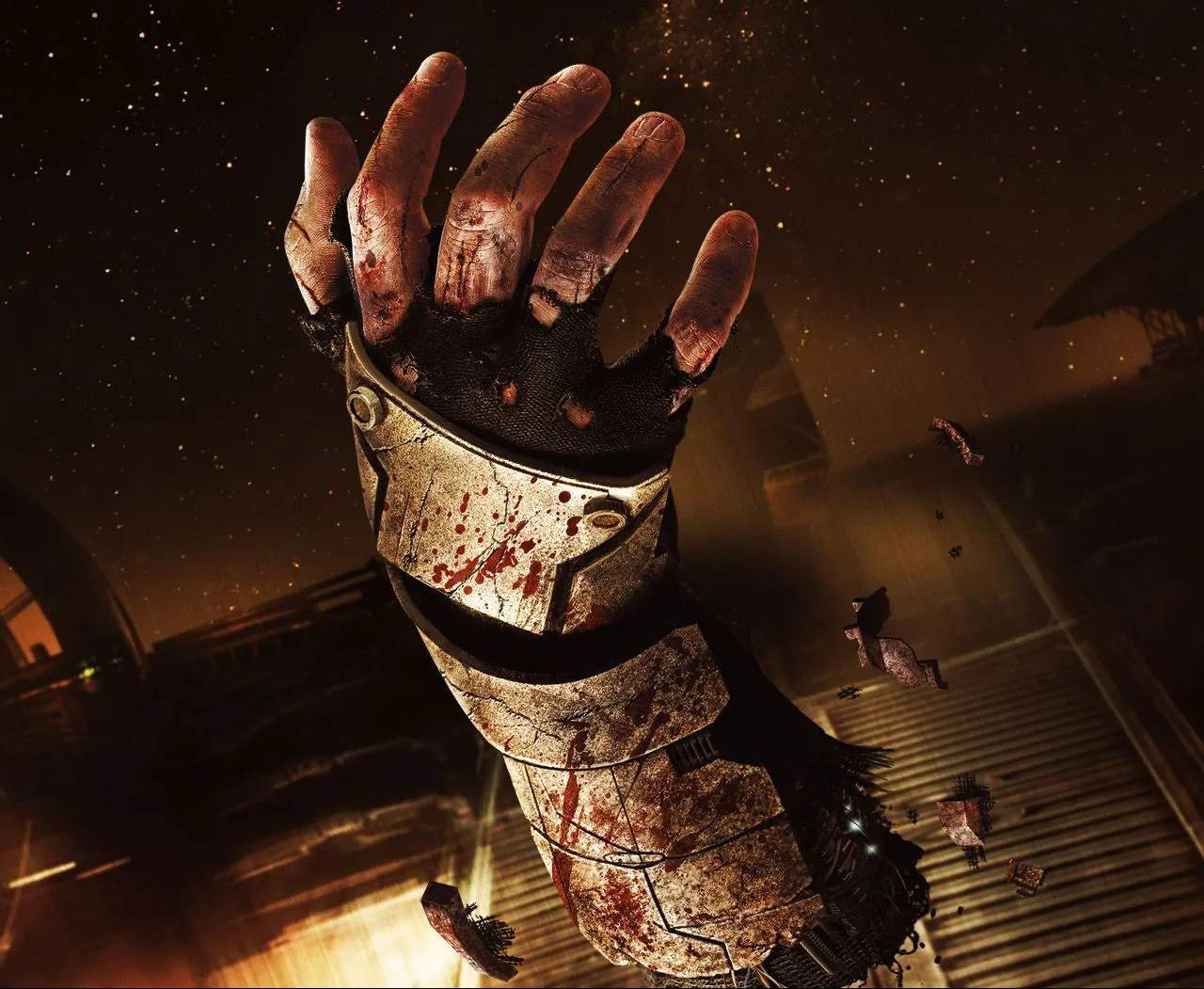
Dead Space (Remake) employs a diegetic UI, meaning all crucial information is displayed directly on Isaac's RIG suit or projected into the environment. This enhances immersion but requires careful attention. Your health bar, stasis energy, and oxygen levels are all visible on Isaac's spine. Weapon ammo counts are displayed directly on the weapon itself. The Locator, activated by pressing the Right Analog Stick (consoles) or 'B' (PC), projects a holographic line on the floor guiding you to your next objective. Pay close attention to the RIG's color: green for healthy, yellow for damaged, and red for critical. The inventory and map are accessed via holographic projections.
Key UI Elements:
- RIG Health Bar: Located on Isaac's spine. Green (full), Yellow (damaged), Red (critical).
- Stasis Energy: Blue bar below the health bar. Depletes with use, recharges slowly or with Stasis Packs.
- Oxygen Meter: Appears in zero-g or vacuum environments. Depletes over time, replenished by oxygen tanks or returning to breathable areas.
- Weapon Ammo: Displayed on the weapon itself when aimed.
- Locator: Holographic line guiding you to objectives.
- Inventory/Map/Database: Accessed via holographic projections.