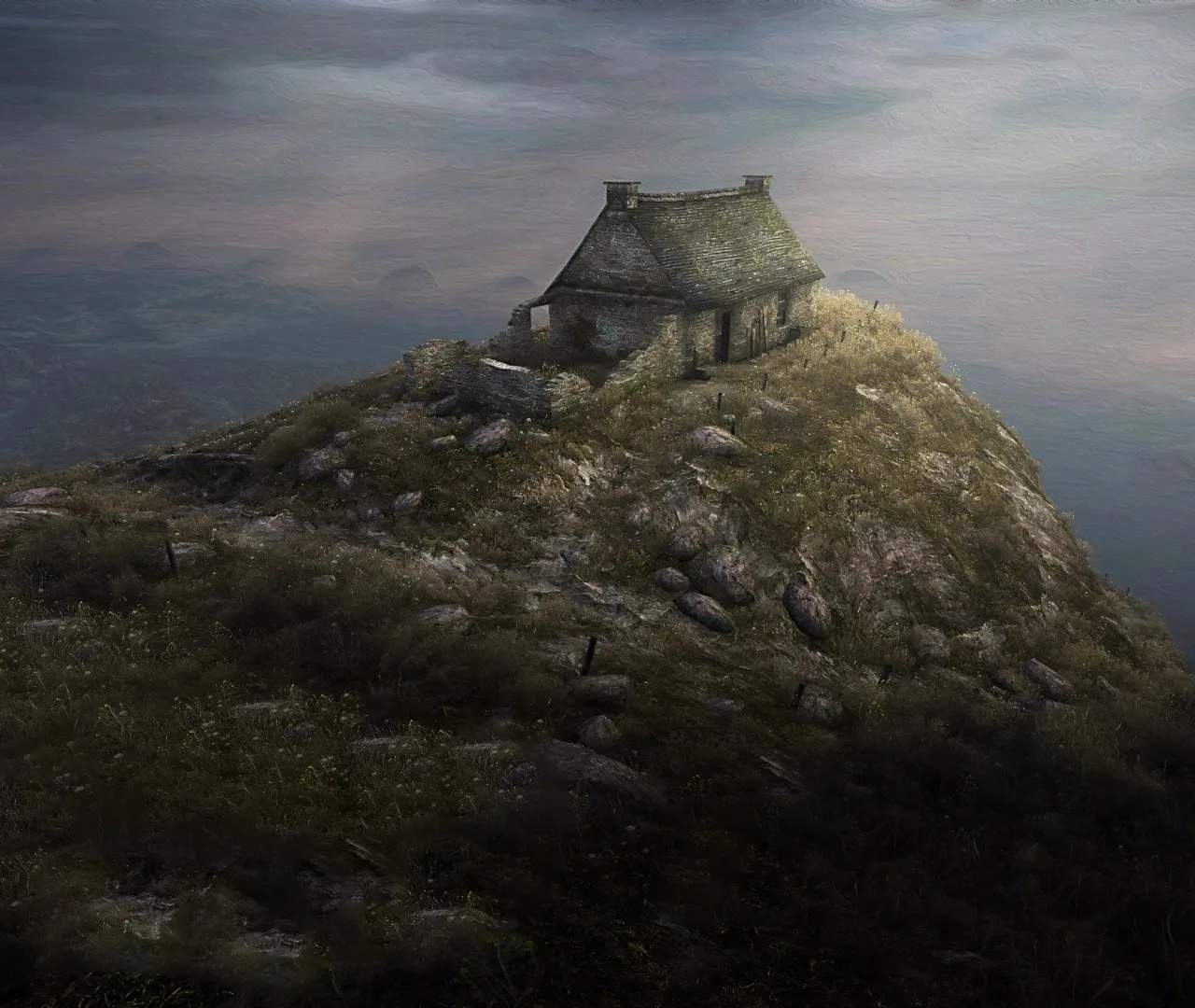
Dear Esther features extremely simple controls, designed to keep the focus on exploration and narrative. There is no inventory, no combat, and no complex interactions. Your primary actions will be movement and looking around. The game is best experienced at a slow, deliberate pace, allowing you to absorb the environment and the spoken narrative.
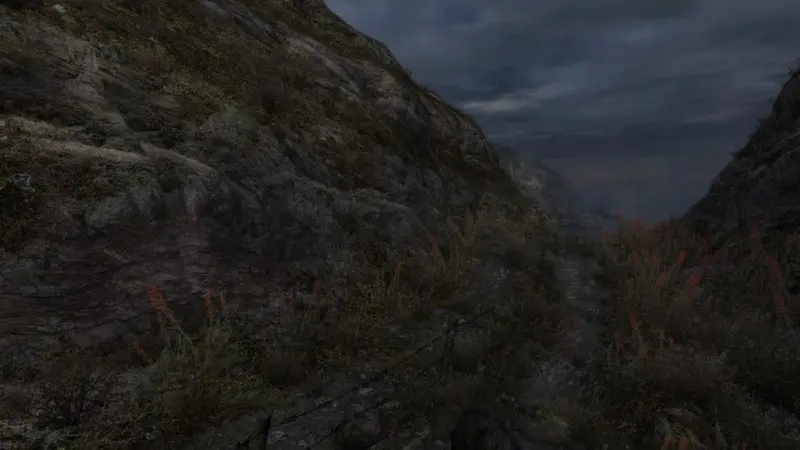
- PC Controls:
- W, A, S, D: Move Forward, Left, Backward, Right
- Mouse: Look Around
- Left Click (or E): Interact (occasionally, for specific narrative triggers)
- Shift: Sprint (use sparingly, as it can detract from the atmosphere)
- Escape: Pause Menu / Quit
- Console Controls:
- Left Analog Stick: Move
- Right Analog Stick: Look Around
- X (PlayStation) / A (Xbox): Interact
- L3 (PlayStation) / Left Stick Click (Xbox): Sprint
- Options (PlayStation) / Menu (Xbox): Pause Menu / Quit
Remember, the game is not about speed; it's about the journey and the unfolding story.