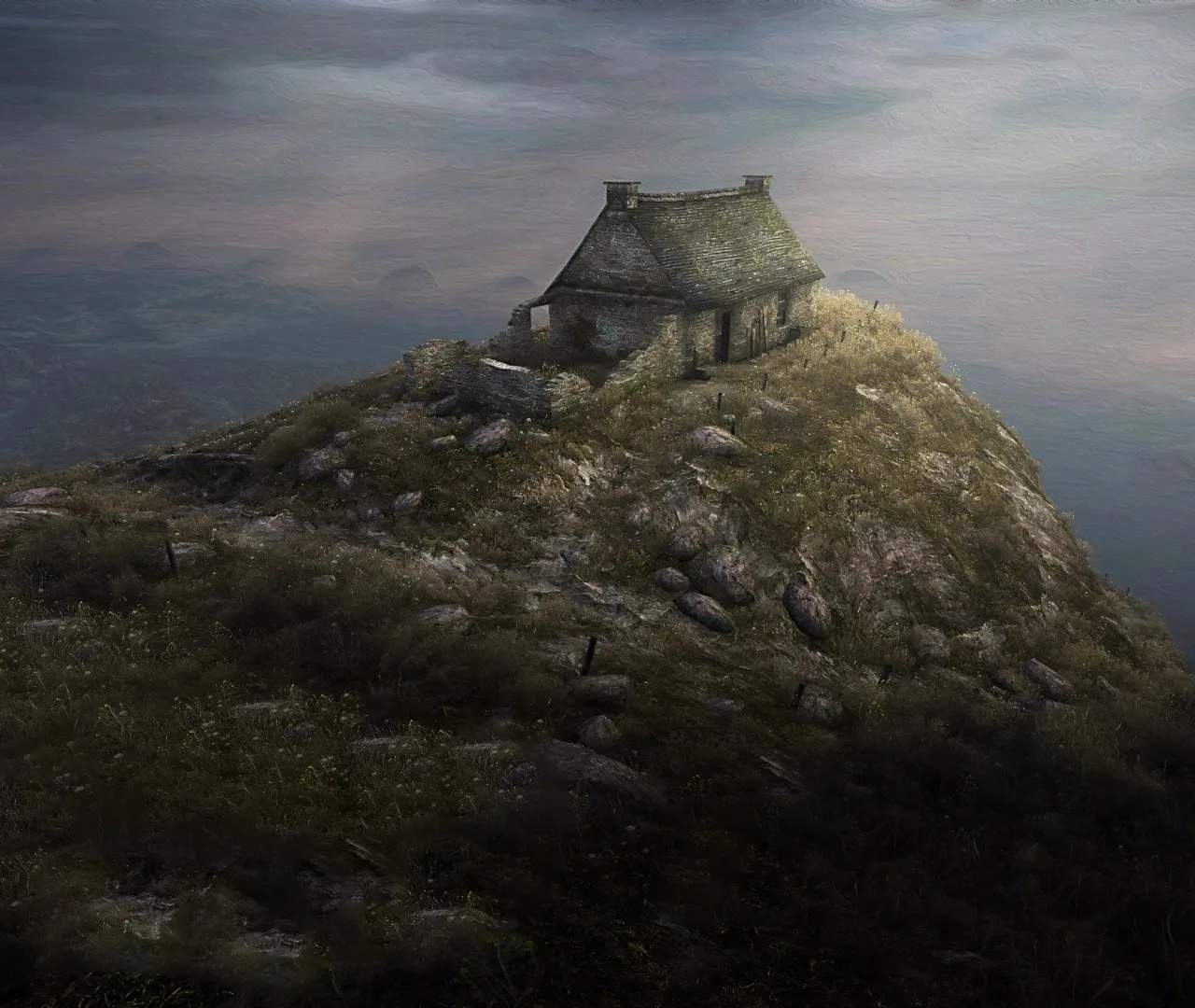
The user interface in Dear Esther is minimalist to the extreme, designed to be as unobtrusive as possible. There is no HUD (Heads-Up Display) displaying health, maps, or objectives. Your screen will be almost entirely dedicated to the game world itself. The only UI elements you will encounter are:

- Pause Menu: Accessed via Escape (PC) or Options/Menu button (consoles). This allows you to adjust audio/video settings, resume the game, or quit.
- Subtitles: If enabled in the settings, spoken narrative will appear as text at the bottom of the screen. This can be helpful for understanding particularly quiet or nuanced dialogue.
- Loading Screens: Brief screens that appear between chapters, often displaying a relevant quote or image.
The absence of a traditional UI is a deliberate design choice, encouraging players to fully immerse themselves in the environment and the unfolding story without distractions.