
Mastering the controls is your first step to navigating the Dark World. Deltarune uses a simple, intuitive control scheme that is easy to pick up. Here's a breakdown for both keyboard and controller users:
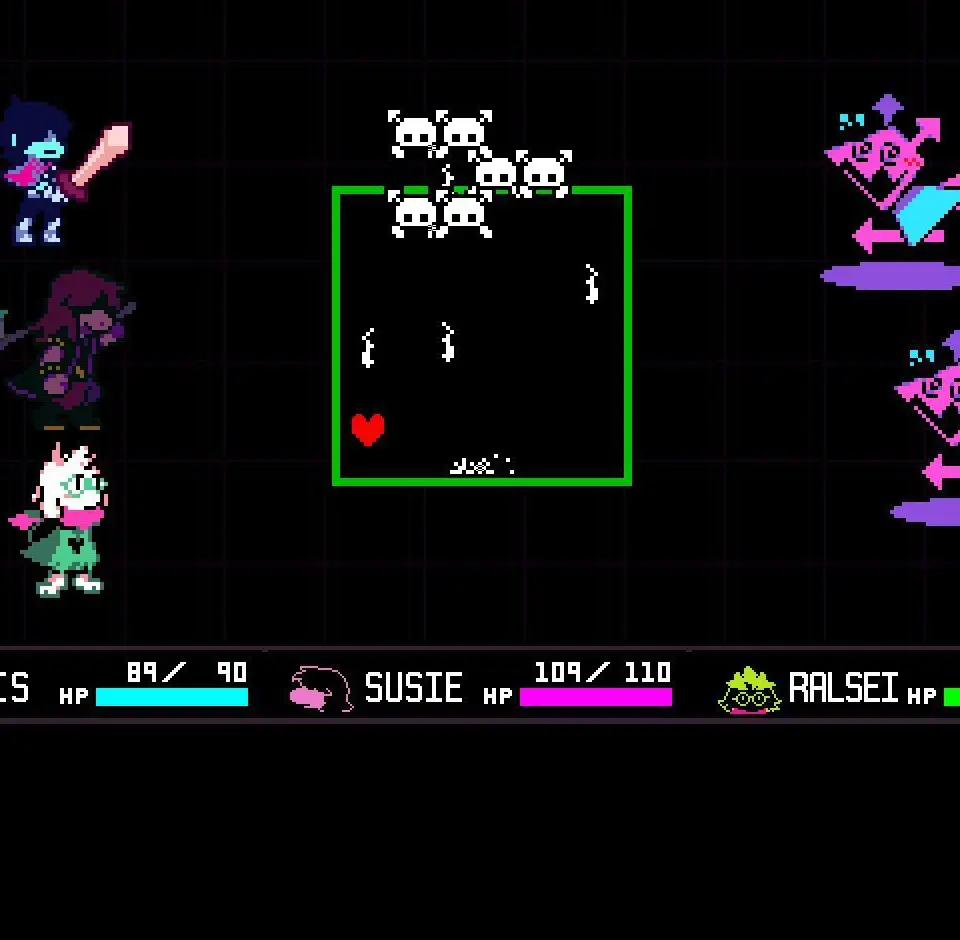
- Movement: Use the Arrow Keys (Keyboard) or D-Pad/Left Analog Stick (Controller) to move Kris around the environment.
- Interact/Confirm: Press 'Z' or 'Enter' (Keyboard) or 'A' (Xbox) / 'X' (PlayStation) (Controller) to interact with objects, talk to NPCs, or confirm selections in menus.
- Cancel/Menu: Press 'X' or 'Shift' (Keyboard) or 'B' (Xbox) / 'Circle' (PlayStation) (Controller) to open the menu, cancel actions, or go back in menus.
- Run: Hold 'Shift' (Keyboard) or 'B' (Xbox) / 'Circle' (PlayStation) (Controller) while moving to run faster. This is essential for covering ground quickly and dodging attacks in combat.
- Check: In combat, use 'C' (Keyboard) or 'Y' (Xbox) / 'Triangle' (PlayStation) (Controller) to check enemy stats and learn about their weaknesses or personalities.
Practice these controls in the early areas of the game to get a feel for Kris's movement and interaction capabilities. Smooth movement is key for dodging in bullet-hell sections.