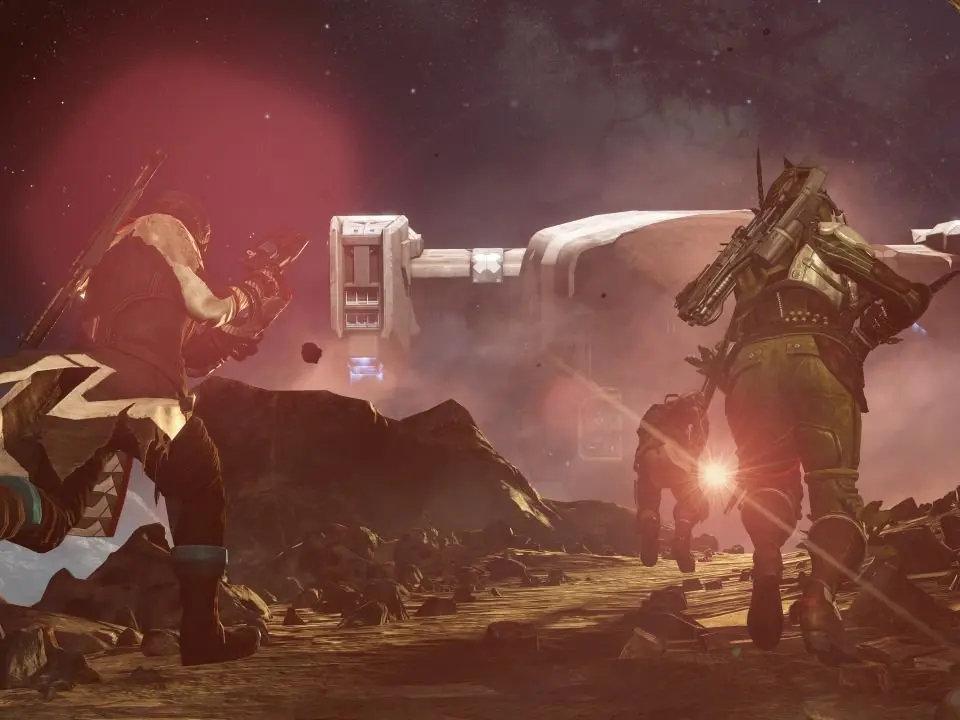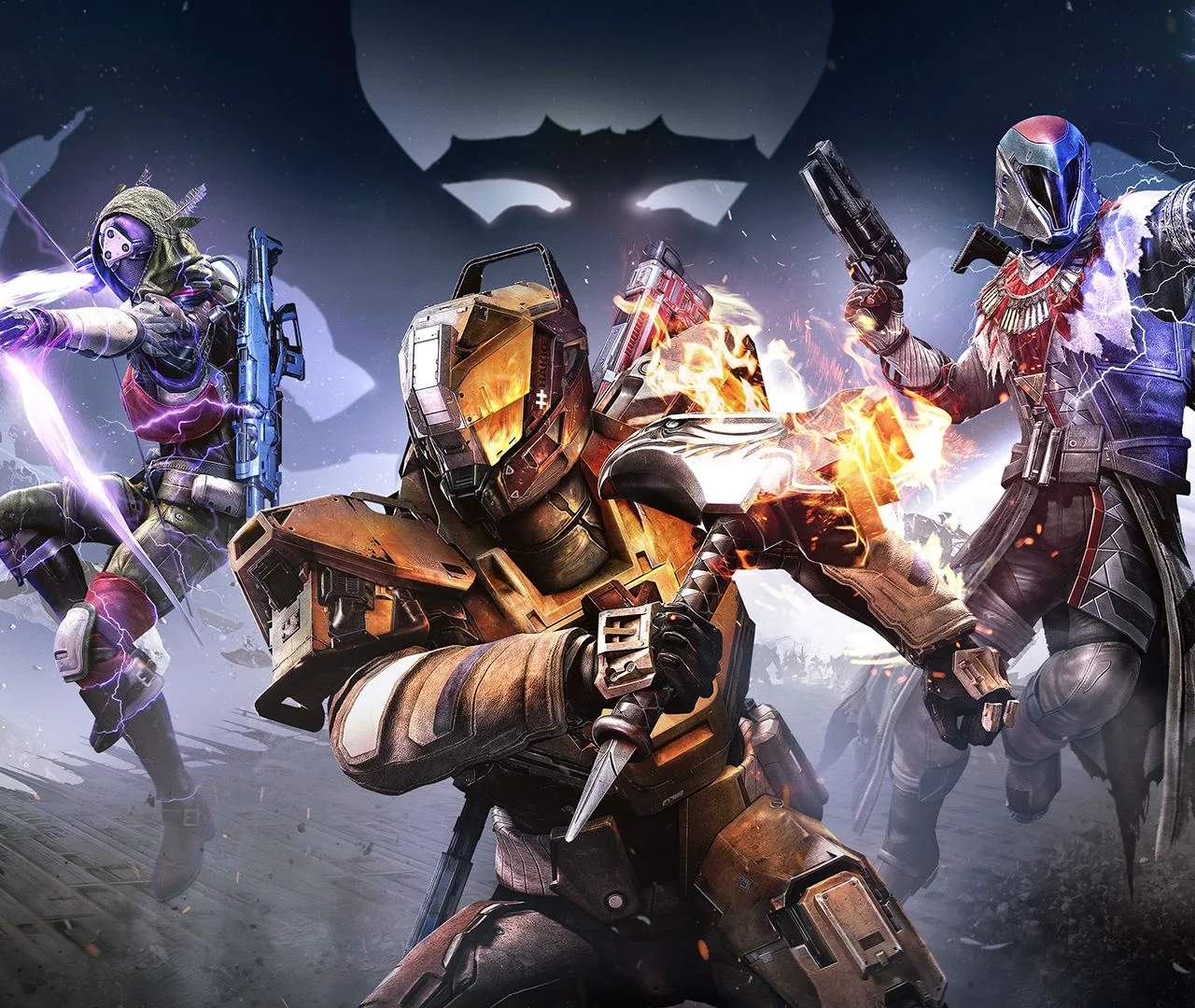
Mastering your Guardian's movement and combat abilities is paramount. Familiarize yourself with the standard controller layout. The left stick controls movement, while the right stick controls camera and aiming. 'L2' (PS) / 'LT' (Xbox) aims down sights, and 'R2' (PS) / 'RT' (Xbox) fires your weapon. 'X' (PS) / 'A' (Xbox) is for jumping, and a double-tap initiates a class-specific jump (Boost, Glide, or Lift). 'Circle' (PS) / 'B' (Xbox) performs a melee attack, and 'Square' (PS) / 'X' (Xbox) reloads your weapon or interacts with objects. Don't forget your grenade ('L1' / 'LB') and Super ability ('R1+L1' / 'RB+LB') – these are your most powerful tools in a fight. Practice these movements in a safe zone like the Tower to build muscle memory.