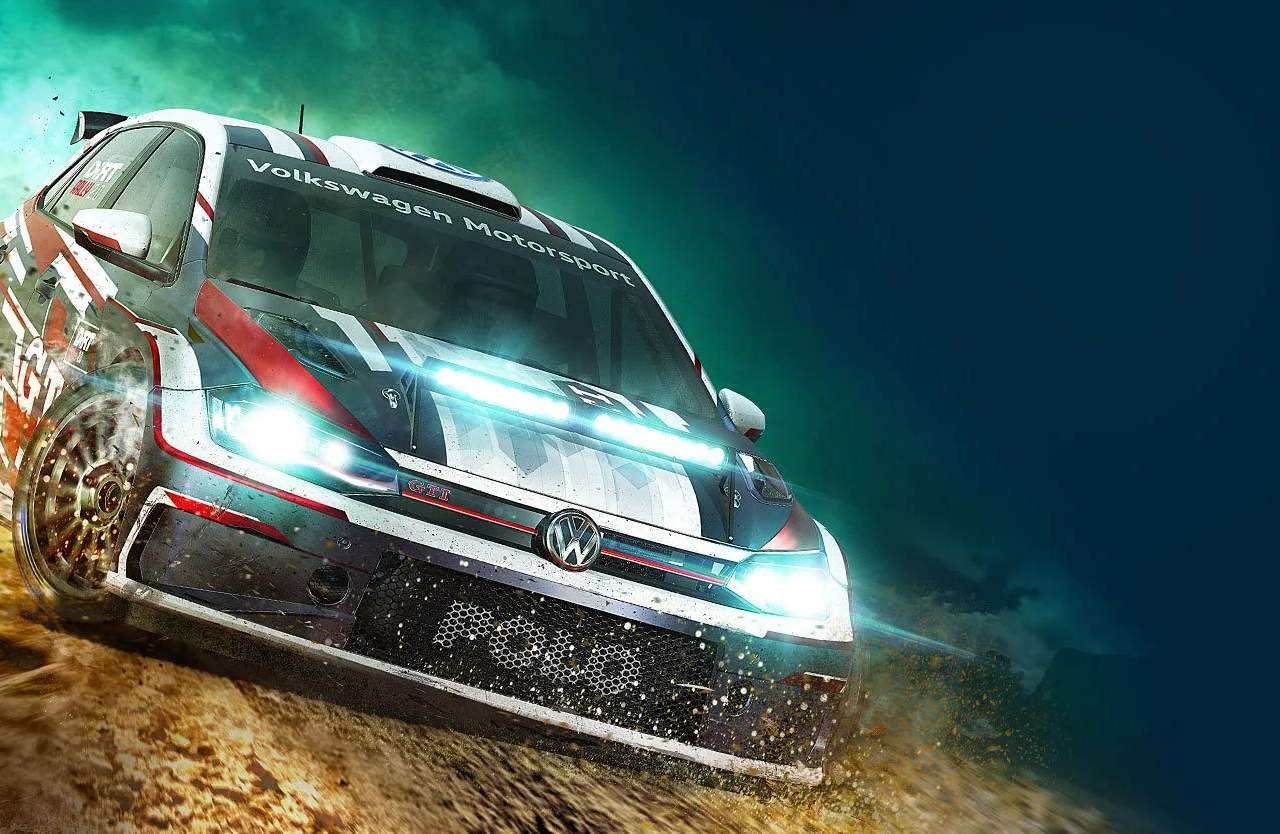
Driver Profile & Customization
Your driver profile in Dirt Rally 2.0 is more than just a name; it's your identity on the global rally stage. Customizing your profile allows you to express your style and track your progress. This detailed guide will walk you through all the options available to make your driver truly yours.
Accessing Your Driver Profile
To begin customizing, navigate to the main menu. From there, follow these steps:
- Select "My Team" from the primary navigation options.
- Within the "My Team" hub, locate and select the "Driver Profile" tile.
- This will open a sub-menu with various customization categories.
Customization Categories
Within the Driver Profile section, you'll find several distinct areas to personalize your in-game persona:
1. Driver Details
This is where you establish your basic identity within Dirt Rally 2.0.
- Driver Name: Your primary identifier. While you can change this, choose wisely as it will appear on leaderboards and in multiplayer.
- Co-Driver Name: Select a name for your trusted co-driver. This is purely cosmetic and does not affect their performance or pace notes.
- Nationality: Choose your country of origin. This flag will be displayed alongside your name in various game modes.
- Preferred Number: Select a unique racing number that will appear on your vehicle liveries and driver cards.
2. Driver Appearance
Personalize your driver's look to stand out from the competition.
- Helmet: Choose from a wide array of helmet designs and color schemes. Initial options are limited, but more become available as you progress through the DiRT Tour events and unlock rewards. Look for specific challenges in the "Throwdowns" or "X Games" sections, as these often grant unique helmet unlocks.
- Race Suit: Similar to helmets, race suits offer various styles and colors. Completing "World Tours" and specific "Missions" often rewards new suit patterns. Keep an eye on the "Rewards" section for details on how to acquire premium suits.
- Gloves: A smaller, but still impactful, customization option. New glove designs are typically unlocked through career progression and special events.
3. Driver Card
Your driver card is a snapshot of your achievements and preferred style, visible to other players in multiplayer and online leaderboards.
- Background: Select from several scenic rally backdrops or abstract designs. Many backgrounds are unlocked by achieving certain milestones in the "DiRT Tour" (e.g., completing "All-Star" difficulty) or by winning specific championships.
- Emblem: Choose a unique emblem or logo to represent your team. These are often tied to completing "Colin McRae Challenge" events or reaching high levels in your career progression.
- Title: Display a title that reflects your accomplishments. Titles like "Rookie Rallyist," "Pro Driver," or "World Champion" are earned by progressing through the "DiRT Tour" and winning championships. More prestigious titles are reserved for those who conquer the toughest "X Games" and "World Tours."
4. Vehicle Customization (Livery & Decals)
While not directly part of your driver's personal profile, vehicle customization is intrinsically linked to your overall identity as a rally driver. This section is accessed via the "Garage" in the "My Team" menu.
- Livery: Each vehicle in your garage has a selection of pre-designed liveries. Many are unlocked by purchasing the car, while others become available by completing specific "Event Types" or reaching certain driver levels.
- Decals: Apply various sponsor decals and personal touches to your chosen livery. Decals are often earned through "Missions" or by achieving sponsor loyalty in "DiRT Tour" events. Experiment with placement and size to create a truly unique look.
- Color Schemes: Beyond the livery, many vehicles allow for minor color adjustments to elements like wheels or interior accents. This fine-tuning can further personalize your ride.
Strategies for Unlocking Customization Items
- Career Progression: The most straightforward way to unlock new items is by advancing through the "DiRT Tour." Each tier (Rookie, Pro, All-Star) and major championship often yields new helmets, suits, or driver card elements.
- Challenges & Missions: Regularly check the "Missions" and "Throwdowns" sections. These often have specific objectives that reward unique cosmetic items upon completion. For example, a mission to "Complete 5 stages in Argentina without a puncture" might unlock a new set of gloves.
- X Games & World Tours: These high-stakes events are prime sources for the most prestigious and visually striking customization options. Winning these often grants exclusive liveries, helmets, and titles.
- Rewards Section: Always consult the in-game "Rewards" section (DRT2.6) for a comprehensive list of unlockables and the conditions required to obtain them. This is your go-to resource for tracking specific items.
By taking the time to personalize your driver and vehicles, you'll not only enhance your immersion but also leave your mark on the Dirt Rally 2.0 community.