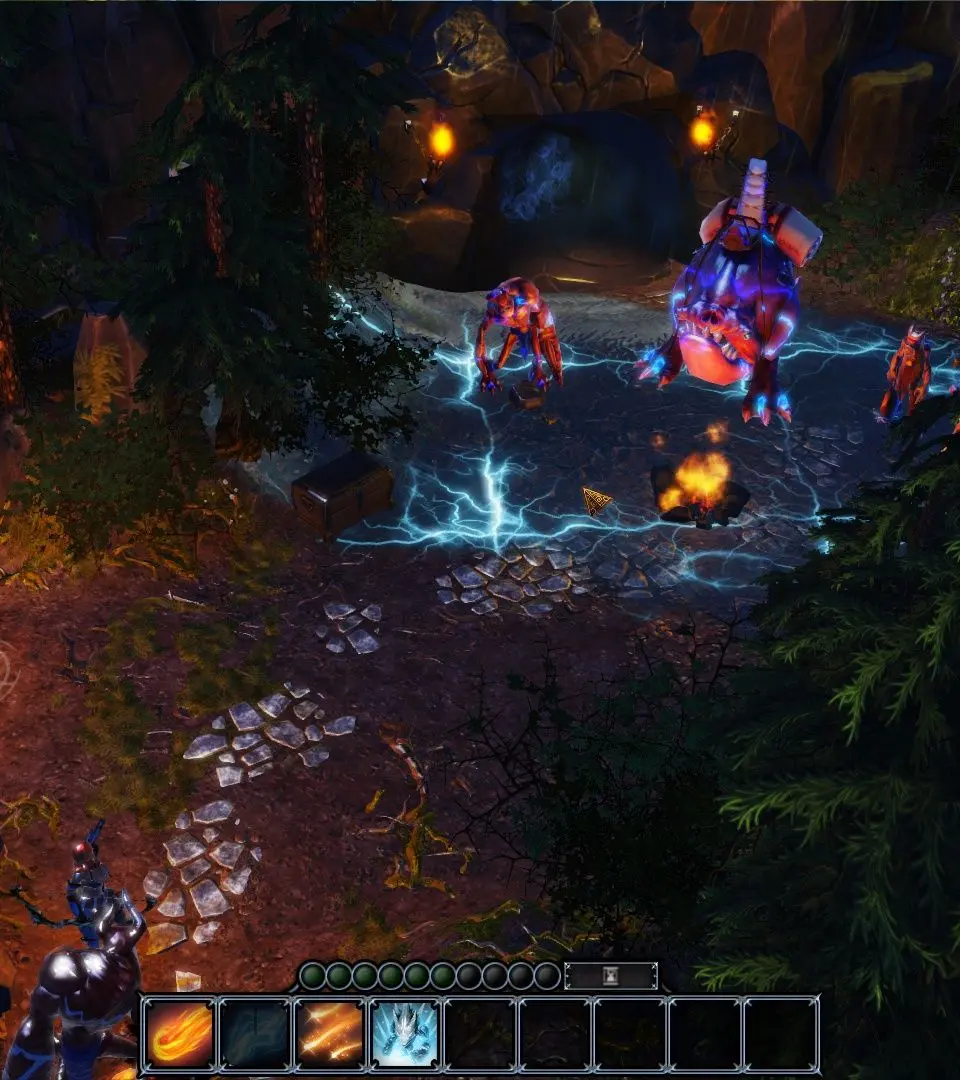
The UI provides all the information you need. The bottom bar displays your hotbar for skills and items, character portraits, and quick access to inventory, journal, map, and character sheets. Pay attention to the mini-map for quest markers and enemy positions. The combat log on the right will detail actions taken during battles, which is invaluable for understanding mechanics. Familiarize yourself with these elements to navigate Rivellon efficiently.