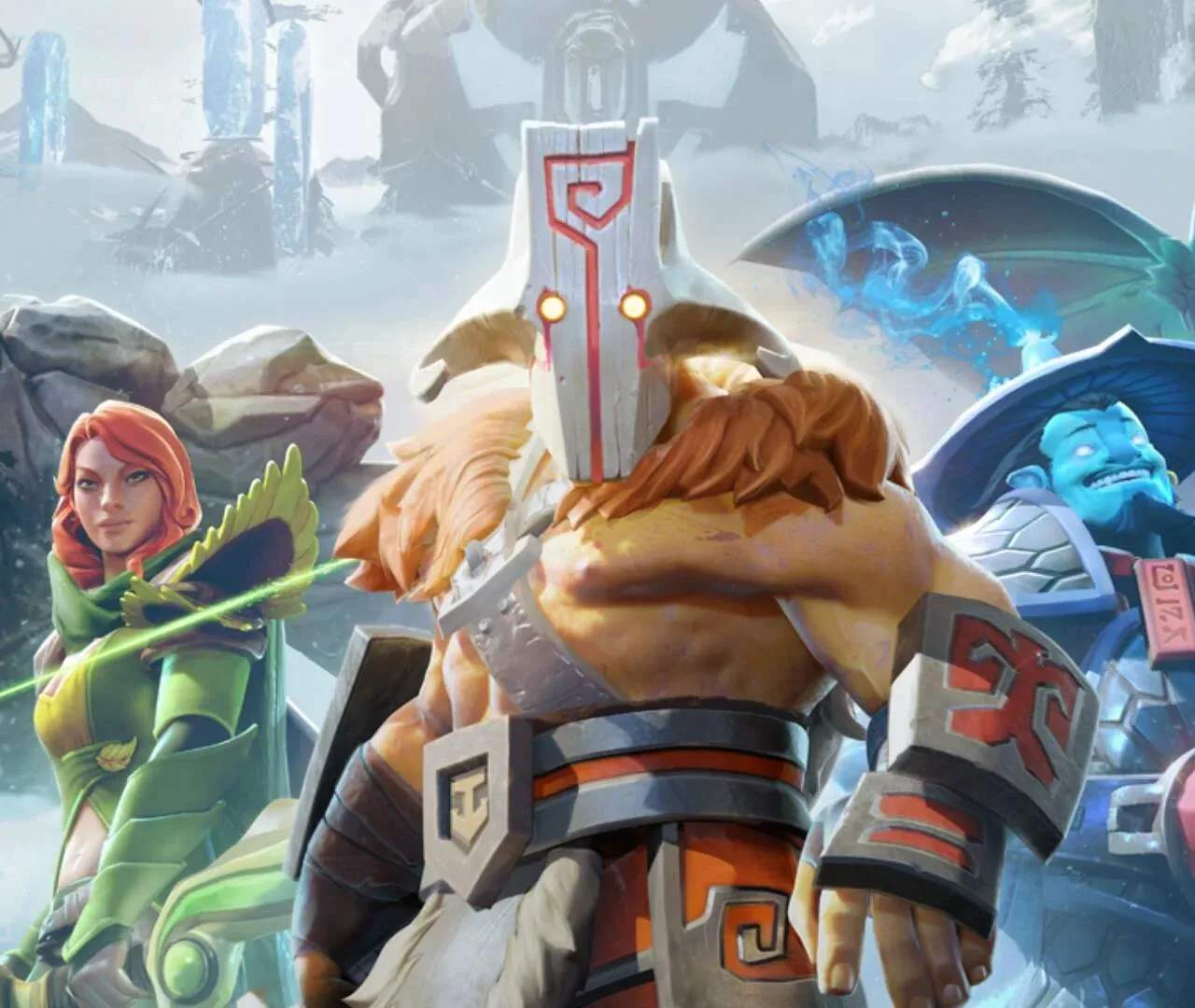
Dota 2 Loadout: Personalizing Your Hero's Appearance
The Dota 2 Loadout system allows players to customize the visual appearance of their heroes, equipping cosmetic items that change their models, animations, and effects. This feature lets you express your personal style and showcase rare or unique items without impacting gameplay balance.
While Dota 2 is a game of intense strategy and skill, it also offers a robust system for personal expression through its Loadout feature. The Loadout screen is where you can equip all the cosmetic items you've acquired for a particular hero. These items range from weapon skins and armor sets to unique particle effects and even custom announcer packs. Importantly, these are purely visual and do not grant any in-game advantages, ensuring a fair playing field for all. Understanding how to navigate the Loadout and equip your desired items is a key part of the Dota 2 player experience.
Accessing the Loadout:
You can access the Loadout screen in a few ways:
- From the Main Menu: Click on the 'Armory' tab, then select 'Loadout'. From here, you can choose a hero and see all the available cosmetic slots for them.
- From the Hero Selection Screen: Before a match begins, you can often access a hero's Loadout directly from the hero selection panel.
Understanding Cosmetic Slots:
Each hero has a unique set of cosmetic slots, representing different parts of their appearance that can be altered. Common slots include:
- Weapon: Changes the appearance of the hero's primary weapon.
- Head: Alters the hero's headgear, helmet, or hair.
- Shoulders: Modifies shoulder armor or pauldrons.
- Back: Changes capes, cloaks, or backpacks.
- Torso: Alters the hero's chest armor or clothing.
- Hands: Modifies gloves or bracers.
- Belt: Changes waist accessories.
- Mount: For heroes that use mounts, this slot changes the mount's appearance.
- Ability Effects: Some rare items can change the visual effects of specific hero abilities.
- Announcer/Courier: While not equipped directly on a hero, these are also managed through the Armory and affect the game's audio and courier appearance.
Equipping and Previewing Items:
To equip an item:
- Navigate to the Loadout screen for your chosen hero.
- In your Armory (which lists all your owned items), find the cosmetic item you wish to equip.
- Drag and drop the item into the corresponding slot on the hero model, or right-click the item and select 'Equip'.
Most cosmetic items can be previewed directly on the hero model before equipping. You can often rotate the hero model to see the item from all angles. Some items are part of sets, meaning equipping multiple items from the same set can unlock additional visual effects or a complete new look.
Uncommon and Rare Items:
Dota 2 features a wide rarity system for its cosmetic items, from common to legendary. Some of the most sought-after items are extremely rare, often obtained through special events, treasure chests, or the Steam Community Market. These rare items can sificantly alter a hero's appearance, sometimes even changing their silhouette or adding unique animations.
The Loadout system is a fantastic way to personalize your Dota 2 experience. It allows you to showcase your favorite heroes in unique and stylish ways, making your presence on the battlefield visually distinct. While it doesn't affect gameplay, the aesthetic appeal of a well-customized hero can certainly add to the enjoyment of the game.