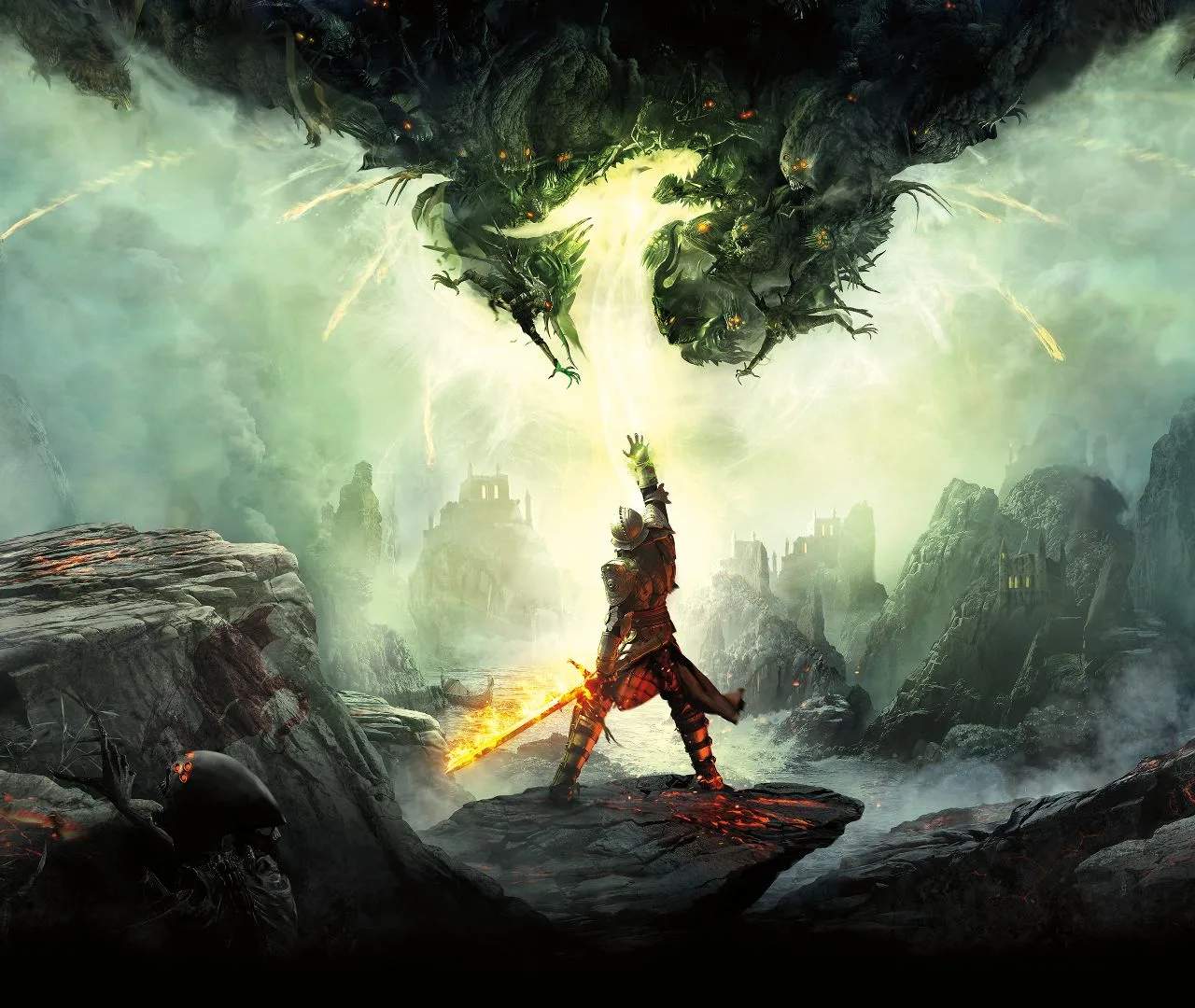
Tactical Camera Advanced Usage
While the Tactical Camera in Dragon Age: Inquisition can be used for basic combat control, mastering its advanced features can significantly enhance your strategic capabilities. This mode allows you to pause the action, survey the battlefield from a bird's-eye view, and issue precise commands to each party member. It's especially useful for managing complex encounters, coordinating abilities, and exploiting enemy weaknesses.
Beyond simply targeting enemies, advanced Tactical Camera usage involves setting up ability chains and prioritizing targets. For instance, you can instruct your mage to cast a crowd-control spell on a group of enemies, followed by your rogue using a high-damage ability on the immobilized targets. This requires careful timing and understanding of each character's cooldowns and ability effects.
Another key aspect is managing your party's positioning. In Tactical Camera, you can direct your tank to draw enemy aggro away from your squishier damage dealers, or position your archers on high ground for increased range and damage. This is crucial for survival, especially against powerful enemies like dragons or large groups of demons.
Furthermore, the Tactical Camera is invaluable for dealing with environmental hazards or specific enemy mechanics. You might need to quickly move your party out of an area of effect spell, or focus fire on a specific enemy that is buffing its allies. The ability to zoom in and out allows for both a macro view of the battlefield and a micro view of individual character actions.
Advanced Tactical Camera Tips:
- Set up ability combos for maximum damage and control.
- Prioritize targets based on threat level and strategic importance.
- Manage party positioning to optimize offense and defense.
- Utilize the zoom function for detailed battlefield assessment.
- Practice using the camera during less intense encounters to build familiarity.