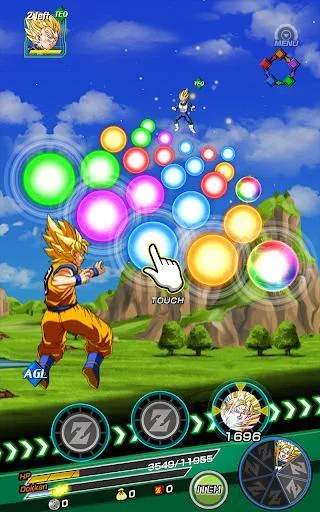
The Dokkan Battle UI can seem overwhelming at first, but it's logically organized. The main screen, often called the 'Home' screen, displays your current Stamina, Rank, Zeni, and Dragon Stones at the top. Below that, you'll find various banners for Summons, Events, and News. The bottom navigation bar is crucial: Home (main screen), Team (manage your character teams), Summon (acquire new characters), Shop (buy items, awakenings, etc.), and Menu (access friends, options, data transfer, etc.). Familiarize yourself with these sections as you'll be navigating them constantly throughout your Dokkan Battle career. Pay attention to the 'Gift' box icon for free rewards!