Mastering the controls is your first step to becoming a hero. Dragon Quest Heroes II features a hack-and-slash combat system with RPG elements. Here's a breakdown of the default controls:
- Left Stick: Move Character
- Right Stick: Camera Control
- X (PlayStation) / A (Xbox): Light Attack (Chain for combos)
- Square (PlayStation) / X (Xbox): Heavy Attack (Charge for stronger hits)
- Circle (PlayStation) / B (Xbox): Dodge/Dash (Invincibility frames during animation)
- Triangle (PlayStation) / Y (Xbox): Special Skill (Hold R1/RB and press Triangle/Y to cycle)
- R1 (PlayStation) / RB (Xbox): Skill Palette (Hold to access skills)
- L1 (PlayStation) / LB (Xbox): Zoom (Quick travel to previously visited areas)
- R2 (PlayStation) / RT (Xbox): Tension Burst (When Tension Gauge is full)
- L2 (PlayStation) / LT (Xbox): Monster Medal Summon (When a medal is equipped)
- Touchpad (PlayStation) / View Button (Xbox): Map/Menu
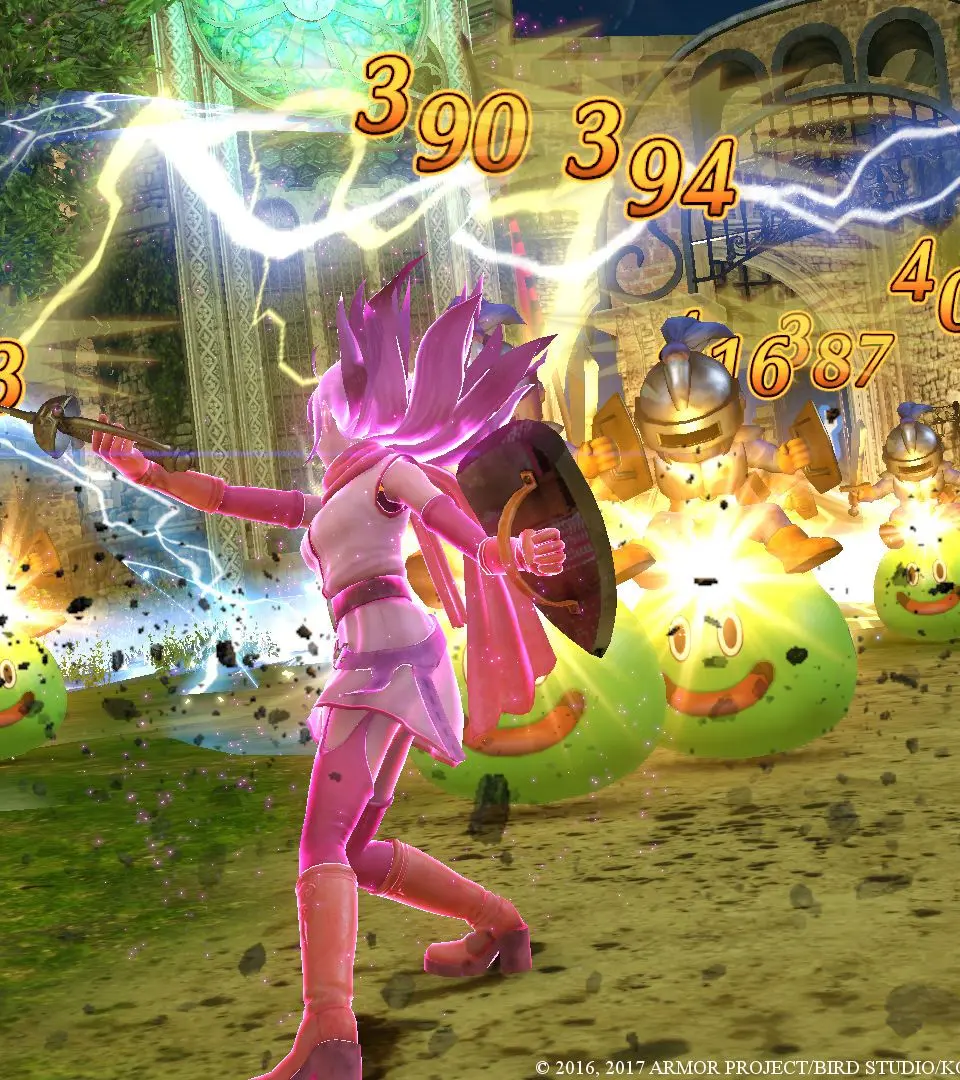
Experiment with different attack combinations. Light attacks are fast and good for building combos, while heavy attacks deal more damage and can break enemy guards. Dodging is essential for avoiding damage and repositioning yourself. Remember to utilize your special skills, as they are powerful tools for crowd control and single-target damage.
Compare controls & basic combat inDragon Quest III