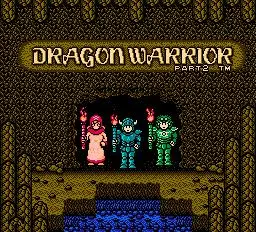
Dragon Quest II's controls are straightforward, typically involving a directional pad for movement and a few action buttons. On most platforms, the 'A' button (or equivalent) is used to confirm selections, talk to NPCs, open chests, and interact with the environment. The 'B' button (or equivalent) usually cancels actions or opens the main menu. The main menu provides access to your party's status, inventory, spells, and system options. Familiarize yourself with these basic commands before venturing out. The top-left of the screen usually displays your current location, while the bottom-left shows your party's HP and MP. Keep an eye on these vital statistics, especially during combat, to avoid unexpected party wipes. Understanding the UI is crucial for efficient gameplay and managing your resources effectively.