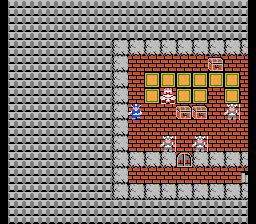
Dragon Quest IX utilizes the Nintendo DS's dual screens and touch capabilities effectively. The D-Pad or Circle Pad (if using a 3DS) controls character movement, while the A button interacts with people and objects. The B button cancels actions or opens the main menu. The X button opens the main menu directly, and the Y button can be customized for quick access to certain functions. The touch screen is primarily used for menu navigation, map viewing, and managing your inventory. Familiarize yourself with these basic controls as they are the foundation for all your interactions within the game world, from exploring towns to battling monsters in the field.
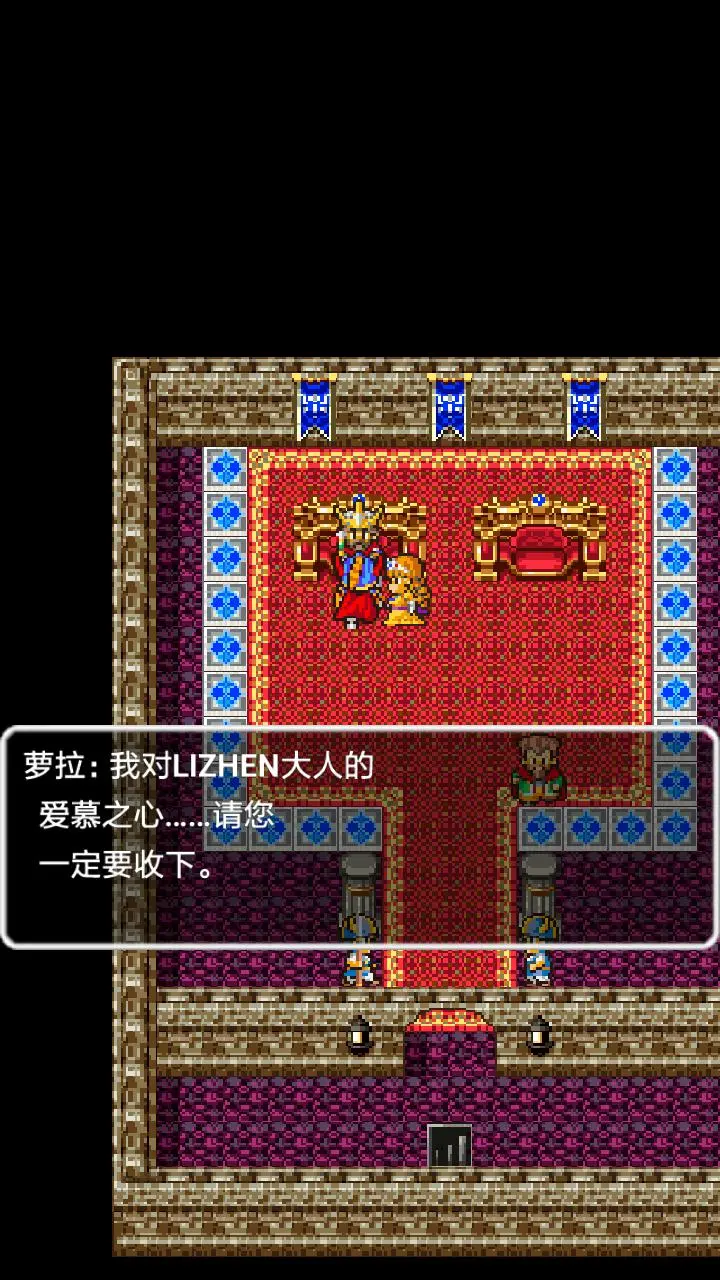
When exploring, keep an eye on the mini-map on the top screen, which shows your current location, nearby points of interest, and enemy positions. Remember to talk to everyone you meet, as they often provide valuable clues, side quests, or simply add flavor to the world. save your game frequently at churches or by using the Quick Save feature on the world map. This will prevent loss of progress from unexpected defeats or needing to turn off your DS.