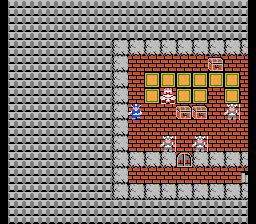
The Dragon Quest IX UI is designed for clarity and ease of use. The bottom screen typically displays your main character and the immediate environment, while the top screen shows the mini-map, character portraits during battle, or detailed menu information. When you open the main menu (B or X button), you'll find several key options:
- Items: Manage your inventory, use consumables, and equip gear.
- Spells/Abilities: View and use learned spells and special abilities.
- Equip: Change your party members' weapons, armor, and accessories.
- Tactics: Set AI behavior for your party members in battle.
- Misc.: Access various options like changing message speed, checking quest logs, or reviewing monster information.
- Status: View detailed stats and current status effects for each party member.
- Save: Save your game at any time on the world map or at churches.
Familiarize yourself with these menus early on, as you'll be using them constantly to manage your party, prepare for battles, and track your progress. The intuitive design ensures that even newcomers to the series can quickly grasp the game's mechanics.