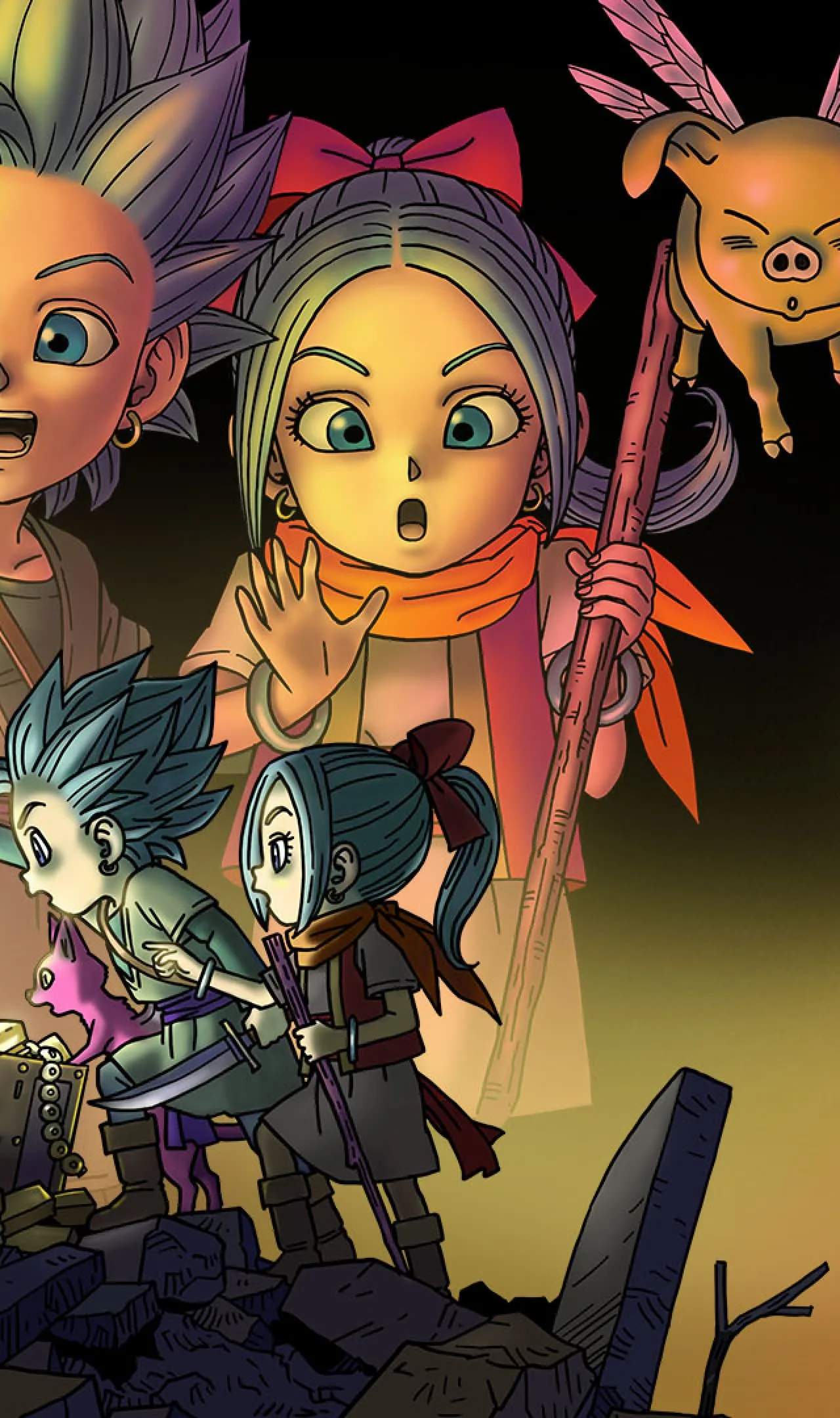
The UI provides vital information during your treasure hunts. Familiarize yourself with these elements:
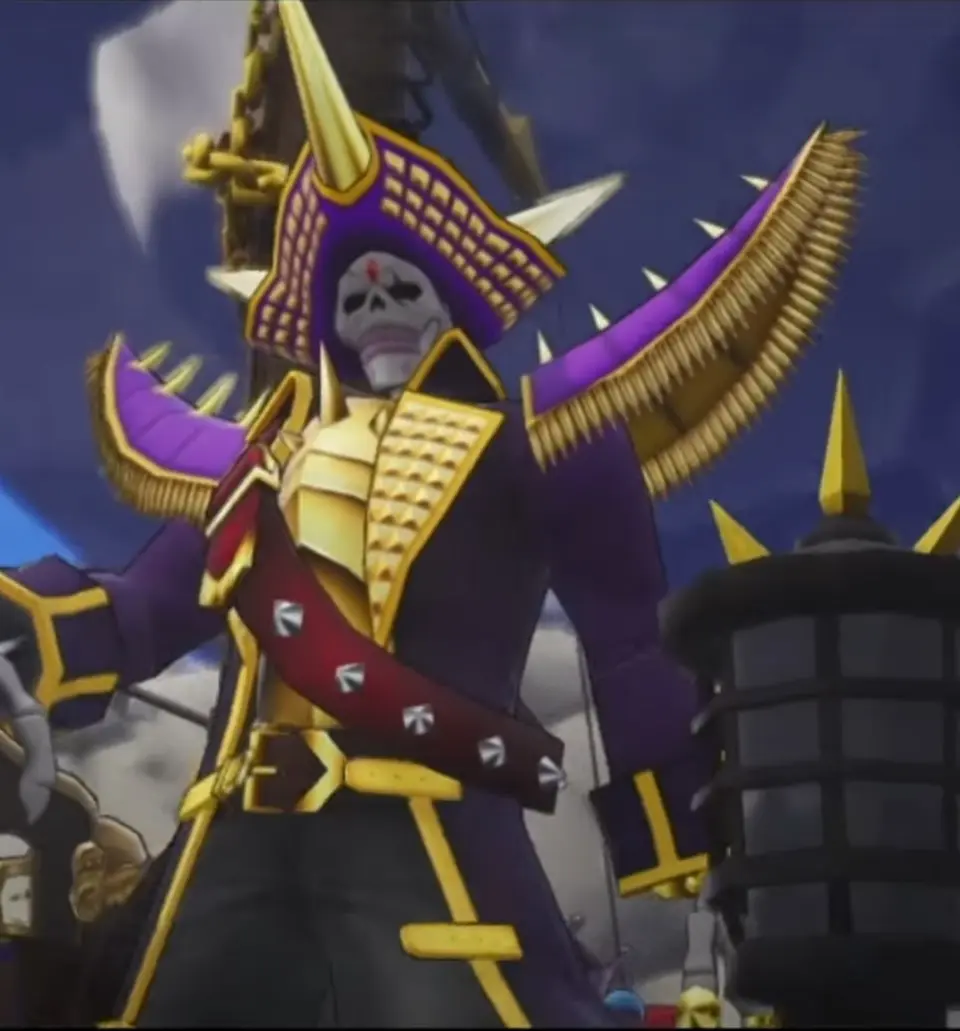
- Top Left: Character portrait, HP bar, and MP bar for Erik/Mia.
- Top Right: Mini-map, showing your current location and nearby points of interest.
- Bottom Left: Monster party members' portraits and HP.
- Bottom Right: Slingshot ammo count and current Forte selection.
- Center Screen (when active): Treasure Compass, indicating the direction and proximity of hidden treasure.
- Menu Screen: Accessed via the Minus button, this is where you manage your inventory, monster party, character stats, and quest log.
Pay close attention to the Treasure Compass; it's your most valuable tool for locating buried riches. The closer you are, the more intense its glow and sound will become. The mini-map is also essential for navigation and avoiding unexpected encounters.
Compare understanding the user interface (ui) inDragon Quest Monsters: The Dark Prince