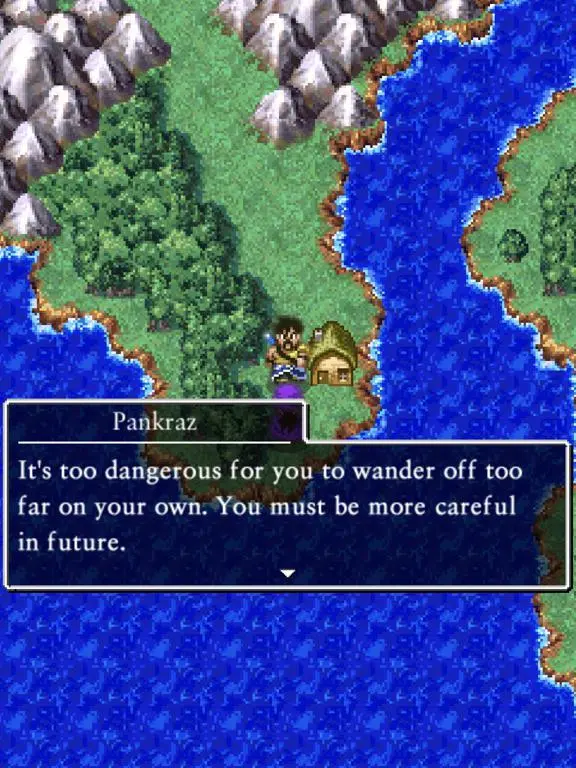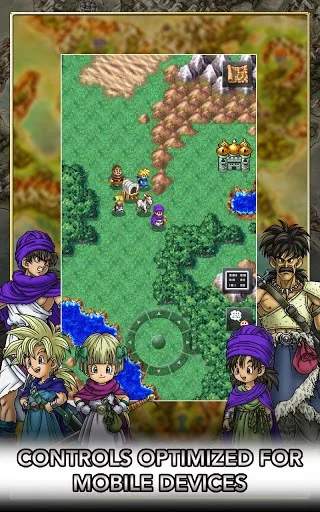
Dragon Quest V features straightforward controls, making it accessible to both newcomers and veterans of the series. On most platforms (DS, mobile, SNES), movement is typically controlled with the D-pad or analog stick. The 'A' button is used for interaction (talking to NPCs, opening chests, examining objects), while the 'B' button usually cancels actions or opens the main menu. The 'X' or 'Y' buttons might offer quick access to specific menus or functions depending on the version. Familiarize yourself with these basic inputs as they are crucial for navigating towns, dungeons, and the world map. Remember to experiment with button combinations to discover any hidden shortcuts.