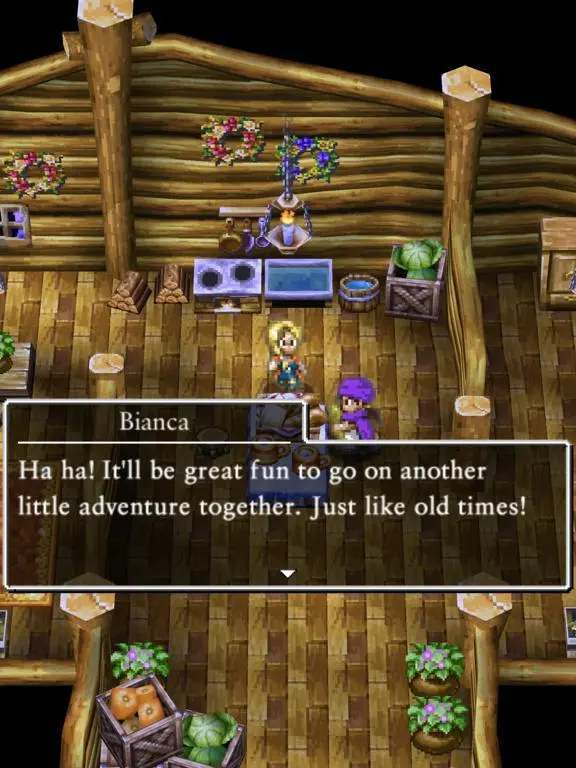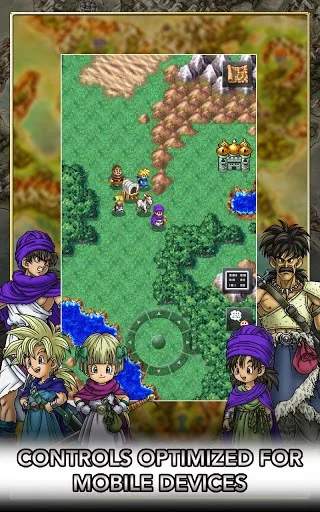
The User Interface in Dragon Quest V is designed for clarity and ease of use. When exploring, you'll see your party's HP and MP bars at the bottom of the screen, along with a mini-map in some versions. Pressing the menu button (usually 'B' or 'X') brings up the main menu, which includes options like 'Talk', 'Spell', 'Item', 'Equip', 'Status', 'Tactics', 'Save', and 'Misc'. 'Talk' allows you to speak with your party members, often revealing helpful hints or character insights. 'Tactics' is crucial for setting AI behavior for your monster companions. Pay attention to the various icons and text prompts that appear on screen, as they provide vital information about your current situation, available actions, and character statuses.