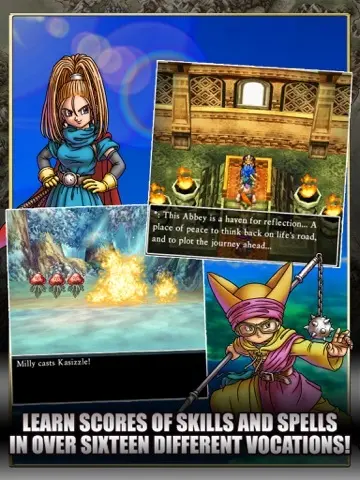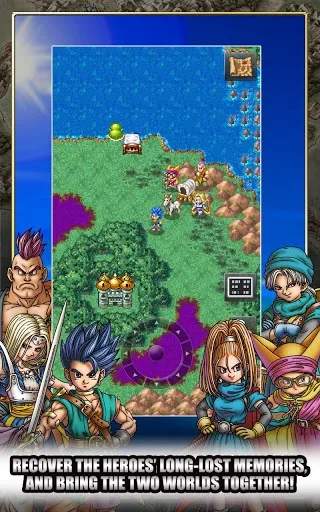
The UI in Dragon Quest VI is straightforward. On the main screen, you'll see your character and the environment. In the top-left corner, a small window often displays your current location. When you open the menu (B button), you'll find several options: Talk (to NPCs), Spell (to cast magic outside battle), Item (to use items), Equip (to change gear), Status (to view character stats), Tactics (to set AI behavior for allies), Misc. (for various settings like message speed), and Save (to record your progress). During battles, the UI displays character names, HP, MP, and available commands. Keep an eye on enemy HP (if you have the 'Discern' spell) and status effects.