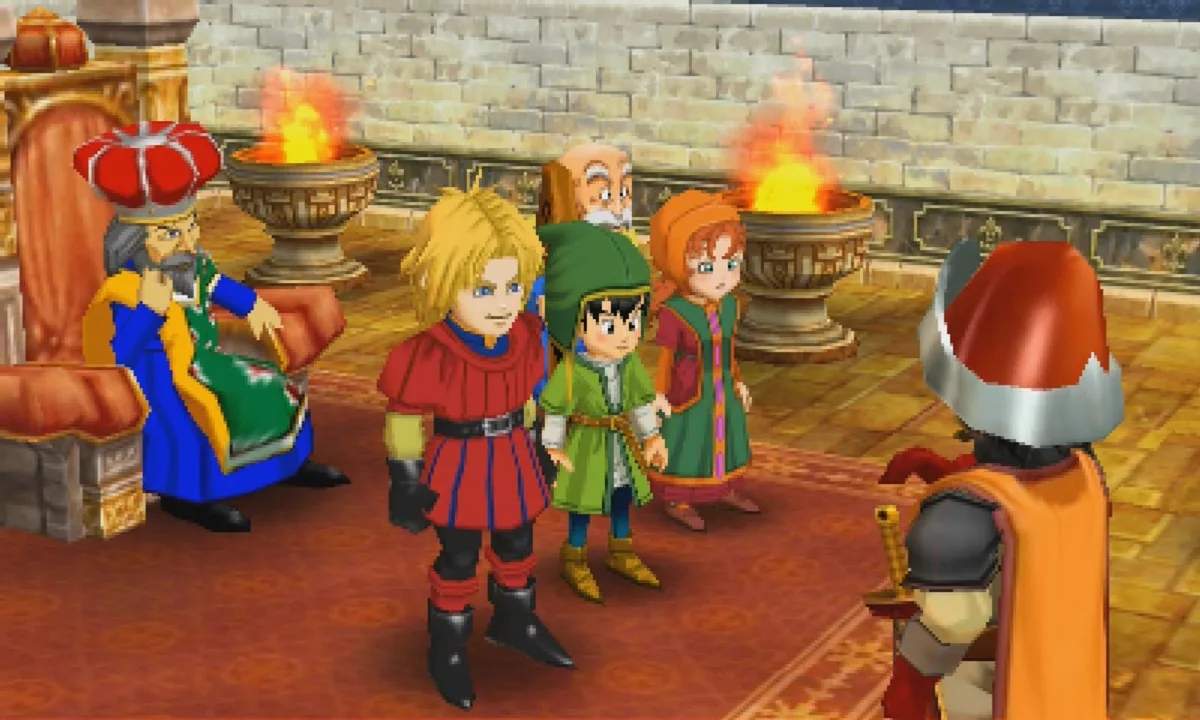
The Dragon Quest VII UI is clean and intuitive. The top screen displays the main gameplay area, while the bottom screen often shows the map, character status, or battle commands. When exploring, the bottom screen typically shows a mini-map of your current area, which is incredibly useful for navigation. In battle, it displays character HP/MP, status effects, and the command menu. The main menu, accessed with the X button, contains several crucial options:
- Items: Manage your inventory, use consumables, and equip gear.
- Spells & Skills: View and use learned spells and character-specific skills.
- Equip: Change weapons, armor, and accessories for each party member.
- Tactics: Set AI behavior for your party members in battle (e.g., 'Show No Mercy', 'Focus on Healing').
- Status: Check detailed stats, current class, and equipment for each character.
- Misc.: Access options like 'Save', 'Config', and 'Zoom' (once learned).
- Party: Rearrange party order.
Familiarize yourself with these menus, as you'll be using them constantly throughout your journey. Efficient menu navigation can save you precious time and even turn the tide of battle.